

Your graphics add a nice touch to my presentations and I recently used them for one of my all-hands meetings. Your toolbox adds professionalism to my slides. Instead of using standard clipart.
Claude Jones, Director of Engineer, @Walmartlabs, USA

Before and after
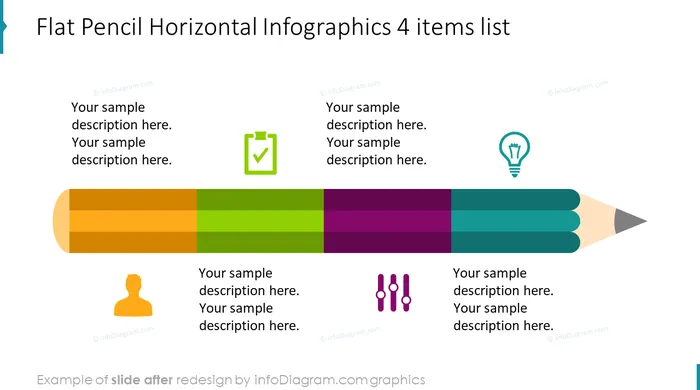
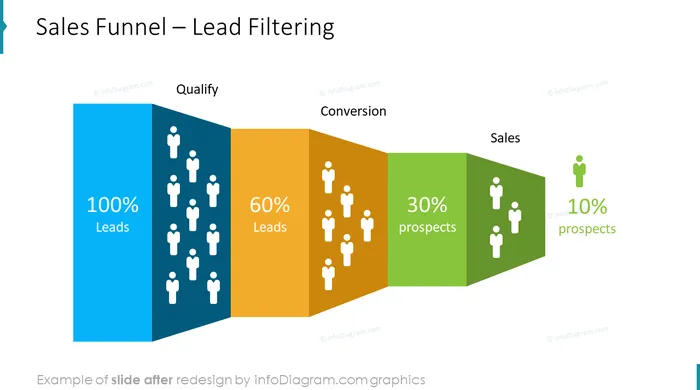
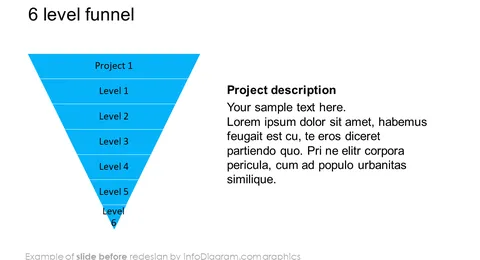
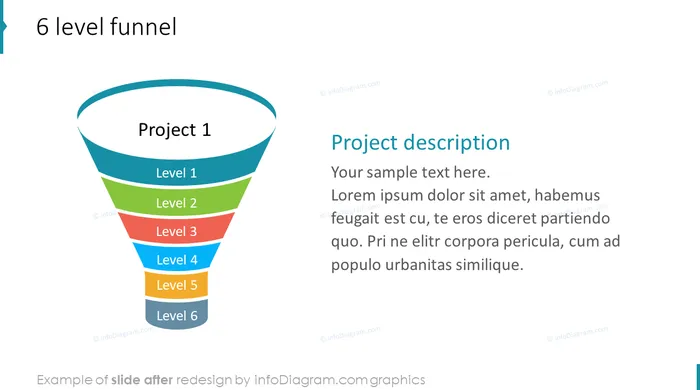
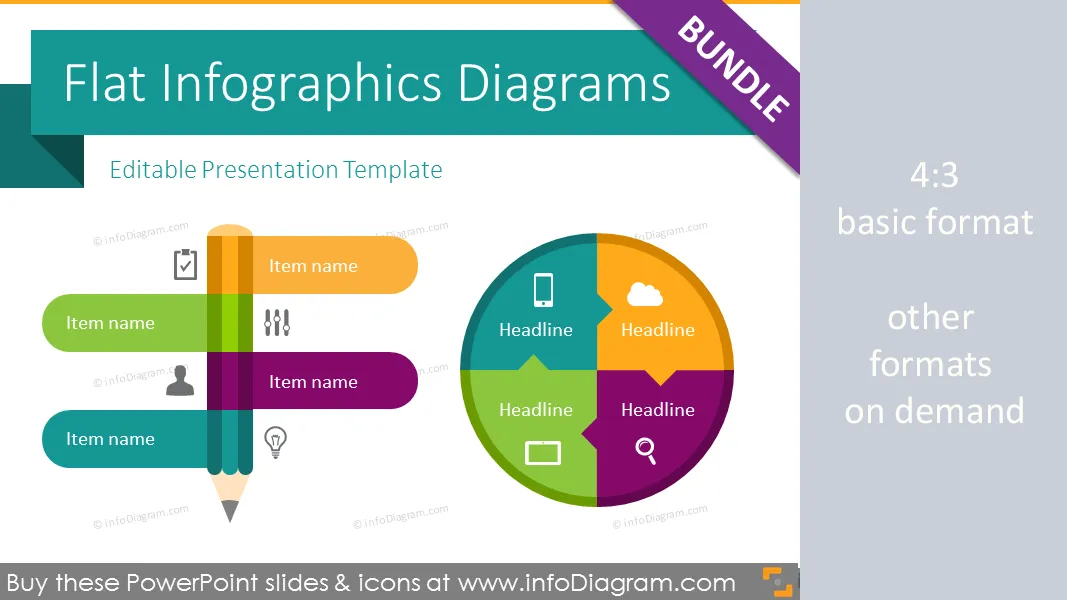
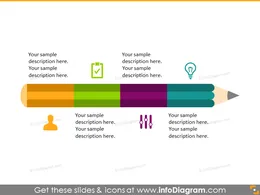
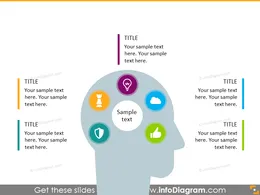
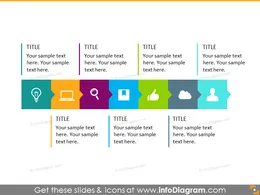
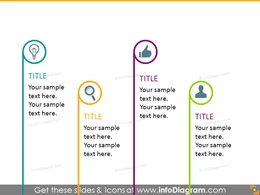
Infographics PowerPoint template with modern flat design editable diagrams and vector icons.
Flat design infographic PowerPoint templates set for creating simple infographics in modern style. Bundle of various PPT editable diagram types and vector icon symbols
Predesigned graphics for showing
Infographics are a vital part of any successful content business strategy. Presenting your content in the form of graphics can easily boost engagement and make your content go expanding. The Flat Infographic Templates collection is a pleasant combination of lists, matrices, steps, funnels, timelines, enumerations and more diagrams. All the infographics included are eye-catchy, juicy and designed to convey your message in a fun, beautiful way. Creating shareable informative pieces of content will be effortless with these infographic templates.
* List title diagram, flat ribbon list, agenda title list, various charts, project plan list, flat 3D box list diagram, flat helix diagram, 5 features list simple circle diagram
* Diagram List Ribbon: with icons, with text box, with colorful text box
* Key focus list for three-,four-, five-, ten items: with icons, color text boxes, two sided text boxes, cascade upwards text holders, 2 rows opposite set boxes
* Teardrop diagram list for four-, five-, ten items: with icons, color text boxes, two sided text boxes, cascade upwards text holders, 2 rows opposite set boxes, two rows with icons
* Flat strip list for four-, five-, ten items: with icons, color text boxes, two sided text boxes, two rows with colorful icons
* Pointy rectangle list for three-,four-, five-, ten items: with icons, color text boxes, two sided text boxes, cascade upwards text holders, cascade downward text holders, two rows with icons, 2 rows opposite set text boxes
* Increasing three-, four-, seven steps staircase diagram
* Circle waterfall four-, five-, seven steps diagram
* Stairs with arrow step for three-, four-, seven levels
* Chevron steps diagram for three-, four-, seven levels
* Three-, four steps diagram textbox
* Vertical ribbon
* Teardrop and arrow timeline for six items/vertical
* Teardrop style diagram for four-, nine items with icons
* Teardrop and line timeline for three-, seven items
* Full teardrops with event textboxes for three items
* Chevrons timeline for three-, eight items with icons
* Zigzag line timeline for seven-, eight items with icons
* Zigzag chain timeline for six items with icons
* Strip and line timeline for five items with icons/with theme picture
* Ribbon timeline for six items with two monocolor rows and with monthly calendar textboxes
* Timeline with rounded callouts for seven items
* Yearly timeline with rounded callouts for four items
* Bookmark ribbon timeline with textbox, outlined circles timeline with textboxes, simple rectangles timeline with callouts, full circles timeline, timeline puzzle diagram
* Three-puzzle linear vertical/horizontal diagram
* Loop cycle diagram for six multicolor steps
* Agenda list for six (colorful) items(adjustable)
* Parallelogram diagram for six colorful items/ Parallelogram Sequence diagram
* Three steps flat circle illustration
* Comparing 2 items: ribbon diagram/ two color icon diagram
* Comparing 3 items with teardrop diagram
* Comparison table/comparison tables for three columns/ before-after comparison table, comparison umbrella diagram
* Square ribbon matrix
* Colourful 2x2 matrix
* Matrix diagram with text field
* Puzzle matrix square diagram
* Butterfly matrix
* 3D boxes 2x2 matrix
* SWOT matrix
* Four-, six puzzle pieces: with rectangle diagram, diamond diagram(open/closed), square diagram, circle diagram
* Three-puzzle pieces: with circle diagram, pyramid diagram(flat/with text fields)
* Puzzle elements for creating your own diagrams
* Puzzle set twelve-, nine pieces
* Four-pieces puzzle square diagram
* Four-, five-, six Funnel
* Semi transparent Funnel for three-, four-, five objects
* Flat three-, four-, five-, six level Funnel
* Landscape Funnel, Sales Funnel -Lead Filtering
* Landscape Triangle Funnel for five-, six pieces
* Landscape Triangle Arrow Funnel for five-, six pieces
* Project status table with OK/Not OK/Warning signs shaped with colour and harvey balls
* Four-column titles table with icons
* Yearly financial summary table
* Product features table for three-, four items
* Colorful arrows table design with icons and marker/with quarters, icons and marker
* Trend and status table with up/down signs
* Table for longer cell descriptions and highlight marker
* Numerous rows table with colour grouping and marker
* Table with ribbon title
* Triangle design table shaped with one style/with one color and summary notes/one color and cells marker
* Stripe design table with multicolor rows
All shapes can be edited using PowerPoint set of vector shapes fully editable by using built-in PPT tools, including * changing color of the icon filling and its outline * adding shadows * changing shape and size, rotating, flipping the object * putting shapes behind or on top of text See editing demonstration in our HowTo Videos.
* Design:infoDiagram designers, [ Contact via infoDiagram.com ](/contact/)
Your graphics add a nice touch to my presentations and I recently used them for one of my all-hands meetings. Your toolbox adds professionalism to my slides. Instead of using standard clipart.
Claude Jones, Director of Engineer, @Walmartlabs, USA
I needed a fresh look at some of my slides. I've tried to find a way to create a paintbrush effect, to underline, accentuate, add some color and the handwritten markers were just the things. Very easy to use, easy to size, change the color. It was an affordable, perfect solution and I'm happy to recommend it.
Anonymous, US
The crisp, clean look of the graphics, and the fact that it allowed me to easily edit and change the colors to match the template was my main reason for purchasing them.
Brandie Jenkins, E-learning Developer, USA



You may also need