

Your graphics add a nice touch to my presentations and I recently used them for one of my all-hands meetings. Your toolbox adds professionalism to my slides. Instead of using standard clipart.
Claude Jones, Director of Engineer, @Walmartlabs, USA

Your graphics add a nice touch to my presentations and I recently used them for one of my all-hands meetings. Your toolbox adds professionalism to my slides. Instead of using standard clipart.
Claude Jones, Director of Engineer, @Walmartlabs, USA
I needed a fresh look at some of my slides. I've tried to find a way to create a paintbrush effect, to underline, accentuate, add some color and the handwritten markers were just the things. Very easy to use, easy to size, change the color. It was an affordable, perfect solution and I'm happy to recommend it.
Anonymous, US
The crisp, clean look of the graphics, and the fact that it allowed me to easily edit and change the colors to match the template was my main reason for purchasing them.
Brandie Jenkins, E-learning Developer, USA
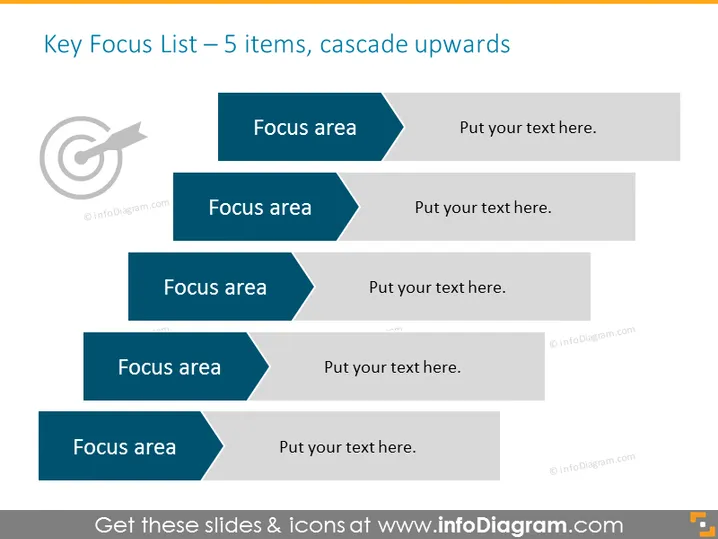
The slide presents a strategic framework called the "Key Focus List," which consists of five key areas represented by cascading banners. Each banner is labeled "Focus area" followed by placeholder text "Put your text here." This format allows for a clear visualization of priorities or steps in a process where the bottom-most item represents the starting point, and each subsequent area builds upon the previous one. The layout implies an upward progression or a building-block approach to planning or project management.
The overall look of the slide is sleek and modern, using color gradients and overlaps to create a sense of dimension and hierarchy. It's visually organized in a way that guides the viewer's eye from the bottom up, emphasizing a step-by-step progression.



