
Reviews
Your slides are my "secret sauce" when it comes to presenting my ideas to clients. I save a lot of time.
J'avais un délai de livraison à respecter et je n'avais pas le temps de créer une variété de modèles de diapositives. Infodiagram m'a proposé des options faciles à télécharger et à personnaliser en fonction de mes besoins !
Vos diapositives suscitent souvent de précieux commentaires et idées de la part de mon équipe, ce qui améliore les diapositives finales.
Description
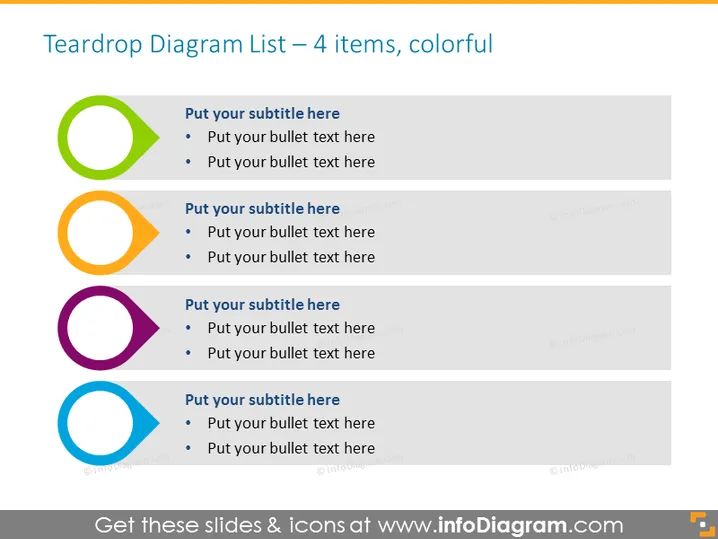
Teardrop Diagram List – 4 Items, Colorful
Slide Content
This PowerPoint slide titled "Teardrop Diagram List – 4 Items, Colorful" contains a list format set in teardrop-shaped bullet points, associating text with colored markers designed to segment information into four distinct sections. Each section has a subtitle slot followed by two bulleted texts for additional details, implying the template is used for organizing and presenting concise, categorized information in a visually appealing layout. The teardrop shape adds a unique twist to traditional bullet points, suggesting a flow or specific sequence.
Graphical Look
- Four large teardrop-shaped bullet point icons aligned vertically on the left side of the slide.
- Each teardrop icon is colored differently – green, orange, purple, and blue from top to bottom.
- Next to each icon, there is space for a subtitle and two lines for bullet points.
- The text placeholders are in black, with the subtitles in bold to stand out.
- No additional graphics or background images are present, maintaining a clean and simple look.
The overall look of the slide is minimalist and modern, utilizing vivid colors to draw attention to each distinct section. The alignment and layout are clean, which provides a clear visual structure to the content.
Use Cases
- Outlining a step-by-step process or workflow in staff training sessions.
- Highlighting key areas of focus in a product or service presentation.
- Summarizing agenda points or discussion topics in a meeting.
- Presenting project status updates where each teardrop represents a different component or phase.
How to Edit
How to edit text & colors

How to expand / shorten diagram

How to Replace Icons in infoDiagram PPT


