

Your graphics add a nice touch to my presentations and I recently used them for one of my all-hands meetings. Your toolbox adds professionalism to my slides. Instead of using standard clipart.
Claude Jones, Director of Engineer, @Walmartlabs, USA

Your graphics add a nice touch to my presentations and I recently used them for one of my all-hands meetings. Your toolbox adds professionalism to my slides. Instead of using standard clipart.
Claude Jones, Director of Engineer, @Walmartlabs, USA
I needed a fresh look at some of my slides. I've tried to find a way to create a paintbrush effect, to underline, accentuate, add some color and the handwritten markers were just the things. Very easy to use, easy to size, change the color. It was an affordable, perfect solution and I'm happy to recommend it.
Anonymous, US
The crisp, clean look of the graphics, and the fact that it allowed me to easily edit and change the colors to match the template was my main reason for purchasing them.
Brandie Jenkins, E-learning Developer, USA
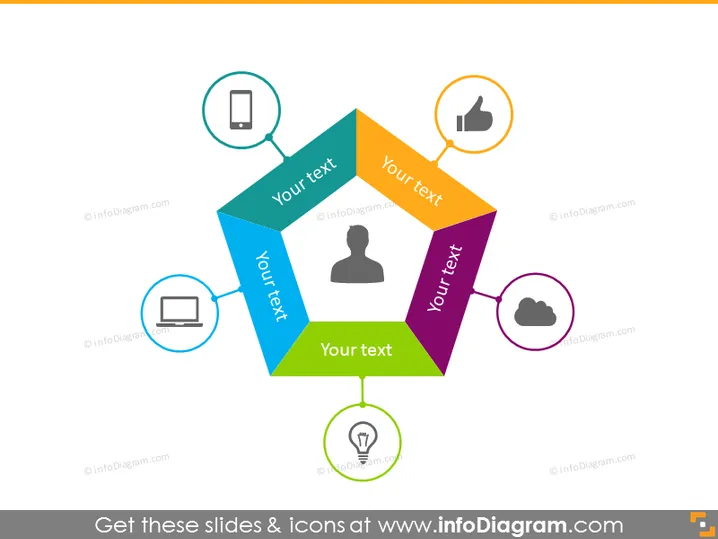
The PowerPoint slide depicts a colorful central graphic with connections to individual icons, each representing a different concept or category. The central figure is a four-part diamond, with each part having a different color and space for text: blue represents communication (signified by a mobile phone icon), orange for approval (thumbs up icon), green for ideas or creativity (light bulb icon), and purple for computing or technology (cloud icon). Around this central diamond, outlined circles hold the icons and point towards the corresponding segment, suggesting a relationship or flow between the central idea and these categories.
The slide has a clean and professional look, using a color-coded system for easy differentiation between topics. The icons are simple yet descriptive, which aids in visually representing the abstract concepts.



