
Reviews
Your graphics add a nice touch to my presentations and I recently used them for one of my all-hands meetings. Your toolbox adds professionalism to my slides. Instead of using standard clipart.
I needed a fresh look at some of my slides. I've tried to find a way to create a paintbrush effect, to underline, accentuate, add some color and the handwritten markers were just the things. Very easy to use, easy to size, change the color. It was an affordable, perfect solution and I'm happy to recommend it.
The crisp, clean look of the graphics, and the fact that it allowed me to easily edit and change the colors to match the template was my main reason for purchasing them.
Description
Sample title
Slide Content
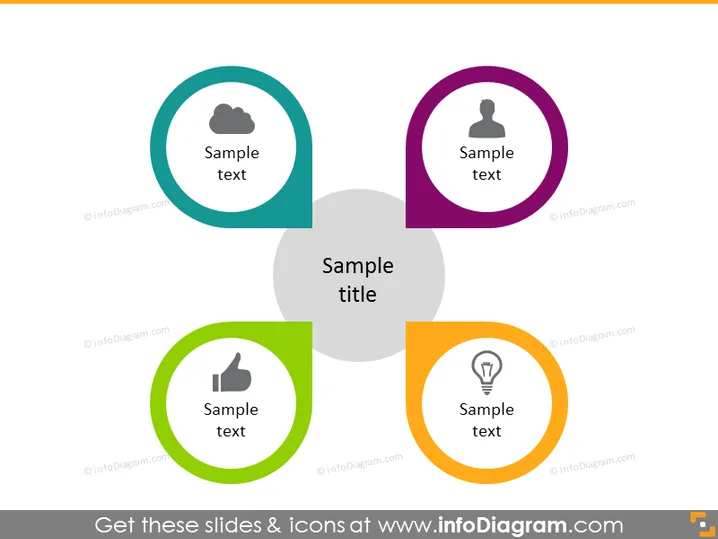
The PowerPoint slide displays a central concept titled "Sample title" surrounded by four quadrants, each containing a symbolic icon and a placeholder text "Sample text." The cloud icon may represent cloud computing or data storage, the person silhouette might denote user or personal information, the thumbs-up icon could signify approval or a positive metric, and the lightbulb icon likely illustrates ideas or innovation. This structure suggests a theme or main idea supported by four related components or categories.
Graphical Look
- Four circular shapes, each with a different color (teal, purple, green, and orange) and icon (cloud, person silhouette, thumbs up, and lightbulb).
- A large grey circular shape at the center of the slide behind the colored shapes.
- The slide's title "Sample title" in a large, bold font centered below the central grey shape.
- Each colored shape contains white text, "Sample text," indicating a placeholder for specific descriptions.
- Icons are simple and stylized, located at the top of each circular shape.
- The slide background is white, highlighting the colored elements.
The slide uses a clean and minimalist design with bold, colored circles to catch the viewer's attention. The icons within the circles provide visual cues about the text's subject matter.
Use Cases
- Presenting the core components of a business strategy or model.
- Explaining the facets of a product or service.
- Depicting an organization's values or areas of focus.
- Highlighting key points or ideas in an educational presentation.
How to Edit
How to edit text & colors

How to expand / shorten diagram

How to Replace Icons in infoDiagram PPT


