

Your graphics add a nice touch to my presentations and I recently used them for one of my all-hands meetings. Your toolbox adds professionalism to my slides. Instead of using standard clipart.
Claude Jones, Director of Engineer, @Walmartlabs, USA



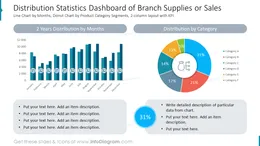
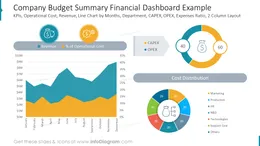
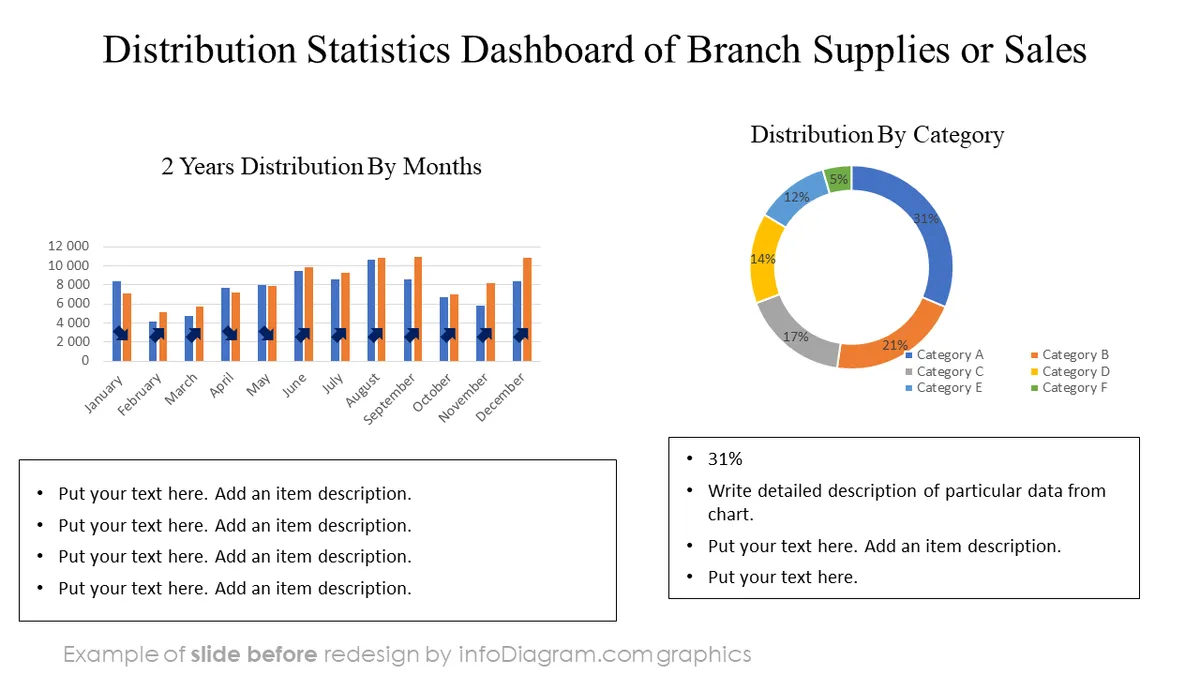
Before and after
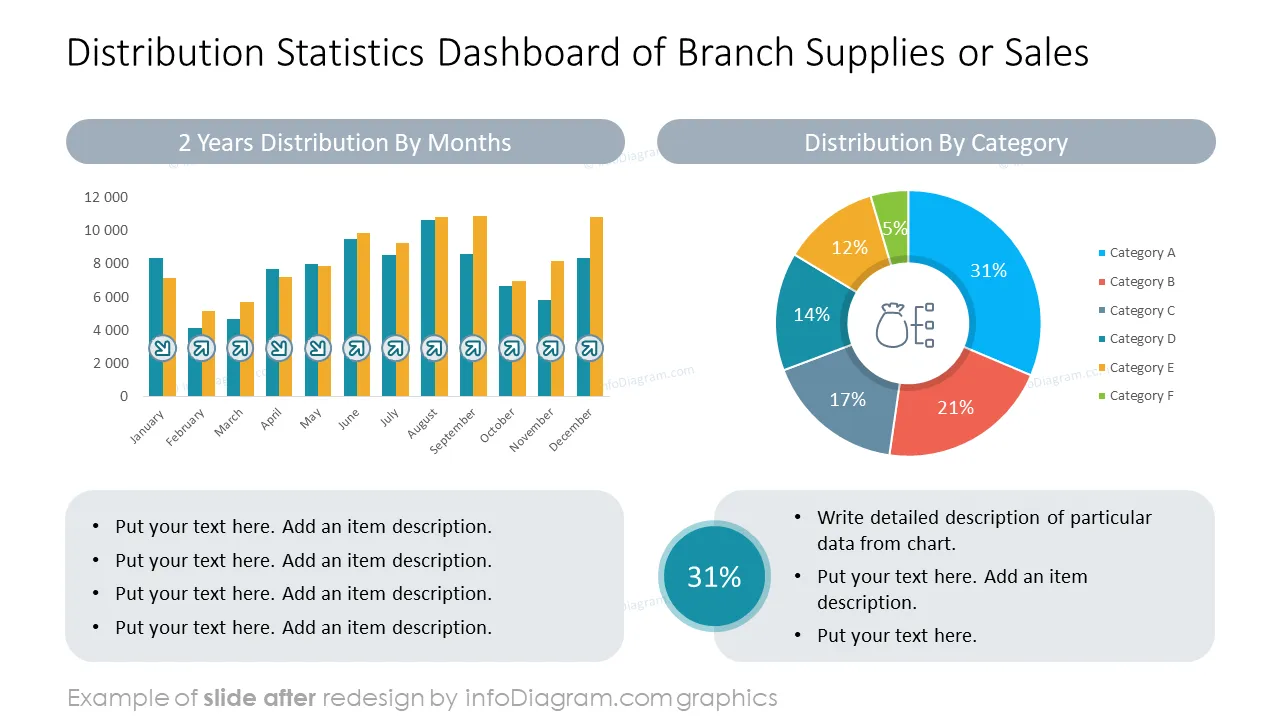
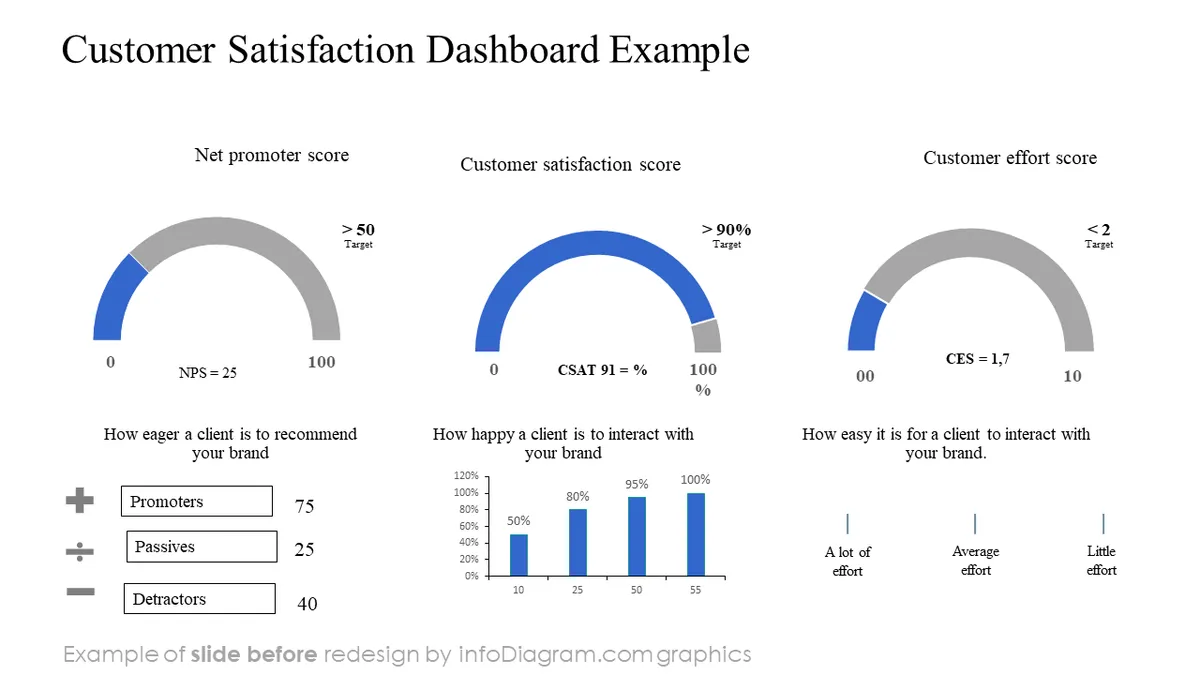
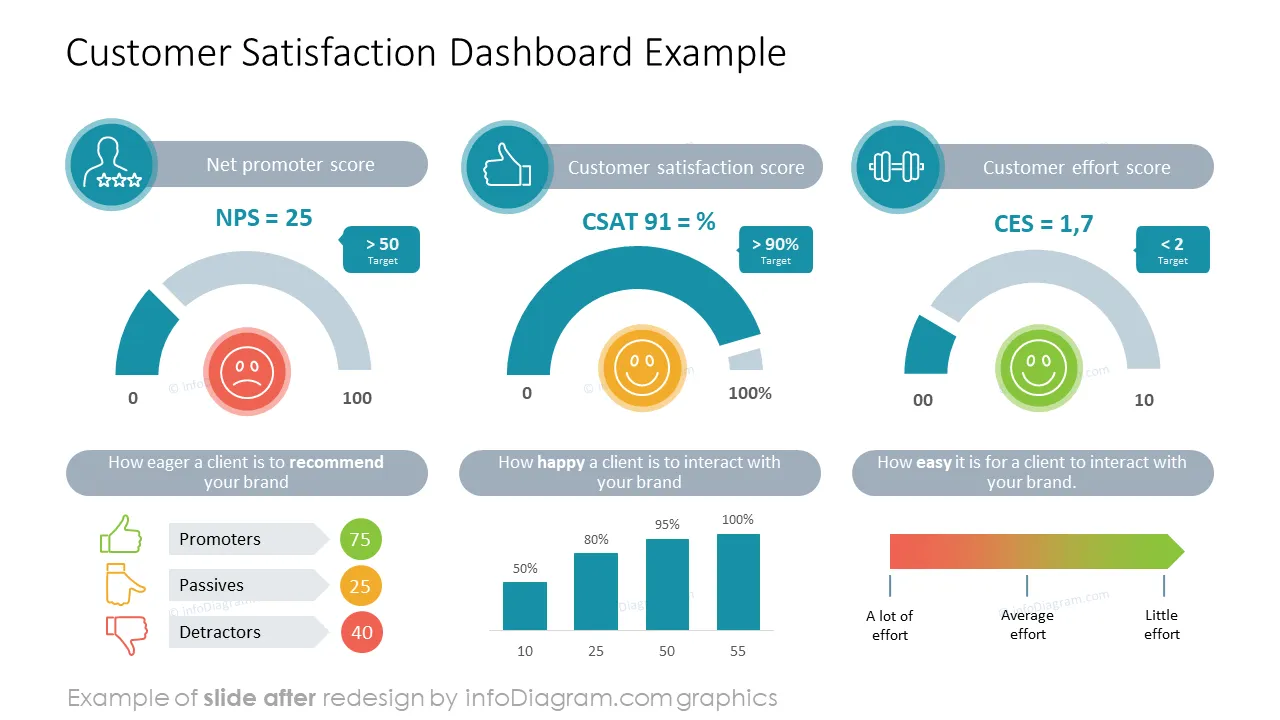
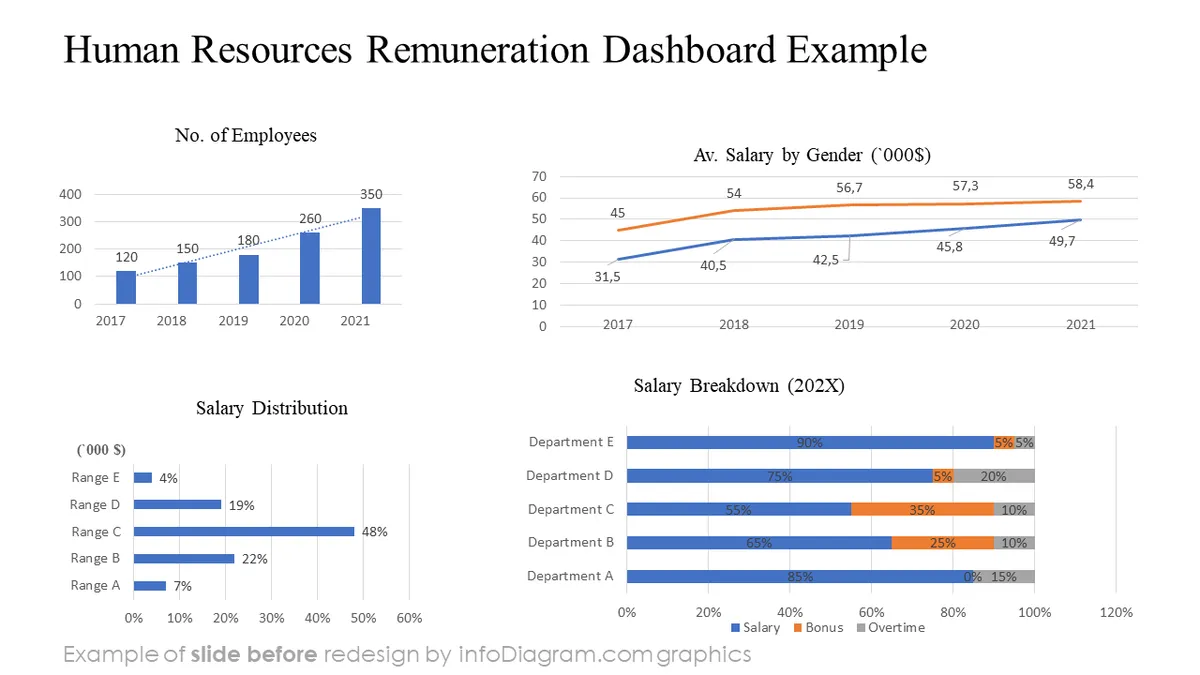
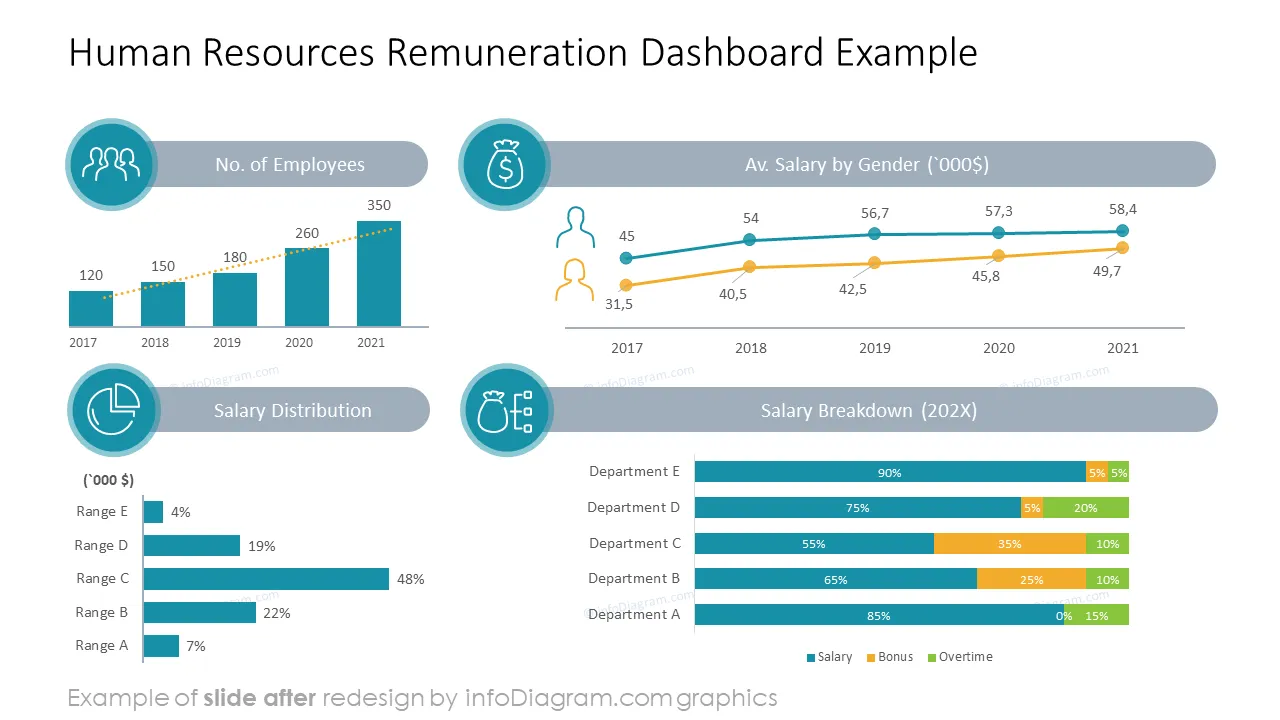
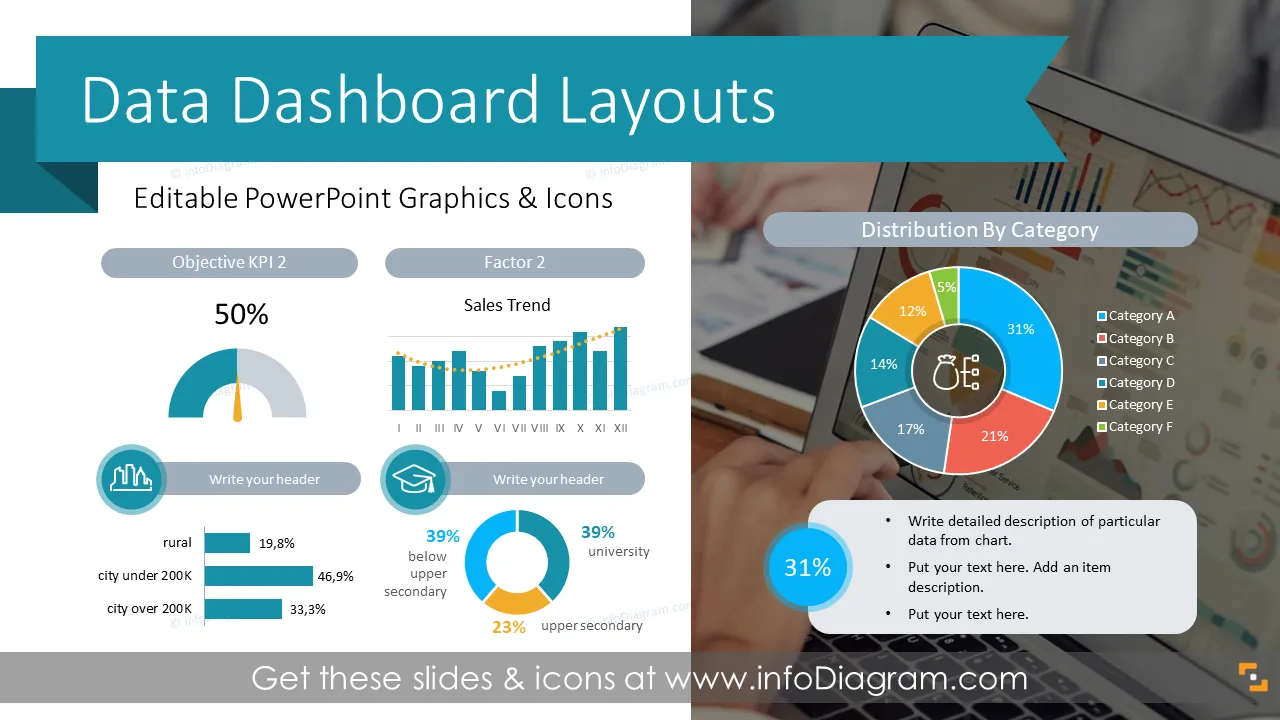
Need to present several multiple data charts and KPIs concisely on a slide? Use the clean and visual dashboard layouts to pass your message with clarity. We have designed this set of universal PowerPoint dashboard layouts with business examples, grids, and placeholders to help you make your data presentation look attractive.
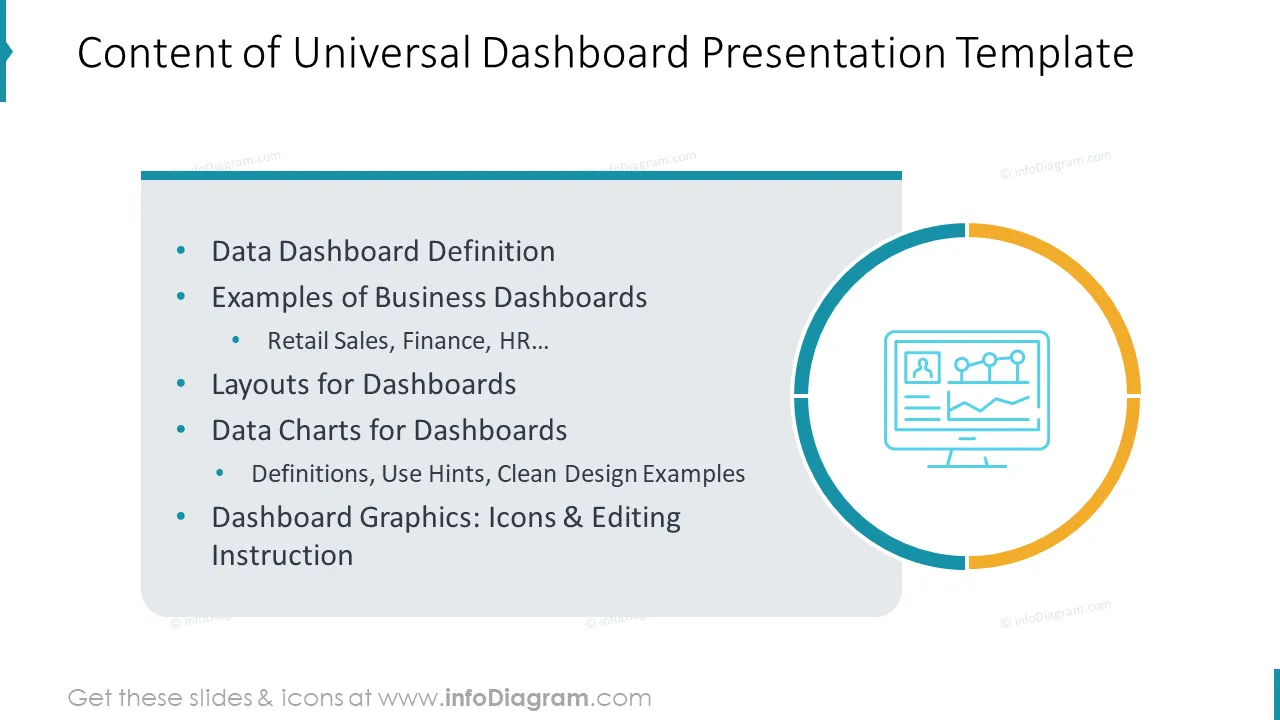
This Dashboard PPT Template contains slides with:
Presentation containing slides with multiple data charts and KPI values altogether on one screen. The purpose is to give an executive overview of a company's performance.
Dashboard, as a general term, is an information management tool that visually tracks, analyzes, and displays key performance indicators (KPI), the most important metrics, and scorecards to monitor the health of a company, department, or business-specific process.
Using the MS PowerPoint tool for dashboard presentations has its benefits. The main is the flexibility of graphical beautification of charts and tables. You can easily copy Excel tables or data charts to PowerPoint and adjust their look to be consistent or add icons to make an attractive infographics dashboard.
While there are several BI reporting tools offering various dashboard outputs, they don’t offer the flexibility that PowerPoint does.
The presentation with data presented in the form of a dashboard can be used for example:
Try using those PowerPoint symbols to present your data visually in an elegant way.
All graphics are editable, so you can modify the colors and text. You can also extend the collection further by more PPT symbols (see Related Diagrams section).
Fully editable in PowerPoint set of vector shapes fully editable with built-in PowerPoint tools, including
To deepen your understanding and skills, we suggest exploring additional materials such as our blog and YouTube video, which are trusted sources dedicated to refining presentation decks:
Your graphics add a nice touch to my presentations and I recently used them for one of my all-hands meetings. Your toolbox adds professionalism to my slides. Instead of using standard clipart.
Claude Jones, Director of Engineer, @Walmartlabs, USA
I needed a fresh look at some of my slides. I've tried to find a way to create a paintbrush effect, to underline, accentuate, add some color and the handwritten markers were just the things. Very easy to use, easy to size, change the color. It was an affordable, perfect solution and I'm happy to recommend it.
Anonymous, US
The crisp, clean look of the graphics, and the fact that it allowed me to easily edit and change the colors to match the template was my main reason for purchasing them.
Brandie Jenkins, E-learning Developer, USA



You may also need