
Reviews
Your graphics add a nice touch to my presentations and I recently used them for one of my all-hands meetings. Your toolbox adds professionalism to my slides. Instead of using standard clipart.
I needed a fresh look at some of my slides. I've tried to find a way to create a paintbrush effect, to underline, accentuate, add some color and the handwritten markers were just the things. Very easy to use, easy to size, change the color. It was an affordable, perfect solution and I'm happy to recommend it.
The crisp, clean look of the graphics, and the fact that it allowed me to easily edit and change the colors to match the template was my main reason for purchasing them.
Description
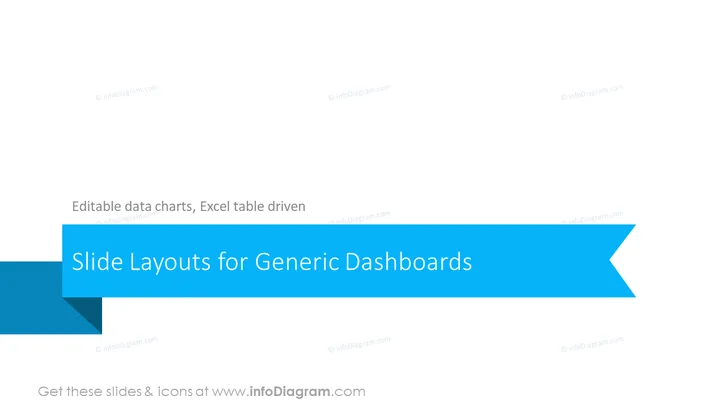
Slide Layouts for Generic Dashboards
Slide Content
The slide is titled "Slide Layouts for Generic Dashboards" and contains a subtitle mentioning "Editable data charts, Excel table driven," implying that the presentation is about customizing and utilizing various slide layouts designed for creating generic dashboards where data can be manipulated through charts and tables linked to Excel for easy updates and editing.
Graphical Look
- The slide features a large, bold title in white font centered horizontally on a vibrant blue banner that runs from the left to the right edge with an arrow cutout on the right side.
- The subtitle is placed right below the main title, in smaller white lettering, suggesting additional information about the content of the slide.
- The background of the slide is a gradient of light to dark shades of blue which creates a sleek and professional aesthetic.
- No other graphical elements or icons are present on the slide, which gives it a clean and focused look.
The overall look is minimalist and corporate, with a strong use of blue tones that suggest stability and professionalism. The slide design emphasizes clarity and allows the title to stand out.
Use Cases
- To introduce a section in a business presentation that will cover various dashboard designs and layouts.
- For a workshop or training session on how to create and customize dashboards using PowerPoint and Excel integration.
- In a sales pitch to showcase a company's capabilities in providing business intelligence solutions or dashboard software.
- During an internal meeting to discuss updates or changes to the company’s data monitoring systems and dashboards.
How to Edit
How to edit text & colors

How to expand / shorten diagram

How to Replace Icons in infoDiagram PPT


