

Your graphics add a nice touch to my presentations and I recently used them for one of my all-hands meetings. Your toolbox adds professionalism to my slides. Instead of using standard clipart.
Claude Jones, Director of Engineer, @Walmartlabs, USA


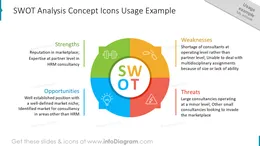
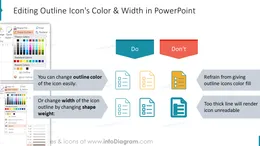
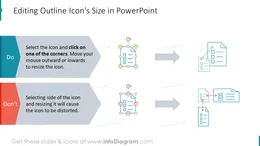
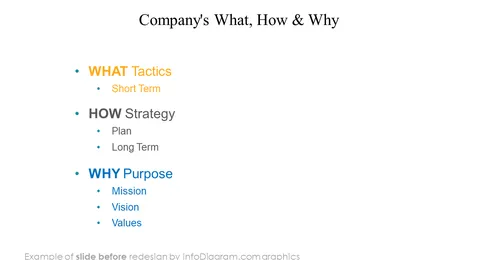
Before and after




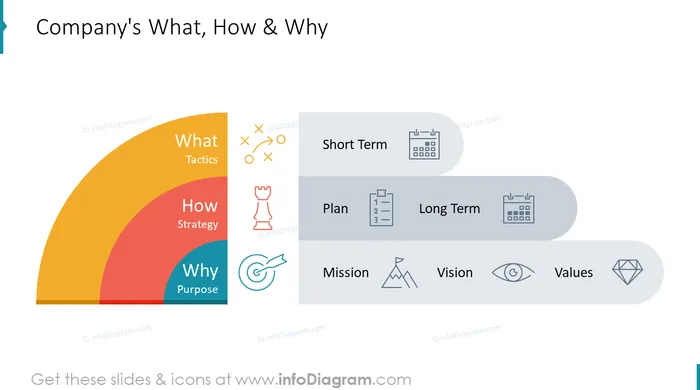
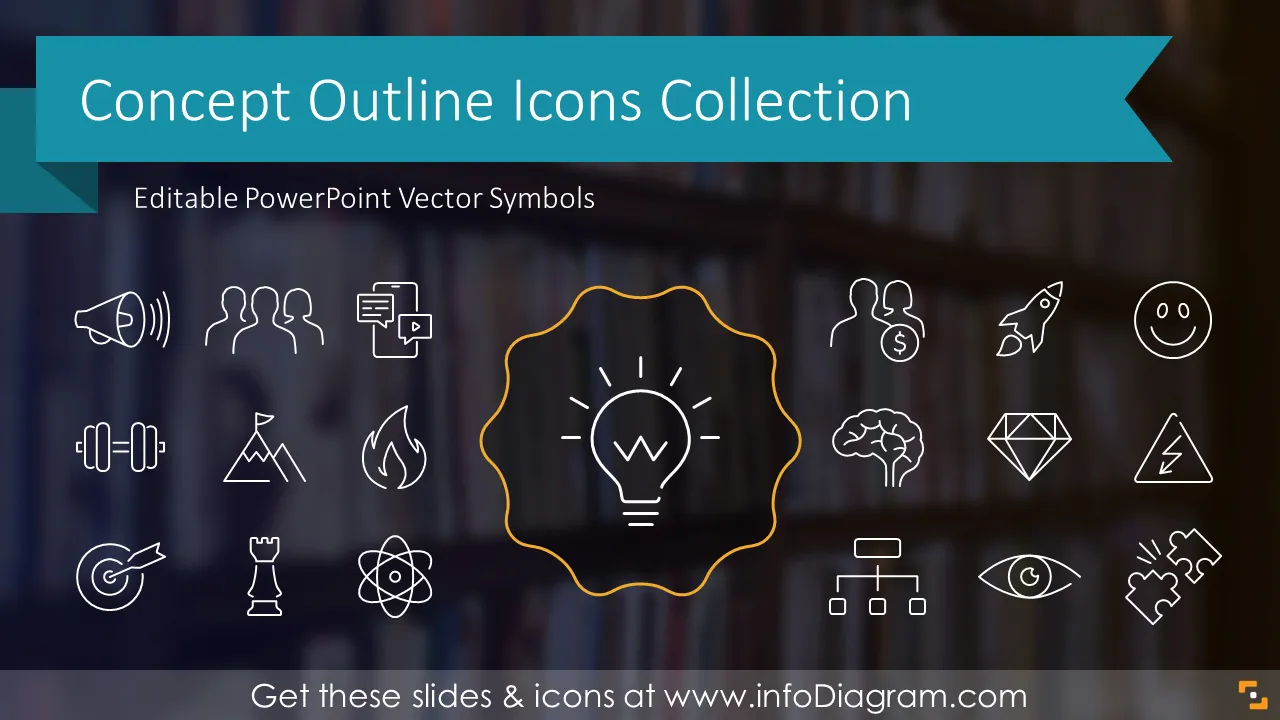
Want to make your presentation more visual? Illustrate key concepts with graphical symbols. Use this extensive icons collection covering over 60 business terms and abstract concepts.
Explore, browse, or search for your keyword, easily copy and adapt the icon to your slide content. We have designed a library of hundreds named icons in PowerPoint vector format.
This Outline Icons collection of various business terms contains slides with:
You can use icons to illustrate your key bullet points, enhance agenda sections, make title slides or add thematic symbols to presentation transition slides.
Simply copy the icon from the source PowerPoint file to your slide using Copy and Paste functions. Keep the source color or adjust to the destination theme of your target presentation.
Presenting information with visual elements is much more comprehensive than with only text bullet points. The outline graphic style is elegant, subtle and will complement your key points without taking too much attention from the message of the slide.
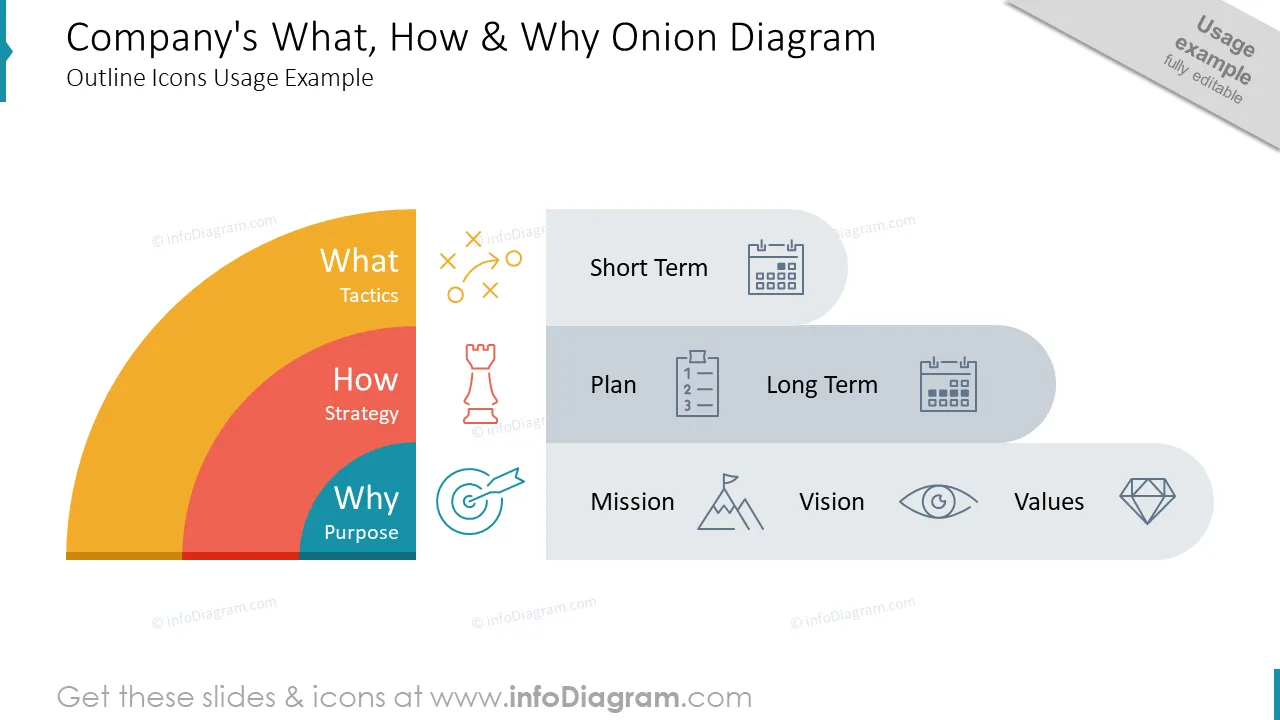
Here are several examples where you can apply icons from infoDiagram collection:
Try using those PowerPoint symbols to present your content visually in an elegant way.
All graphics are editable, so you can modify the colors and text. You can also extend further the collection by more PPT symbols (see Related Diagrams section).
Fully editable in PowerPoint set of vector shapes fully editable with built-in PowerPoint tools, including
See editing demonstration in our HowTo Videos.
Or download example slide redesign instruction how to use these Concept Icons (PDF guide here).
Your graphics add a nice touch to my presentations and I recently used them for one of my all-hands meetings. Your toolbox adds professionalism to my slides. Instead of using standard clipart.
Claude Jones, Director of Engineer, @Walmartlabs, USA
I needed a fresh look at some of my slides. I've tried to find a way to create a paintbrush effect, to underline, accentuate, add some color and the handwritten markers were just the things. Very easy to use, easy to size, change the color. It was an affordable, perfect solution and I'm happy to recommend it.
Anonymous, US
The crisp, clean look of the graphics, and the fact that it allowed me to easily edit and change the colors to match the template was my main reason for purchasing them.
Brandie Jenkins, E-learning Developer, USA



You may also need