

Your graphics add a nice touch to my presentations and I recently used them for one of my all-hands meetings. Your toolbox adds professionalism to my slides. Instead of using standard clipart.
Claude Jones, Director of Engineer, @Walmartlabs, USA

Your graphics add a nice touch to my presentations and I recently used them for one of my all-hands meetings. Your toolbox adds professionalism to my slides. Instead of using standard clipart.
Claude Jones, Director of Engineer, @Walmartlabs, USA
I needed a fresh look at some of my slides. I've tried to find a way to create a paintbrush effect, to underline, accentuate, add some color and the handwritten markers were just the things. Very easy to use, easy to size, change the color. It was an affordable, perfect solution and I'm happy to recommend it.
Anonymous, US
The crisp, clean look of the graphics, and the fact that it allowed me to easily edit and change the colors to match the template was my main reason for purchasing them.
Brandie Jenkins, E-learning Developer, USA
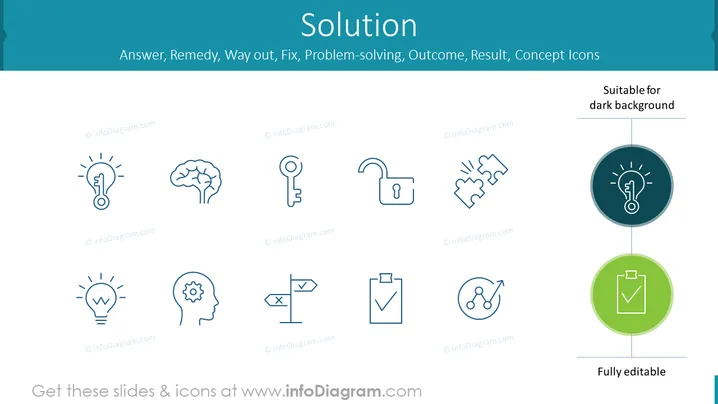
The PowerPoint slide is titled "Solution" and presents a series of ten icons that represent different elements associated with solving problems. These include a lightbulb with a key inside, symbolizing an innovative solution; a brain, representing thought and intelligence; a key, denoting access or a solution found; an unlocked padlock, indicating security or freedom; two hands clenched and broken apart, suggesting conflict resolution. Additionally, there's another lightbulb, signifying a bright idea; a head with a gear inside, illustrating mental processing or cogitation; directional signs representing decision making; a clipboard with a check for completed tasks; and nodes with an arrow, possibly implying network solutions or connections.
The overall look of the slide is clean and minimalistic, utilizing a consistent color palette and simple icons to convey the concept of "Solution". The icons are easily identifiable and the slide is visually well-organized.



