

Your graphics add a nice touch to my presentations and I recently used them for one of my all-hands meetings. Your toolbox adds professionalism to my slides. Instead of using standard clipart.
Claude Jones, Director of Engineer, @Walmartlabs, USA

Your graphics add a nice touch to my presentations and I recently used them for one of my all-hands meetings. Your toolbox adds professionalism to my slides. Instead of using standard clipart.
Claude Jones, Director of Engineer, @Walmartlabs, USA
I needed a fresh look at some of my slides. I've tried to find a way to create a paintbrush effect, to underline, accentuate, add some color and the handwritten markers were just the things. Very easy to use, easy to size, change the color. It was an affordable, perfect solution and I'm happy to recommend it.
Anonymous, US
The crisp, clean look of the graphics, and the fact that it allowed me to easily edit and change the colors to match the template was my main reason for purchasing them.
Brandie Jenkins, E-learning Developer, USA
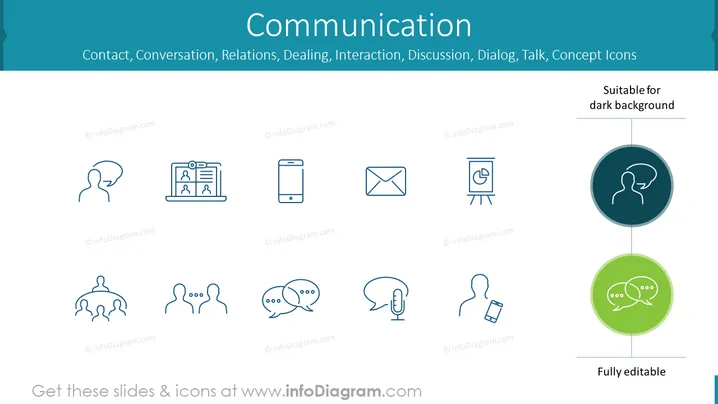
The PowerPoint slide is titled "Communication" and focuses on icons related to different aspects of communication such as contact, conversation, relations, dealing, interaction, discussion, dialog, and talk. Each concept is represented by a unique icon, conveying various modes and tools of communication. For example, the icon of a person with a speech bubble represents conversation; the laptop with profiles indicates online interactions; the mobile phone icon embodies communication on the go; an envelope for email correspondences; a flipchart suggests presentation or structured discussion; connected human silhouettes symbolize networking or group communication; two speech bubbles indicate a dialog or a chat; a microphone stands for broadcast or public speaking; and a smartphone with earbuds for private listening or hands-free communication.
The overall look of the slide is modern and clean, with a focus on visual simplicity. The use of icons and color highlights helps to convey the theme of communication effectively while maintaining a professional appearance.



