
Reviews
Vos graphiques ajoutent une belle touche à mes présentations et je les ai récemment utilisés pour l'une de mes réunions générales. Votre boîte à outils ajoute du professionnalisme à mes diapositives. Au lieu d'utiliser des cliparts standards.
J'avais besoin d'un nouveau regard sur certaines de mes diapositives. J'ai essayé de trouver un moyen de créer un effet de pinceau, de souligner, d'accentuer, d'ajouter de la couleur et les marqueurs manuscrits étaient exactement ce qu'il fallait. Très facile à utiliser, facile à ajuster la taille, à changer la couleur. C'était une solution abordable et parfaite et je suis heureux de la recommander.
L'aspect net et épuré des graphiques, et le fait qu'il m'ait permis d'éditer et de changer facilement les couleurs pour les adapter au modèle, ont été les principales raisons de mon achat.
Description
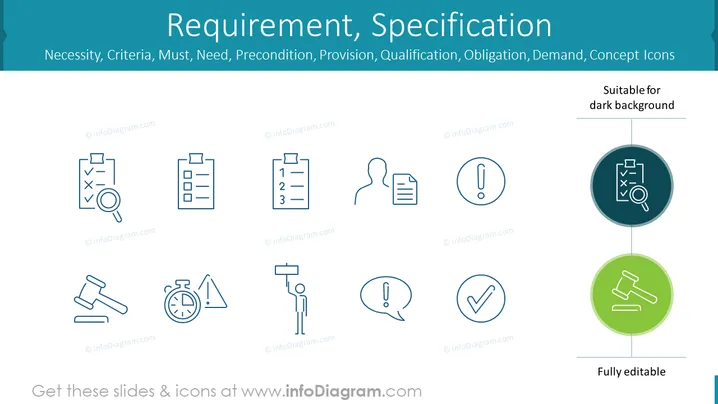
Requirement, Specification
Slide Content
The PowerPoint slide is titled "Requirement, Specification" and lists related concepts such as Necessity, Criteria, Must, Need, Precondition, Provision, Qualification, and Obligation. The slide appears to be a collection of concept icons designed to represent these various aspects of requirements and specifications systematically. Each concept icon includes a simple visual representation, like a checklist or person silhouette, to convey the idea efficiently and makes the information accessible through visual aids.
Graphical Look
- The slide has a clean, professional aesthetic with a light background and a slightly darker header.
- Eight icons are evenly spaced in a grid across the body of the slide, each paired with a label underneath to describe its respective concept.
- The icons are minimalist, using a single outline style with subtle details, suggesting they represent different themes related to requirements and specifications.
- Each icon is within its circle, except for two examples highlighted in larger circles on the right, indicating variations for use on a dark background.
- The labels under the icons use a simple, sans-serif font, maintaining the slide’s modern and clear presentation.
The overall look of the slide is modern and polished, with a focus on simplicity and ease of comprehension. The consistent iconography and clean text formatting support a straightforward and professional delivery of the concepts.
Use Cases
- To illustrate different stages or aspects of project requirements during planning meetings.
- As a visual aid in training sessions to help participants understand the components involved in setting specifications.
- In sales presentations to outline the necessary criteria and qualifications that a product or service meets.
- Within educational materials or e-learning courses covering project management or product development fundamentals.
How to Edit
How to edit text & colors

How to expand / shorten diagram

How to Replace Icons in infoDiagram PPT


