

Your graphics add a nice touch to my presentations and I recently used them for one of my all-hands meetings. Your toolbox adds professionalism to my slides. Instead of using standard clipart.
Claude Jones, Director of Engineer, @Walmartlabs, USA

Your graphics add a nice touch to my presentations and I recently used them for one of my all-hands meetings. Your toolbox adds professionalism to my slides. Instead of using standard clipart.
Claude Jones, Director of Engineer, @Walmartlabs, USA
I needed a fresh look at some of my slides. I've tried to find a way to create a paintbrush effect, to underline, accentuate, add some color and the handwritten markers were just the things. Very easy to use, easy to size, change the color. It was an affordable, perfect solution and I'm happy to recommend it.
Anonymous, US
The crisp, clean look of the graphics, and the fact that it allowed me to easily edit and change the colors to match the template was my main reason for purchasing them.
Brandie Jenkins, E-learning Developer, USA
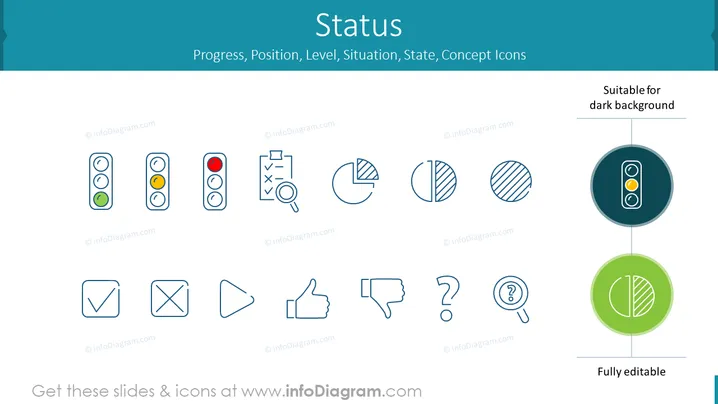
The PowerPoint slide titled "Status" highlights various concept icons that represent progress, position, level, situation, and state. The icons depict traffic light indicators in different stages, a checklist with a magnifying glass suggesting scrutiny or review, pie charts divided in halves, thirds, and quarters representing data segmentation, a checkmark for approval, cross for denial, playback controls, thumbs up and down for feedback, and question marks for inquiry or uncertainty. These symbols provide visual cues for different statuses or stages in a process or project.
The overall slide has a modern, clean layout with ample white space around the icons, facilitating focus on each symbol. The color scheme is consistent, and the icons are designed for intuitive comprehension of their respective meanings.



