

Your graphics add a nice touch to my presentations and I recently used them for one of my all-hands meetings. Your toolbox adds professionalism to my slides. Instead of using standard clipart.
Claude Jones, Director of Engineer, @Walmartlabs, USA

Your graphics add a nice touch to my presentations and I recently used them for one of my all-hands meetings. Your toolbox adds professionalism to my slides. Instead of using standard clipart.
Claude Jones, Director of Engineer, @Walmartlabs, USA
I needed a fresh look at some of my slides. I've tried to find a way to create a paintbrush effect, to underline, accentuate, add some color and the handwritten markers were just the things. Very easy to use, easy to size, change the color. It was an affordable, perfect solution and I'm happy to recommend it.
Anonymous, US
The crisp, clean look of the graphics, and the fact that it allowed me to easily edit and change the colors to match the template was my main reason for purchasing them.
Brandie Jenkins, E-learning Developer, USA
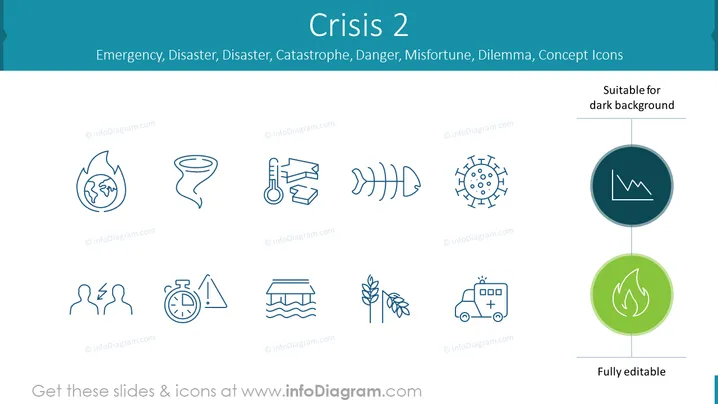
The slide titled "Crisis 2" focuses on various crises and emergency-related concepts represented by icons. These icons include a globe on fire for global emergencies, a tornado for natural disasters, broken chains for catastrophe, a falling brick for danger, a fish skeleton for misfortune, and a virus for health dilemmas. Additionally, there are icons depicting a fractured pair relationship, a time-critical situation, floods, agriculture-related issues, and emergency healthcare services. The note "Suitable for dark background" indicates that these icons can be used effectively on darker slides, and "Fully editable" suggests that the icons can be customized.
The slide is clean and minimalist, using line art for the icons that provide a clear and universal understanding of each concept related to crises and emergencies.



