

Your graphics add a nice touch to my presentations and I recently used them for one of my all-hands meetings. Your toolbox adds professionalism to my slides. Instead of using standard clipart.
Claude Jones, Director of Engineer, @Walmartlabs, USA

Your graphics add a nice touch to my presentations and I recently used them for one of my all-hands meetings. Your toolbox adds professionalism to my slides. Instead of using standard clipart.
Claude Jones, Director of Engineer, @Walmartlabs, USA
I needed a fresh look at some of my slides. I've tried to find a way to create a paintbrush effect, to underline, accentuate, add some color and the handwritten markers were just the things. Very easy to use, easy to size, change the color. It was an affordable, perfect solution and I'm happy to recommend it.
Anonymous, US
The crisp, clean look of the graphics, and the fact that it allowed me to easily edit and change the colors to match the template was my main reason for purchasing them.
Brandie Jenkins, E-learning Developer, USA
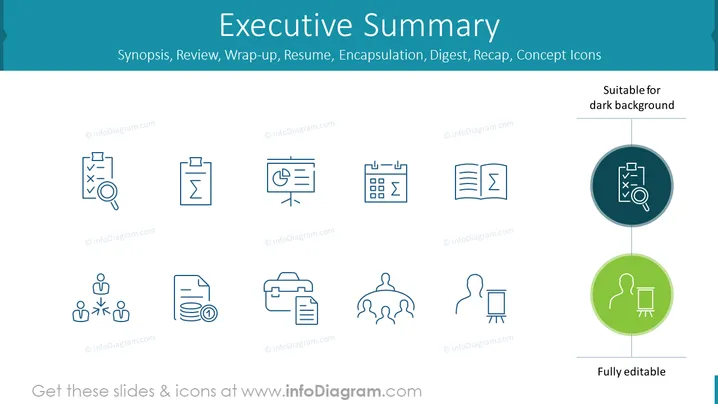
The slide titled "Executive Summary" presents a range of icons symbolizing different facets of business reporting and presentation: analysis, documentation, presentation, scheduling, learning, financial overview, project management, collaboration, and briefing. Each icon symbolizes a key component of executive summaries such as Synopsis, Review, Wrap-up, Resume, Encapsulation, Digest, and Recap. These visual metaphors help audiences quickly grasp the essence of each concept: scrutinizing details, organizing information, sharing findings, planning timelines, assimilating knowledge, managing finances, orchestrating team efforts, and delivering concise reports.
The slide has a clean and modern aesthetic with a minimalistic approach to design. The consistent use of outlined icons and limited color palette conveys a professional tone suitable for business contexts.



