
Your graphics add a nice touch to my presentations and I recently used them for one of my all-hands meetings. Your toolbox adds professionalism to my slides. Instead of using standard clipart.
Claude Jones, Director of Engineer, @Walmartlabs, USA

Your graphics add a nice touch to my presentations and I recently used them for one of my all-hands meetings. Your toolbox adds professionalism to my slides. Instead of using standard clipart.
Claude Jones, Director of Engineer, @Walmartlabs, USA

I needed a fresh look at some of my slides. I've tried to find a way to create a paintbrush effect, to underline, accentuate, add some color and the handwritten markers were just the things. Very easy to use, easy to size, change the color. It was an affordable, perfect solution and I'm happy to recommend it.
Anonymous, US
The crisp, clean look of the graphics, and the fact that it allowed me to easily edit and change the colors to match the template was my main reason for purchasing them.
Brandie Jenkins, E-learning Developer, USA
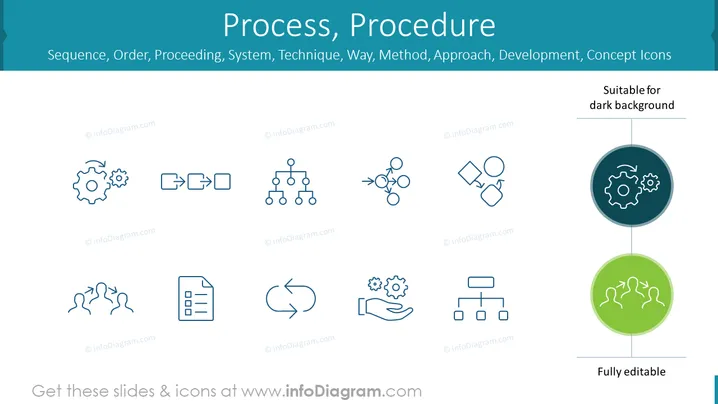
The slide is titled "Process, Procedure" and serves as a collection of concept icons designed to represent various aspects of sequences, orders, systems, techniques, methods, approaches, development, and procedures. It includes a set of eight icons: gears for workflow or mechanics, arrows depicting flow or direction, a hierarchy structure, interlinked circles for connectivity or a cycle, birds migrating for coordination or migration, a checklist for organization or tasks, a hand cradling gears for care in operations, and a flowchart for planning or process mapping. Below the icons, the slide indicates they are suitable for dark backgrounds and are fully editable, aiming to offer versatility in presentation design.
The overall look is sleek and modern, with a strong visual hierarchy that draws attention to the icons and their intended meaning, supported by concise text annotations.


