

Your graphics add a nice touch to my presentations and I recently used them for one of my all-hands meetings. Your toolbox adds professionalism to my slides. Instead of using standard clipart.
Claude Jones, Director of Engineer, @Walmartlabs, USA

Your graphics add a nice touch to my presentations and I recently used them for one of my all-hands meetings. Your toolbox adds professionalism to my slides. Instead of using standard clipart.
Claude Jones, Director of Engineer, @Walmartlabs, USA
I needed a fresh look at some of my slides. I've tried to find a way to create a paintbrush effect, to underline, accentuate, add some color and the handwritten markers were just the things. Very easy to use, easy to size, change the color. It was an affordable, perfect solution and I'm happy to recommend it.
Anonymous, US
The crisp, clean look of the graphics, and the fact that it allowed me to easily edit and change the colors to match the template was my main reason for purchasing them.
Brandie Jenkins, E-learning Developer, USA
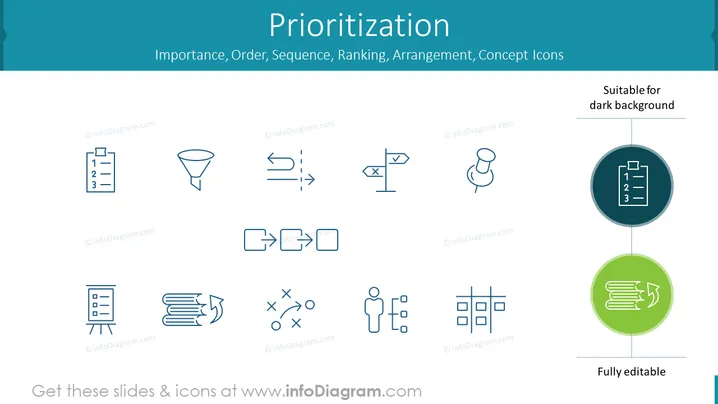
The PowerPoint slide titled "Prioritization" presents a collection of icons related to the theme of arranging tasks or items by their importance or sequence. These icons include a numbered list, which could denote creating an ordered plan or agenda, a funnel for filtering processes, arrows indicating movement or progress, a pin to mark important ideas or locations, a one-to-many relationship diagram showing distribution or delegation, a crossed-out action for depicting elimination or prohibition, mismatched elements representing the need for alignment, documents with a cyclic arrow for revision processes, strategic decision-making with a tic-tac-toe game metaphor, a person surrounded by dots to illustrate networking or delegation, and a structure chart for organizational frameworks.
The slide's overall look is modern and professional, using a uniform color scheme and simple icons to convey various aspects of prioritization without being overly complex or cluttered.



