Do you need to conduct an online meeting? To facilitate such a meeting in a professional way, use clear and robust visuals in your presentation. To help you run effective virtual meetings, we’ve designed an Online Meeting PowerPoint template with a slide deck covering essential parts of a typical online business meeting.
This Online Meeting PowerPoint Template contains:
- 35 diagrams and slide layouts to present meeting agenda, online meeting etiquette, whiteboard frameworks for brainstorming, feedback, comparison, general flowcharts, and various transition slides for breaks, demo time, and meeting summary.
- Slides are designed in an elegant lightweight outline style. Such a graphical style is modern and professional.
- 37 outline symbols to show various business meeting concepts e.g. Virtual Meeting Screen, Achievement, Webcam, Summary, Quotation, Brainstorming, Outcome, and Calendar.
- Instruction on how to modify those diagrams using standard PowerPoint editing tools.
Format: fully editable vector shapes (modify colors of diagrams and icons, resize without quality loss).
What is the virtual meeting and how to conduct it?
It is a business meeting that participants attend virtually not physically. Typically the presenter shares his screen online with participants, using presentation slides to conduct a meeting, while attendees are participating using audio and video channels. Online conferencing software is used to share, manage, and record presentations and discussions, for example, Zoom, Webex, and Google Meet, to name a few.
To make online meetings effective, a presenter needs to ensure clear communication and engage the audience with interactive parts, such as polls, brainstorming sessions, and product demonstrations.
To keep people engaged, they need to see the structure of the meeting and understand the agenda and expected outcomes. It is also important to keep virtual meeting etiquette for all participants e.g. proper use of camera, microphone, and chat.
Online Meeting Slide-Deck collection contains pre-designed slides:
- Online meeting title
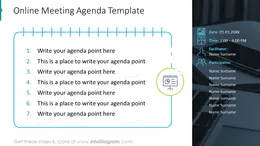
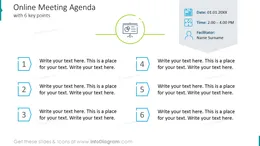
- Online meeting agenda template
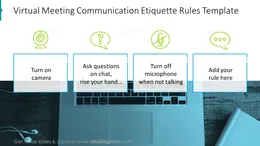
- Virtual meeting communication etiquette rules template
- Goal of the virtual meeting slide
- Expected outcome of the online meeting three and four points template
- Gather ideas by brainstorming shown with discussion slide
- Whiteboard slide with questions for brainstorming
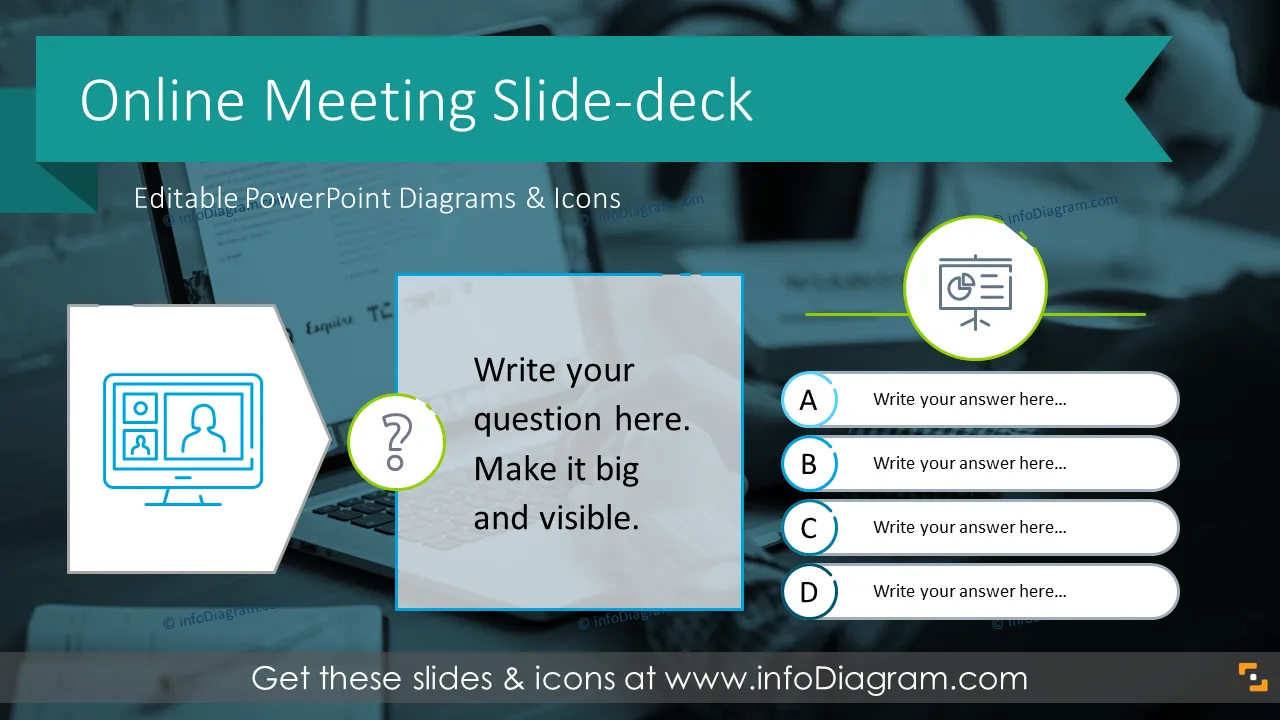
- Getting participants' opinions: online poll slide template
- Whiteboard slide: pros and cons evaluation
- Whiteboard framework: comparing two options
- Whiteboard: comparing alternatives in three columns
- Whiteboard: dichotomic two options comparison horizontal split
- Whiteboard: three options comparison horizontal split
- Whiteboard: quadruple options comparison matrix layout
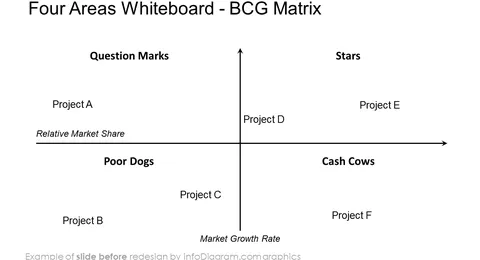
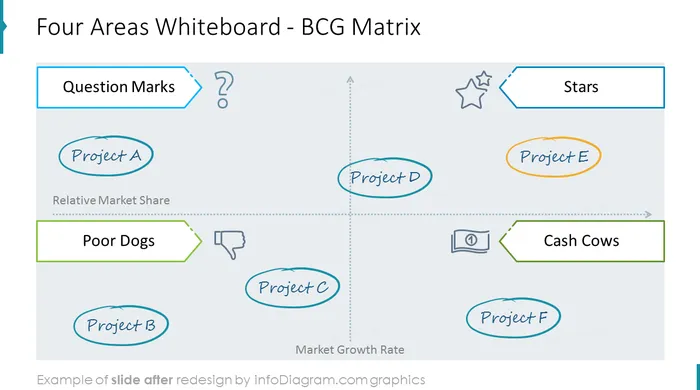
- Four areas whiteboard example showed with BCG matrix
- Venn diagram for three categories segmentation
- Whiteboard: two dimensions, four sectors template
- Whiteboard with questions for online meeting discussion
- Summary of meeting outcomes
- Various information types flowcharts
- Transformation diagram with before and after state
- Six next steps staircase diagram
- Meeting follow-up: flowchart with deadlines and responsibility assignment
- Project milestones timeline template slide
- Mind map template with six branches
- Vertical layers tower diagram for four slices
- Pyramid diagram for five hierarchy levels
- Meeting sections breaks with transition slides
- Quotation slide template
- Q & A section of the meeting slide
- Coffee break and feedback time slide
- Application demonstration time slide
What are areas where virtual meetings can be used?
* Run an internal team business update meeting
* Facilitate a creative problem-solving remote online session
* Conduct a sales meeting with your leads presenting a product, or a software application demo for instance.
* Present a project proposal or make a project review.
* Do online training, teaching your remote audience a new skill.
* Holding an educational session or running a whole online course supported by visual presentation