
Reviews
Deine Folien sind meine 'geheime Zutat', wenn es darum geht, meine Ideen Kunden zu visualisieren. Ich spare so viel Zeit.
Ihre Folien führen oft zu guten Kommentaren und Ideen meines Teams, die die endgültigen Folien verbessern.
Description
Whiteboard: Dichotomic Two Options Comparison
Slide Content
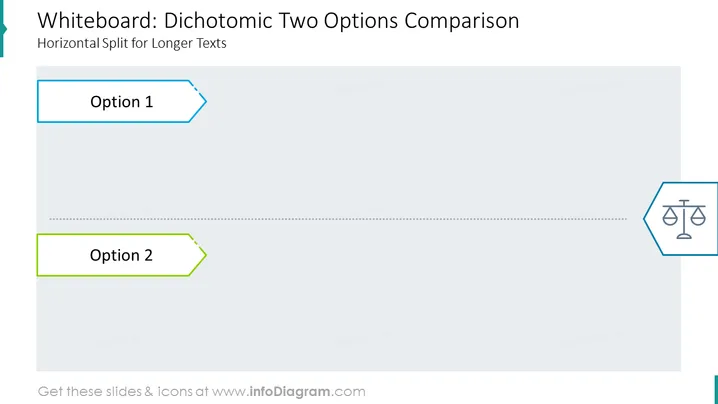
The slide is designed to compare two different options in a clear and straightforward manner. "Option 1" is represented at the top portion of the slide, suggesting a first choice or scenario to be considered. Below a dividing dotted line, "Option 2" is placed, indicating an alternative or second option for comparison. Each option is encapsulated within a distinctive colored border, aiding in distinguishing between the two.
Graphical Look
- The slide background is a pale gray, providing a neutral canvas for the content.
- At the top, "Option 1" is within a light blue outlined tag-shaped box, suggesting it is a selectable item.
- A dotted line divides the slide horizontally, serving as a visual separator between the options.
- "Option 2" is housed in a similar tag-shaped box as "Option 1", but with a green outline, positioned at the lower part of the slide.
- A scale icon is presented in a hexagonal shape with a light blue outline, located on the right side of the slide, which possibly signifies weighing or balancing the two options.
The overall design is minimalistic and business-like, focusing on functionality over decoration. The use of space and icons is intended to facilitate an easy understanding of the comparison between two choices.
Use Cases
- To display the pros and cons of two competing business strategies during a management meeting.
- When presenting different product features to potential clients to illustrate the benefits of each.
- In a workshop or training session to analyze and discuss two approaches or solutions to a problem.
- While summarizing research findings that involve two distinct groups or categories for stakeholders.
How to Edit
How to edit text & colors

How to expand / shorten diagram

How to Replace Icons in infoDiagram PPT


