

Your graphics add a nice touch to my presentations and I recently used them for one of my all-hands meetings. Your toolbox adds professionalism to my slides. Instead of using standard clipart.
Claude Jones, Director of Engineer, @Walmartlabs, USA

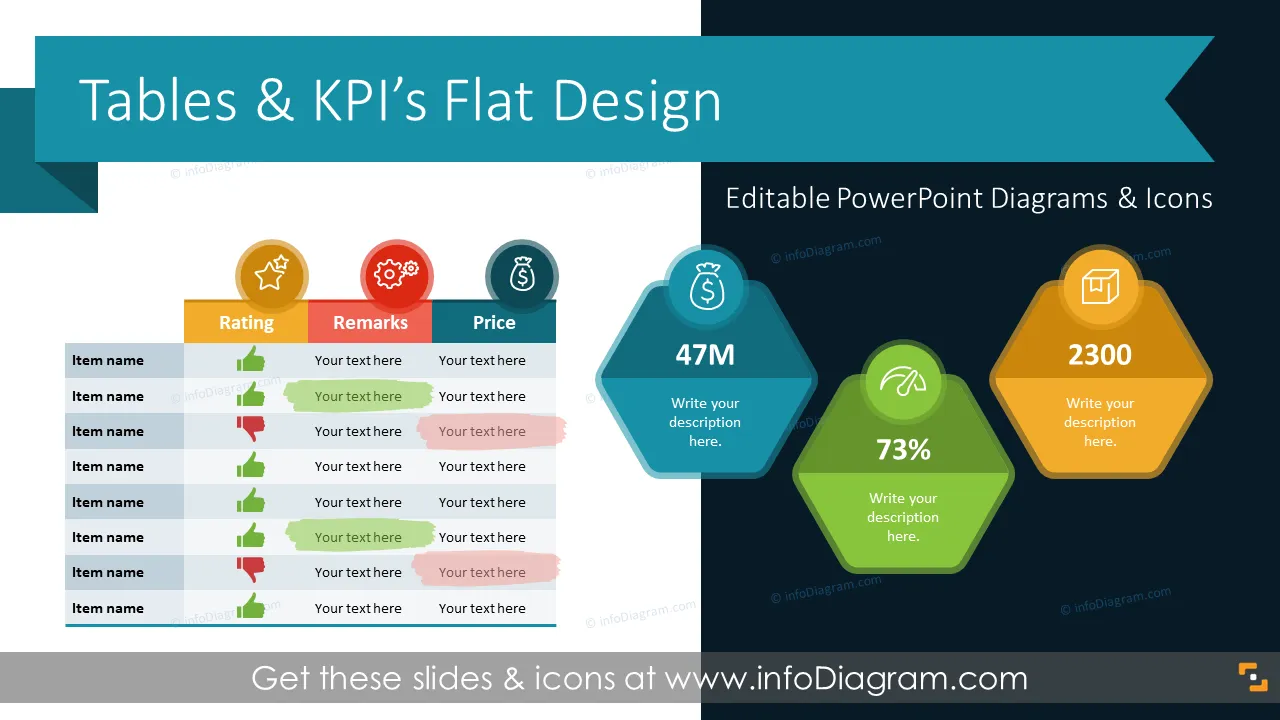


Before and after
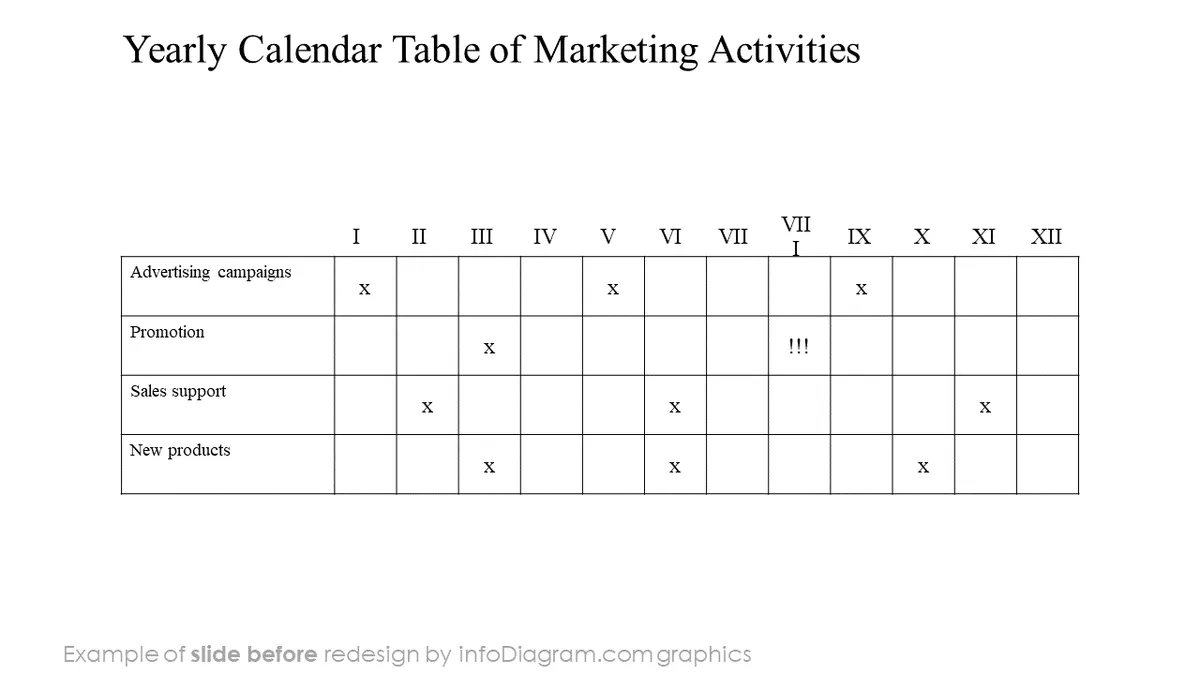
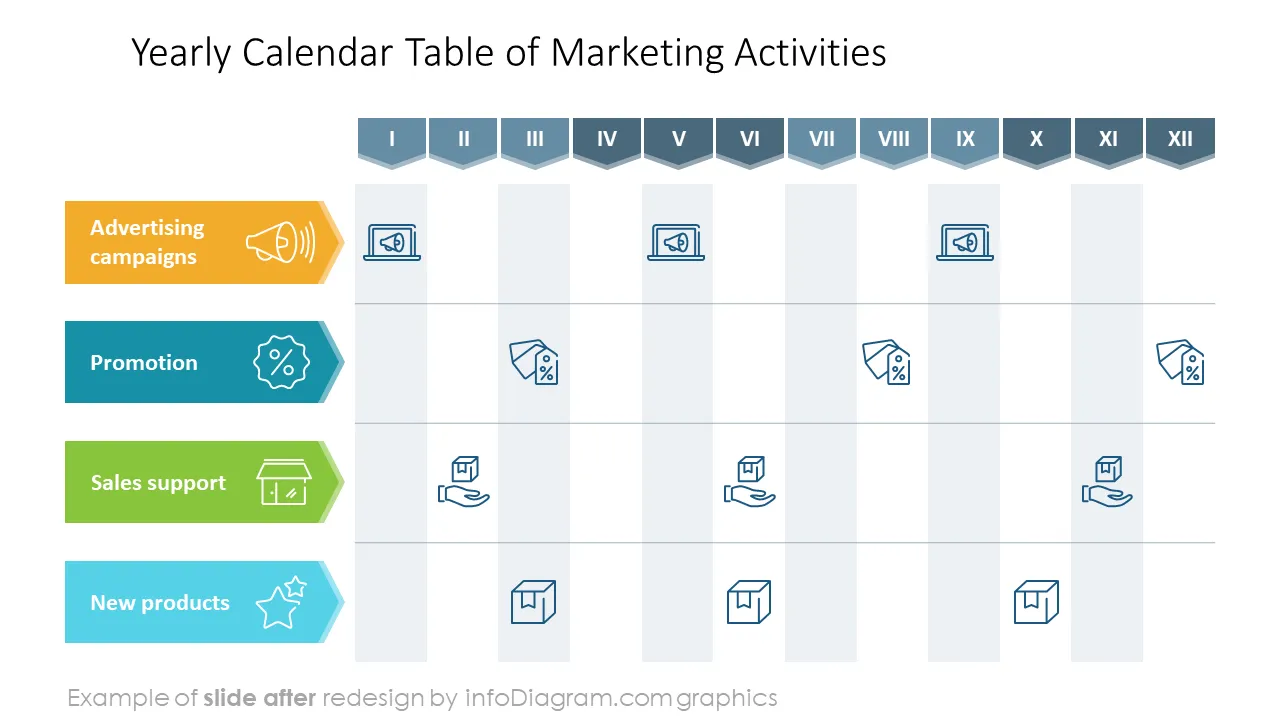
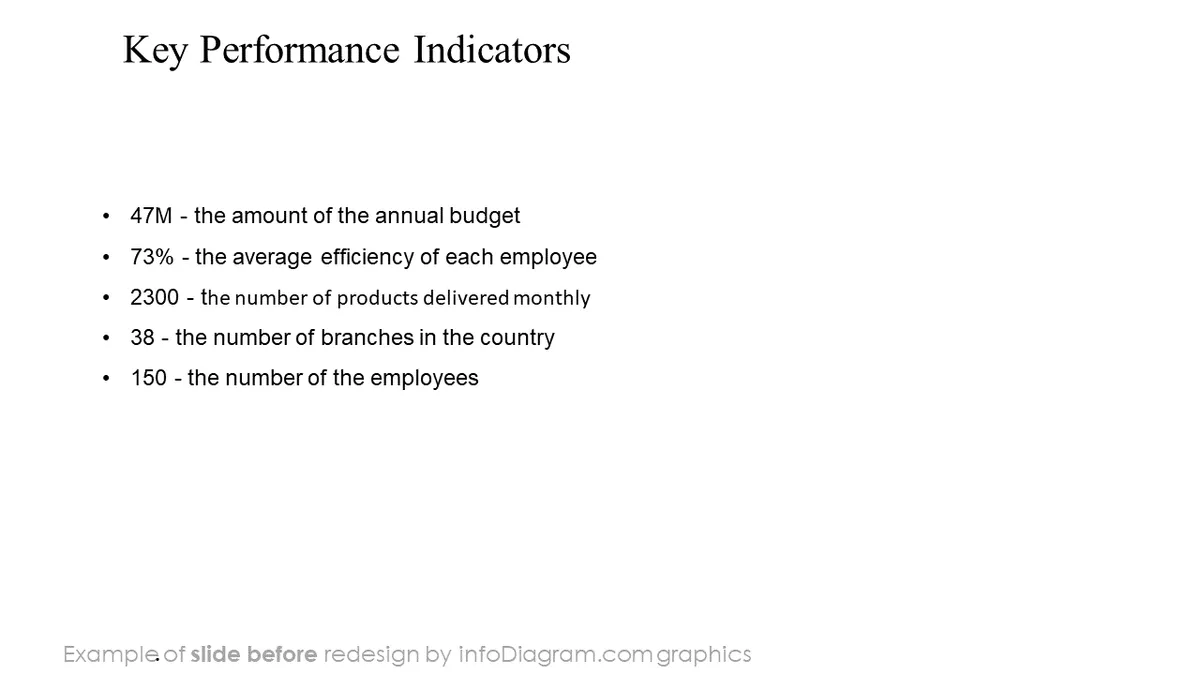
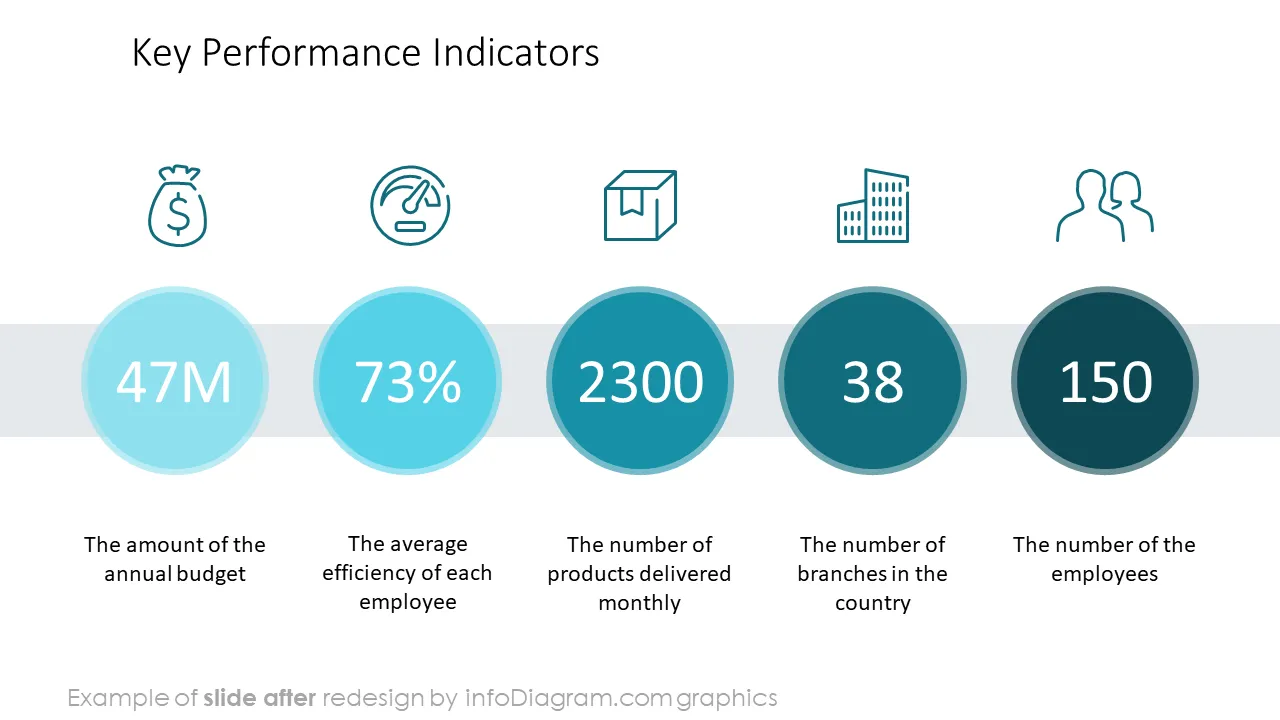
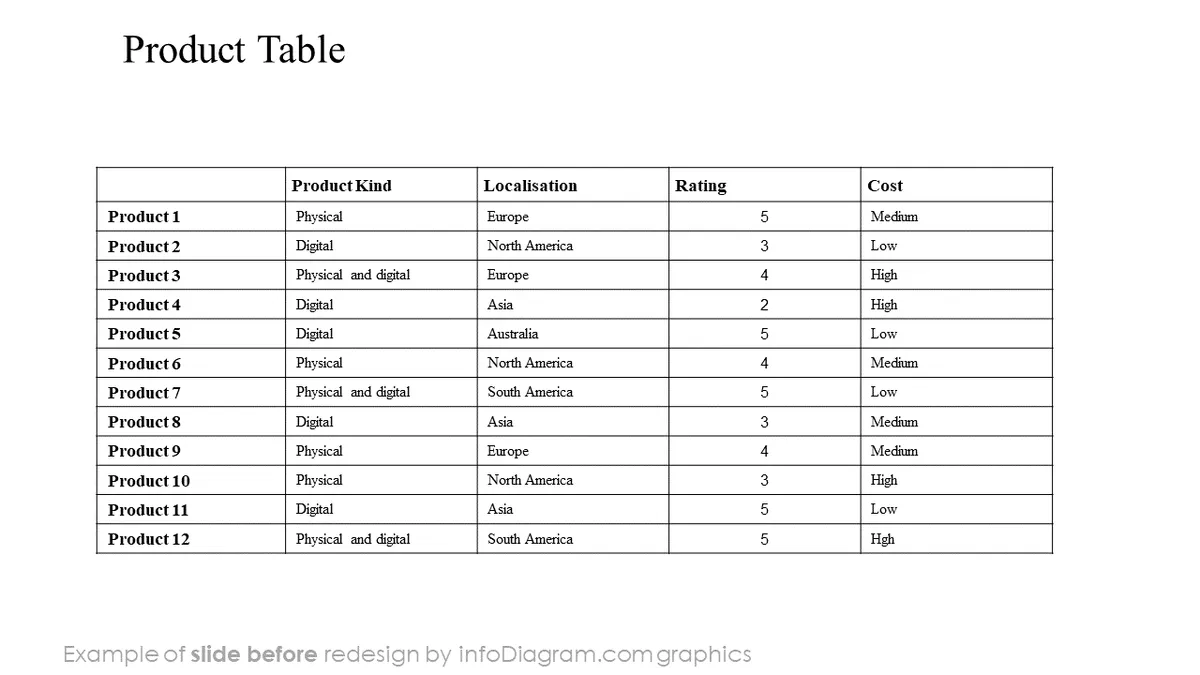
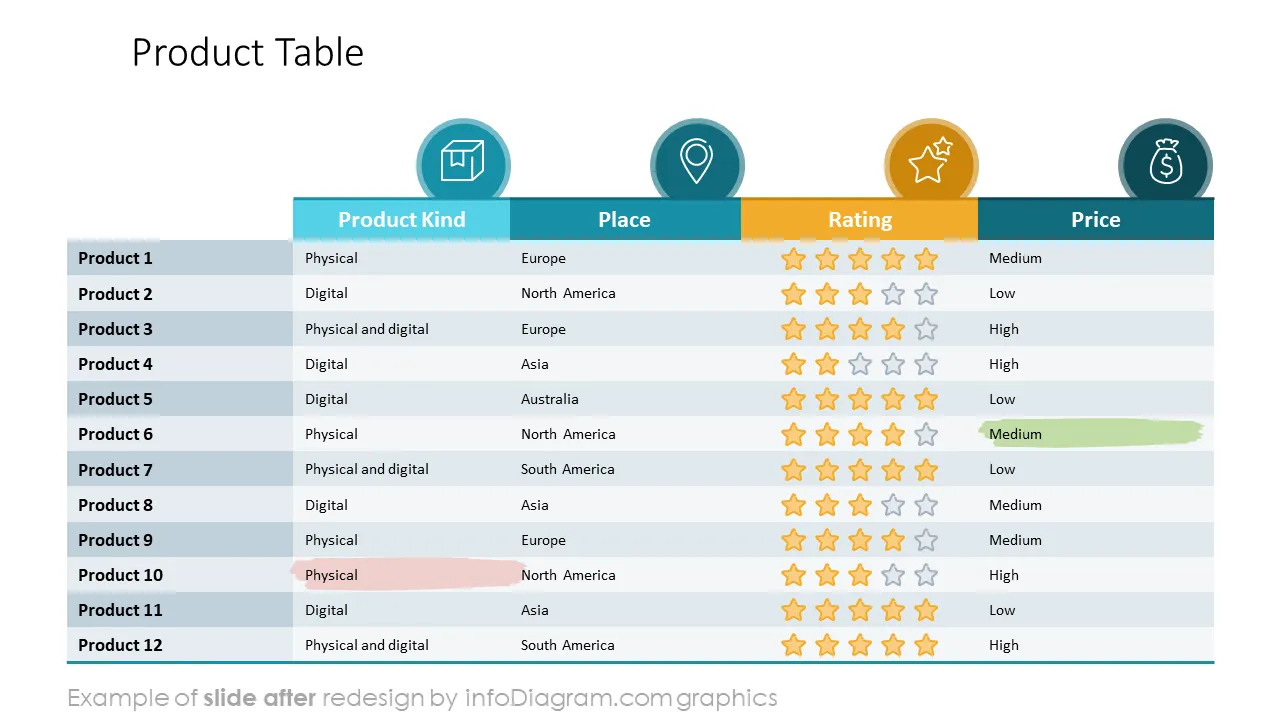
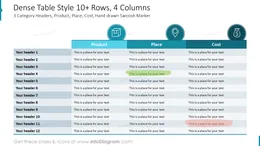
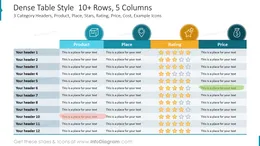
Do you want to beautify a table you have on a PowerPoint slide? Do you have a presentation about important business KPIs and data values? Consider using the following table designs and graphics for making tables more visually appealing. We have designed this set of PowerPoint table infographics and KPI placeholders to help you make your presentation look good.
This Business Presentation Tables deck contains slides with:
Tables in PowerPoint are special objects with their own editing features. This is the same object as tables in MS Word, they work the same way.
You can create a table from scratch using the PowerPoint top menu and insert a Table with the number of rows and columns you want. A table object is also created when you copy a table from Excel with default options (not as an embedded object).
Such a Table element has its special editing functions. You can see them when you select a table on a slide, then a new tab called Table Format will appear. There you can find Table Styles, Design options (e.g. turning on Header or Total row or column, setting banded rows background. When you select Table Styles, you will see several colorful designs of tables based on your palette. However, these Table styles are limited only to a certain number of combinations. You can’t expand or save the style with the current PowerPoint (as of 2022). Therefore to make more unique table designs, you need to use additional graphics.
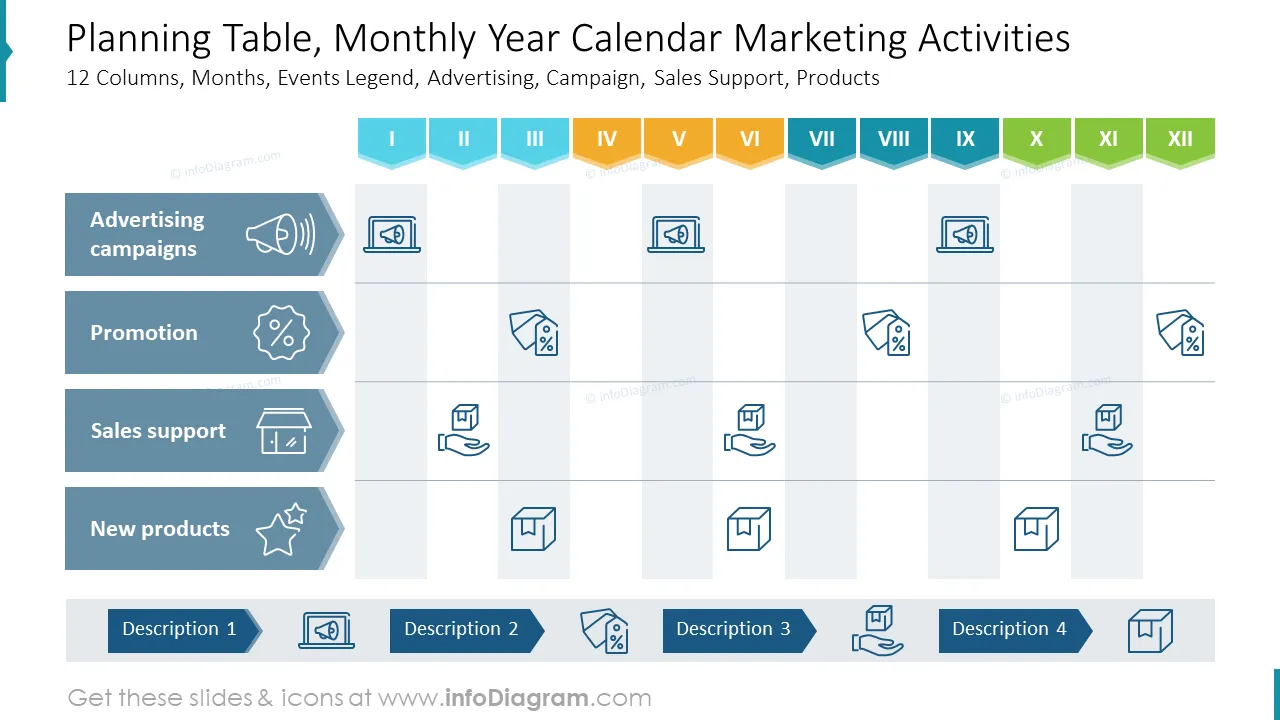
Those beautified tables can be used to present your tabular data in a more attractive way, This PowerPoint template contains predesigned tables for various business situations:
Try using those PowerPoint symbols to present your content visually in an elegant way.
All graphics are editable, so you can modify the colors and text. You can also extend further the collection by more PPT symbols (see Related Diagrams section).
Fully editable in PowerPoint set of vector shapes fully editable with built-in PowerPoint tools, including
Your graphics add a nice touch to my presentations and I recently used them for one of my all-hands meetings. Your toolbox adds professionalism to my slides. Instead of using standard clipart.
Claude Jones, Director of Engineer, @Walmartlabs, USA
I needed a fresh look at some of my slides. I've tried to find a way to create a paintbrush effect, to underline, accentuate, add some color and the handwritten markers were just the things. Very easy to use, easy to size, change the color. It was an affordable, perfect solution and I'm happy to recommend it.
Anonymous, US
The crisp, clean look of the graphics, and the fact that it allowed me to easily edit and change the colors to match the template was my main reason for purchasing them.
Brandie Jenkins, E-learning Developer, USA



You may also need