

Your graphics add a nice touch to my presentations and I recently used them for one of my all-hands meetings. Your toolbox adds professionalism to my slides. Instead of using standard clipart.
Claude Jones, Director of Engineer, @Walmartlabs, USA

Your graphics add a nice touch to my presentations and I recently used them for one of my all-hands meetings. Your toolbox adds professionalism to my slides. Instead of using standard clipart.
Claude Jones, Director of Engineer, @Walmartlabs, USA
I needed a fresh look at some of my slides. I've tried to find a way to create a paintbrush effect, to underline, accentuate, add some color and the handwritten markers were just the things. Very easy to use, easy to size, change the color. It was an affordable, perfect solution and I'm happy to recommend it.
Anonymous, US
The crisp, clean look of the graphics, and the fact that it allowed me to easily edit and change the colors to match the template was my main reason for purchasing them.
Brandie Jenkins, E-learning Developer, USA
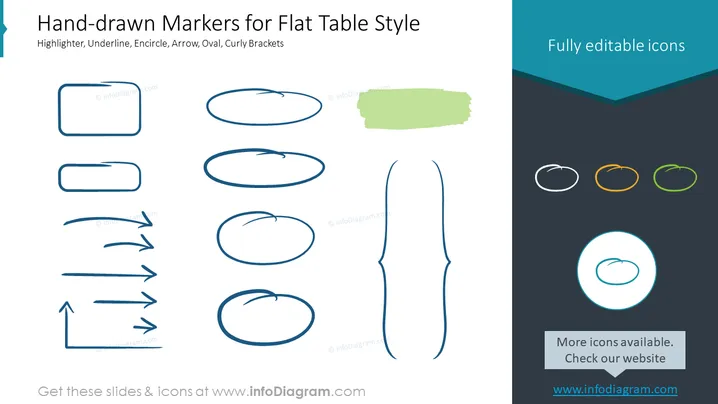
The slide presents a collection of hand-drawn marker styles for annotating or highlighting content in flat table styled presentations. These markers include a highlighter, underline, encirclement, arrows, an oval, and curly brackets, each providing a unique method for drawing attention to text or objects on a slide. The highlighter can mimic text being marked with a fluorescent pen, underlines can emphasize importance, encirclements can make content stand out, arrows can point to key information, ovals can surround concepts creatively, and curly brackets can group items or annotate.
The slide employs a minimalist and casual design that emphasizes the hand-drawn aesthetic. The color palette is limited to a few shades providing a clean and organized appearance.



