
Your graphics add a nice touch to my presentations and I recently used them for one of my all-hands meetings. Your toolbox adds professionalism to my slides. Instead of using standard clipart.
Claude Jones, Director of Engineer, @Walmartlabs, USA
Your graphics add a nice touch to my presentations and I recently used them for one of my all-hands meetings. Your toolbox adds professionalism to my slides. Instead of using standard clipart.
Claude Jones, Director of Engineer, @Walmartlabs, USA
I needed a fresh look at some of my slides. I've tried to find a way to create a paintbrush effect, to underline, accentuate, add some color and the handwritten markers were just the things. Very easy to use, easy to size, change the color. It was an affordable, perfect solution and I'm happy to recommend it.
Anonymous, US
The crisp, clean look of the graphics, and the fact that it allowed me to easily edit and change the colors to match the template was my main reason for purchasing them.
Brandie Jenkins, E-learning Developer, USA
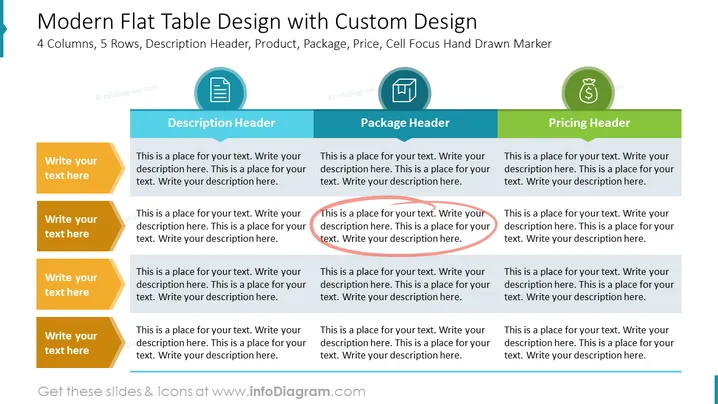
The slide titled "Modern Flat Table Design with Custom Design" appears to outline a matrix or table format with 4 columns, each designated for a specific aspect: Description, Package, and Pricing, with each header highlighted in a unique color. The "Description Header" likely suggests an area where detailed information about a product or feature can be elaborated. The "Package Header" implies a section to discuss different package options, while the "Pricing Header" clearly indicates a place to list prices. The fifth row, designated by "Cell Focus Hand Drawn Marker," suggests an emphasis or highlighting of key elements in the table—indicating that this area could be used to draw attention to important details or offers.
The slide has a clean, professional design with a clear hierarchy established through the use of color and shapes. It presents information in an organized manner, utilizing icons to visually support the textual content.




