

Your graphics add a nice touch to my presentations and I recently used them for one of my all-hands meetings. Your toolbox adds professionalism to my slides. Instead of using standard clipart.
Claude Jones, Director of Engineer, @Walmartlabs, USA

Before and after
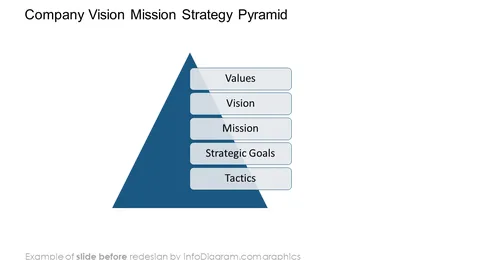
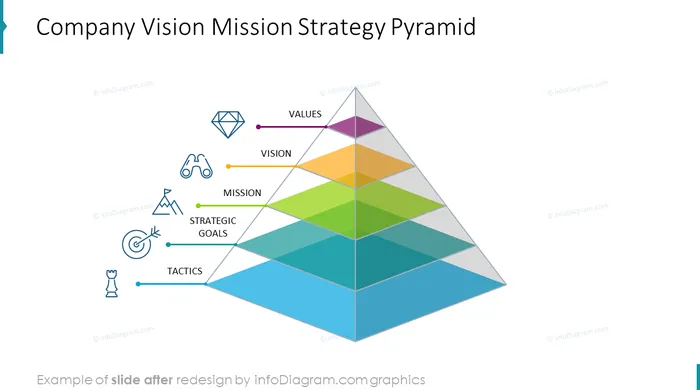
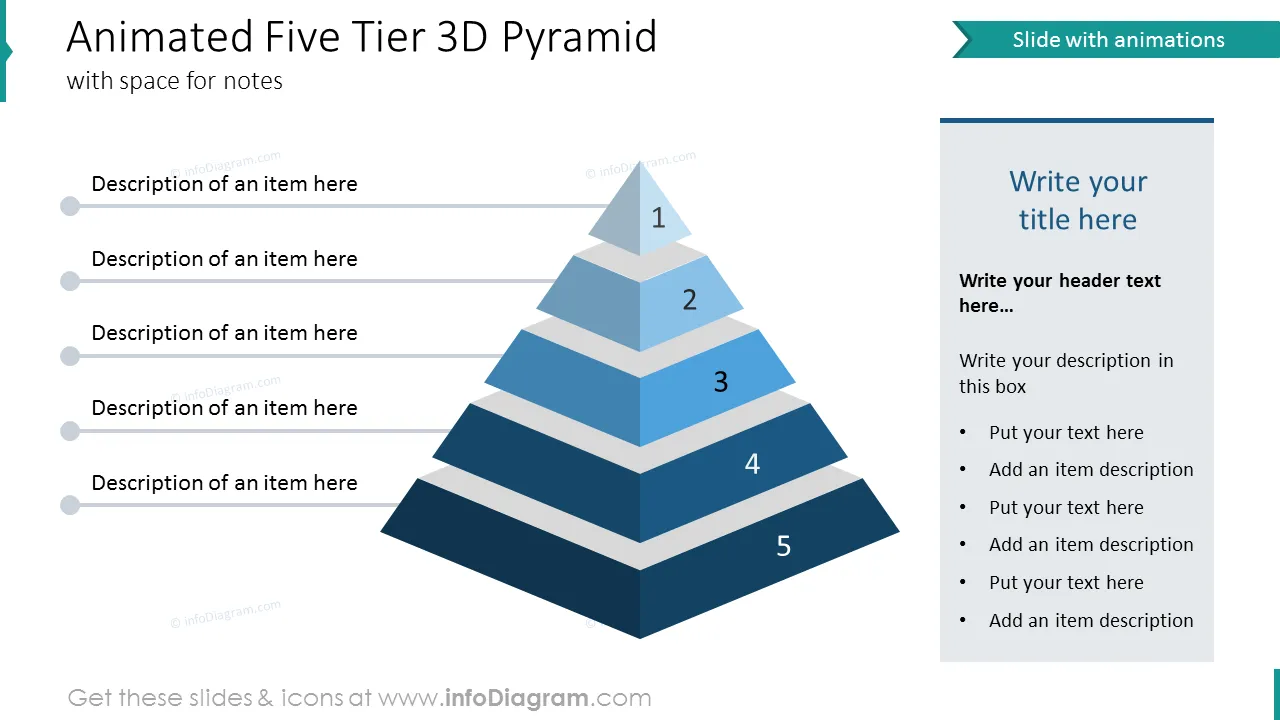
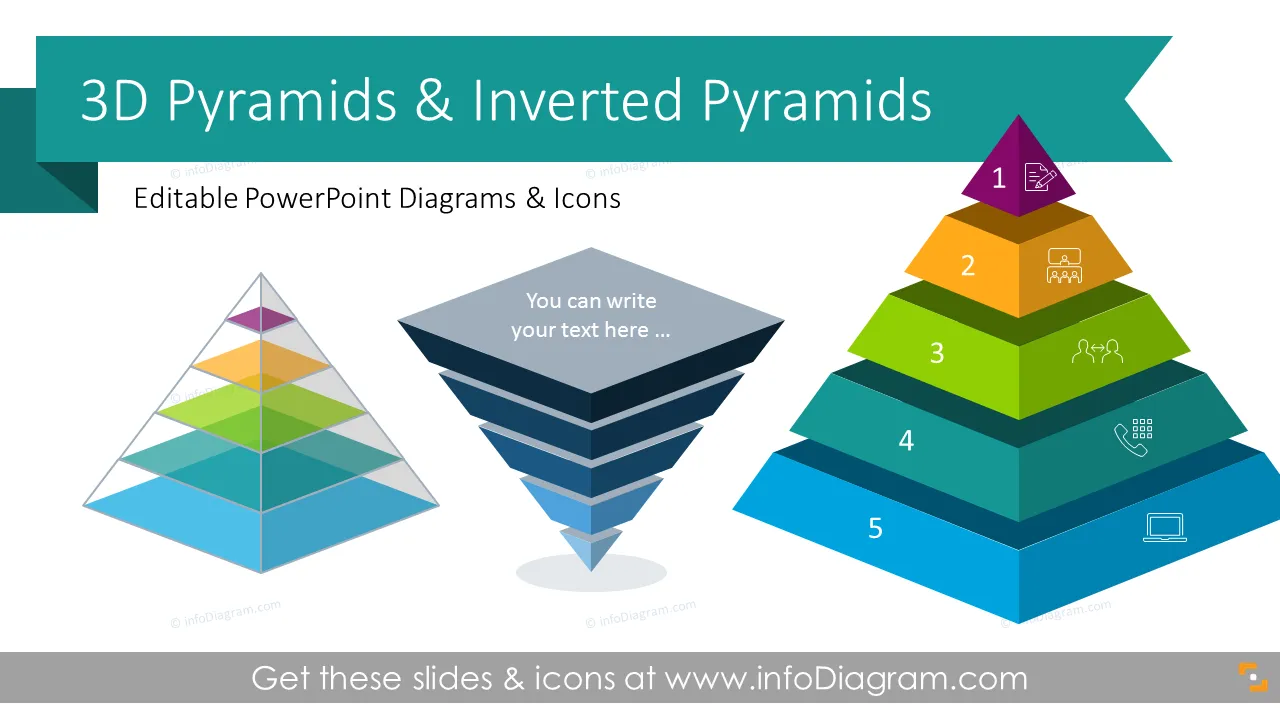
If you need to prepare a PowerPoint presentation with a different number of levels to show hierarchy among the topics, process steps, or any structure, show it in graphical form - a 3D pyramids slide can be a good visual metaphor. We've designed pyramid diagram templates for PowerPoint that you can use to illustrate hierarchies, quantity or size, and foundation-based relationships in an innovative and visual way to convey your message.
27 three-dimensional pyramid PowerPoint templates to present a different number of elements or layers. The slides are designed in a modern flat style. The template can be used to avoid the boring look of your slides and to impress your audience. There are 18 outline symbols that contain business concepts e.g. Meeting, Seminar, Training, Laptop, Marketing, Vision, Target, Ambition, Plan, Idea, Solution, Accomplishment, and Safety. You can find instructions on how to modify those slides and PowerPoint templates using standard PowerPoint editing tools. The format is fully editable vector shapes (modify colors of pyramid infographics and icons, resize without quality loss and maintain high quality).
These pyramid PowerPoint slides will help you to organize the information in a way that is pleasing to the eyes and easy to read and save you lots of time on the design.
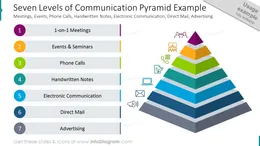
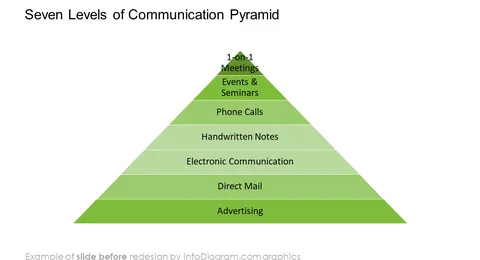
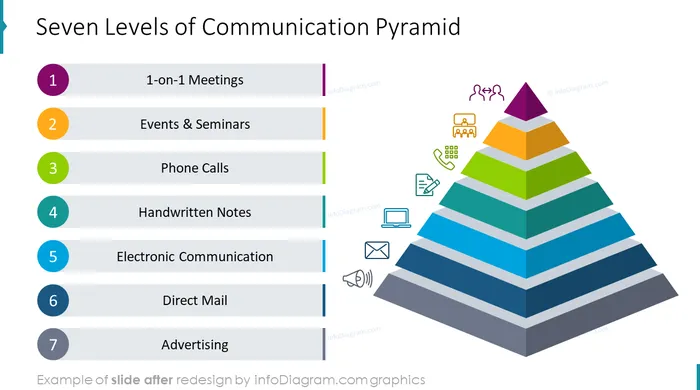
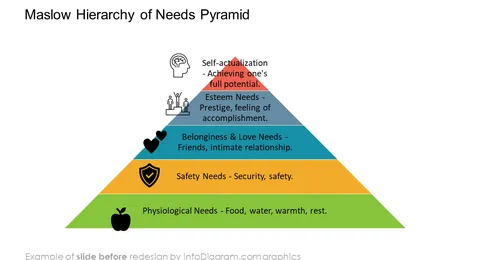
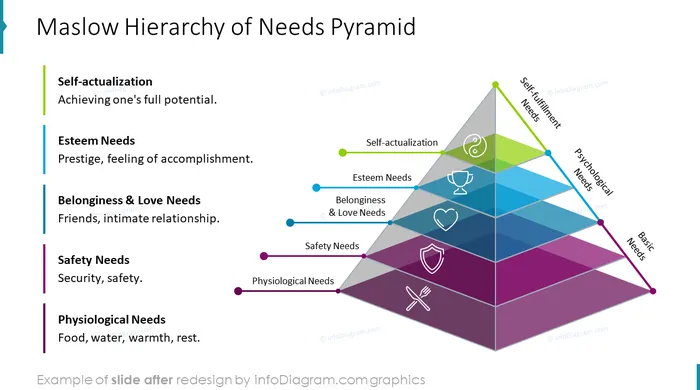
You can present any number of layers or tiers, using a pyramid diagram slide. We advise adding maximum 9 levels. You can visualize levels of communication, e.g. the following: Meetings, Events, Phone Calls, Handwritten Notes, Electronic Communication, Direct Mail, and Advertising. Using the slides presentations, you can design professional-looking stacked or flat pyramid charts. You can use the ppt design to illustrate Maslow's Hierarchy of needs. Using this ppt, you can visualize the company vision, mission, strategic goals, tactics, and values. You can show a company's hierarchical structure with elegant semi-transparent pyramid ppt diagrams.
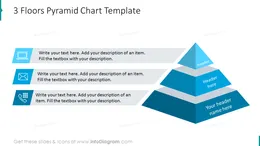
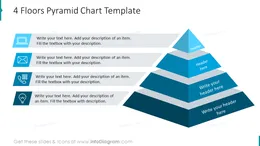
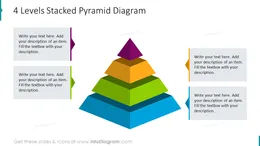
Animated five-tier three-dimensional editable pyramid with space for notes. Three and four floors pyramid chart. Seven levels of communication pyramid ppt template. Four, five, and six levels stacked pyramid diagram. Three, four, five, six seven, eight, and nine-level three-dimensional flat pyramid chart. Inverted pyramid template with four, six, and eight tiers. Do-it-yourself inverted pyramids five & nine tier pyramid. Maslow's hierarchy of needs pyramid structure. Company vision mission strategy pyramid powerpoint designs. Three-dimensional semi-transparent pyramid with three, five, and seven layers. Seven layers of three-dimensional stacked semi-transparent pyramids with space for notes. Do-it-yourself semi-transparent pyramids with layers shapes of nine layers & six layers pyramid. Double four-tier pyramid hourglass diagram with five and seven layers.
Try using those PowerPoint illustrations to present your content visually in an elegant way.
All graphics are editable, so you can customize and modify the colors and text. We also added a general icon collection at the end of the presentation deck. Optionally you can also extend the collection by more PPT symbols (see Related Diagrams section).
These pyramid templates are fully editable in PowerPoint. You can customize a set of vector shapes by using built-in PowerPoint tools, including changing the color of all shapes filling and their outline including icons, adding shadows, changing shape and size, rotating, flipping the object, putting shapes behind or on top of the text.
See editing demonstration in our HowTo Videos.
Your graphics add a nice touch to my presentations and I recently used them for one of my all-hands meetings. Your toolbox adds professionalism to my slides. Instead of using standard clipart.
Claude Jones, Director of Engineer, @Walmartlabs, USA
I needed a fresh look at some of my slides. I've tried to find a way to create a paintbrush effect, to underline, accentuate, add some color and the handwritten markers were just the things. Very easy to use, easy to size, change the color. It was an affordable, perfect solution and I'm happy to recommend it.
Anonymous, US
The crisp, clean look of the graphics, and the fact that it allowed me to easily edit and change the colors to match the template was my main reason for purchasing them.
Brandie Jenkins, E-learning Developer, USA



You may also need