
Reviews
Ihre Grafiken verleihen meinen Präsentationen eine nette Note, und ich habe sie kürzlich für eines meiner All-Hands-Meetings verwendet. Ihre Toolbox verleiht meinen Folien Professionalität, anstatt Standard-Clipart zu verwenden.
Ich brauchte einen neuen Blick auf einige meiner Folien. Ich habe versucht, einen Weg zu finden, einen Pinselschlag-Effekt zu erzielen, um zu unterstreichen, hervorzuheben, Farbe hinzuzufügen, und die handgeschriebenen Markierungen waren genau das Richtige. Sehr einfach zu bedienen, leicht in der Größe zu ändern, die Farbe zu ändern. Es war eine erschwingliche, perfekte Lösung und ich empfehle sie gerne weiter.
Die klare, saubere Optik der Grafiken und die Tatsache, dass ich die Farben leicht bearbeiten und an die Vorlage anpassen konnte, war mein Hauptgrund für den Kauf.
Description
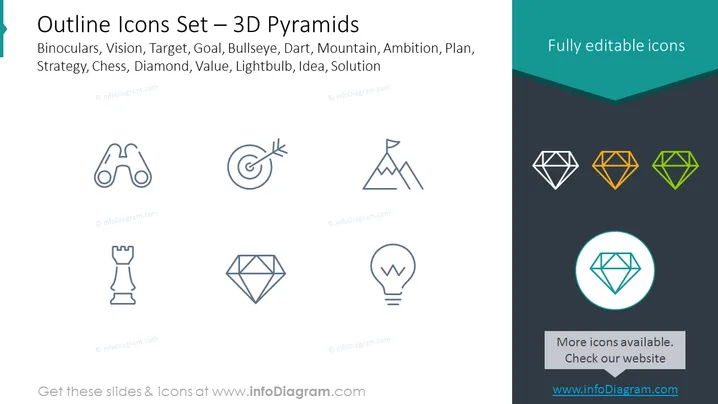
Outline Icons Set – 3D Pyramids
Slide Content
The slide presents an array of icons that symbolize strategic business concepts and tools for visual representation in presentations. Each icon represents a distinct idea: binoculars for vision or foresight, a target for goals or objectives, a bullseye for precision or focus, a dart for accuracy or direct action, a mountain for challenges or objectives to overcome, a chess piece for strategy or smart moves, a diamond for value or quality, a lightbulb for ideas or innovation, reflecting the components often involved in business planning and problem-solving.
Graphical Look
- The slide background is divided diagonally into two color sections: a light gray on the top right and a darker gray on the bottom left.
- A turquoise-colored strip runs across the top of the slide.
- Nine outlined icons are aligned in a 3x3 grid layout in the gray area.
- Each icon is an outlined graphic depicting, from top left to bottom right: binoculars, a target with an arrow, a mountain with a flag, a bullseye, a dart, a chess rook, a diamond shape, a lightbulb with a filament in the shape of a "W," and a larger, highlighted diamond icon encircled in turquoise.
- The larger diamond icon is emphasized with a turquoise circle and a drop shadow.
- Icons are rendered in a simple, single-line style, and the three diamonds in the bottom row have a slight color gradient fill of white, orange, and green respectively.
The overall slide has a modern and minimalist design with a clear and structured layout that emphasizes the set of icons provided. The use of contrasting colors and the centered, symmetrical arrangement of icons makes the slide visually appealing and easy to interpret.
Use Cases
- To illustrate business strategies and concepts during corporate presentations or workshops.
- As visual aids in marketing materials to explain service offerings or product features.
- In educational settings to support lessons on business management, strategic planning, or problem-solving methodologies.
- As a visual supplement in reports or documentation to represent different aspects of project management or organizational objectives.
How to Edit
How to edit text & colors

How to expand / shorten diagram

How to Replace Icons in infoDiagram PPT


