

Your graphics add a nice touch to my presentations and I recently used them for one of my all-hands meetings. Your toolbox adds professionalism to my slides. Instead of using standard clipart.
Claude Jones, Director of Engineer, @Walmartlabs, USA

Your graphics add a nice touch to my presentations and I recently used them for one of my all-hands meetings. Your toolbox adds professionalism to my slides. Instead of using standard clipart.
Claude Jones, Director of Engineer, @Walmartlabs, USA
I needed a fresh look at some of my slides. I've tried to find a way to create a paintbrush effect, to underline, accentuate, add some color and the handwritten markers were just the things. Very easy to use, easy to size, change the color. It was an affordable, perfect solution and I'm happy to recommend it.
Anonymous, US
The crisp, clean look of the graphics, and the fact that it allowed me to easily edit and change the colors to match the template was my main reason for purchasing them.
Brandie Jenkins, E-learning Developer, USA
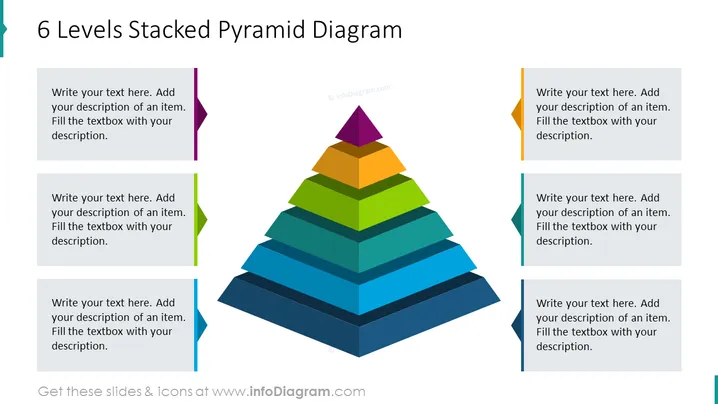
The slide presents a 6 Levels Stacked Pyramid Diagram used to illustrate a hierarchy or progression of concepts. Each level of the pyramid, represented by a uniquely colored gradient block, is associated with a text box for adding descriptions. The top level is the smallest and colored purple, signifying the peak or ultimate goal, while the bottom level is the largest, in dark blue, indicating the foundation or starting point. Each subsequent level represents a step or a layer in the structure, from the broad base to the specific pinnacle.
The slide is visually balanced with the pyramid in the center and text boxes on both sides. The color gradients and matching ribbons create a visually cohesive and attractive design.



