Do you need to prepare performance review forms for your employees to be used during your 1:1 quarterly, half-year or annual appraisal meetings? Use our pre-design employee assessment deck that allows you to conduct talks with your team in an impactful, attractive and appealing way.
This HR Employee Performance Review Presentation Template contains slides with the following:
- 31 charts, tables, and diagrams illustrating various issues related to the organizational change
- 71 icons illustrating human resources topics: Rating, Dialogue, Planning, Tactics, Excellence, and People
- Instruction on modifying those diagrams using standard PowerPoint editing tools.
This PowerPoint slide deck is designed in an elegant, flat style with colorful vector illustrations and outline icons. All graphic shapes can be recolored and resized without quality loss.
Authors of this HR Employee Performance Review Presentation Template
What is an Employee´s Performance Review?
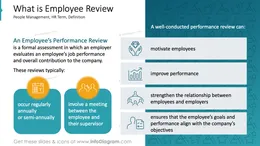
An Employee’s Performance Review is a formal assessment where an employer evaluates an employee’s job performance and overall contribution to the company. These reviews typically occur on a regular basis, such as annually or semi-annually, and involve a meeting between the employee and their supervisor.
Why use a visual presentation for an Employee performance review meeting?
A well-conducted performance review can motivate employees, improve performance, and strengthen the relationship between employees and employers. It also ensures that the employee’s goals and performance align with the company’s objectives.
Make your appraisal forms easy to understand by using visual aids, graphs and infographic elements. Tailor them to your needs to upgrade your assessment talks. We include detailed instructions on how to alter the content, values, colors and look and feel of the charts applied.
Where can you use Employee´s Performance Review?
Using infographics and chart graphs in your HR feedback presentations will help you organize information and present your ideas in an eye-catching and attractive format.
- Create a comprehensive employee scorecard that summarizes overall performance, goal achievement, and progress on areas of improvement.
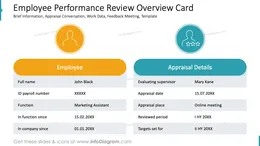
- Design an employee assessment form with a clear performance rating system, including detailed descriptions of each scoring criterion.
- Highlight the employee’s strengths and areas for development by using an engaging SWOT template for a visually appealing analysis.
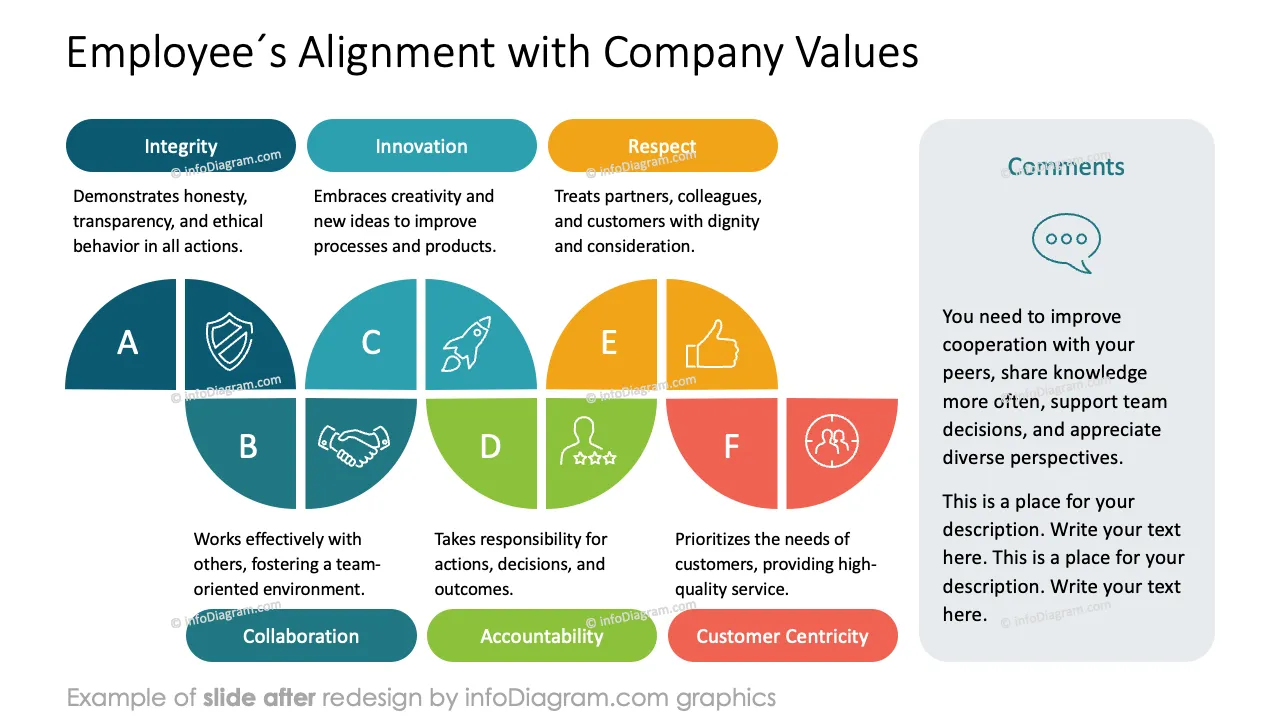
- Visualize the company's core values and evaluate the employee’s alignment with them, ensuring a clear connection between their performance and organizational culture.
- Present the employee’s key achievements for the review period using a dynamic and visually compelling quadrant matrix format.
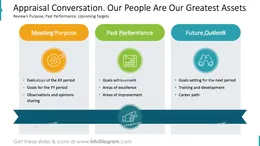
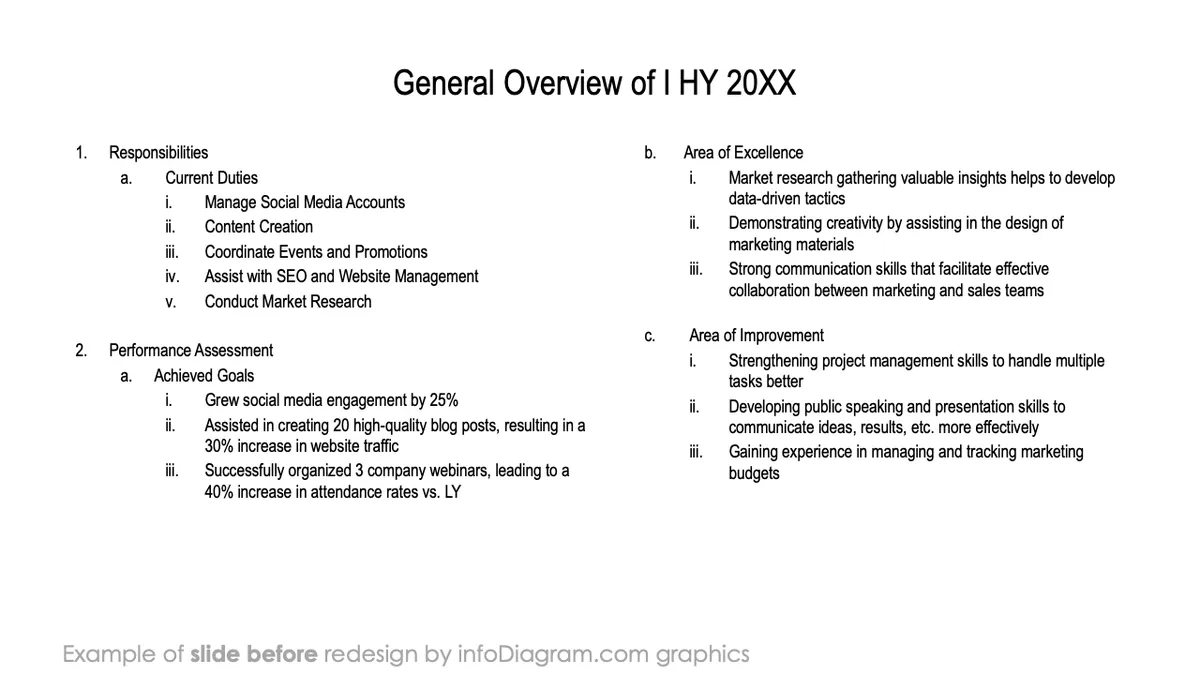
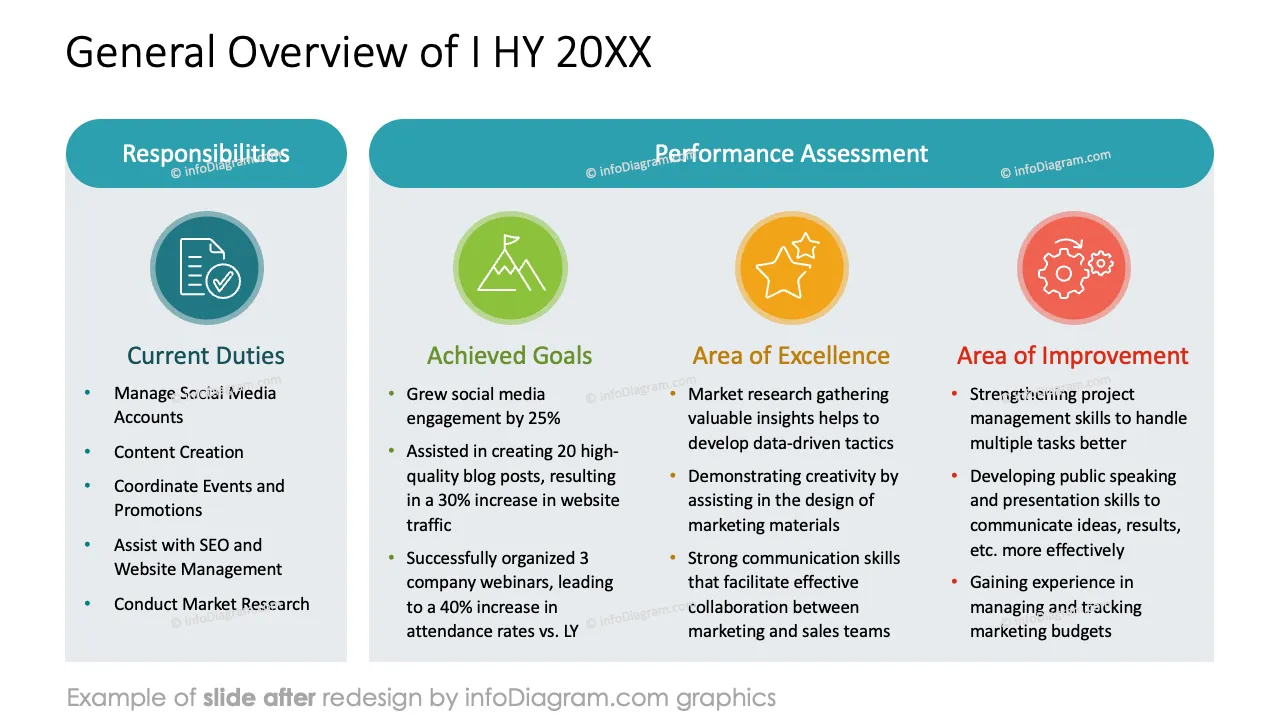
- Detail the employee’s current responsibilities, clearly summarising their achieved goals, areas of excellence, and opportunities for improvement.
- Evaluate individual and team targets using Harvey balls, face indicators, and comment boxes for a comprehensive and engaging assessment.
- Design an OKR follow-up template that tracks employee progress and goal fulfilment and includes a section for comments, making monitoring measurable objectives and outcomes easy.
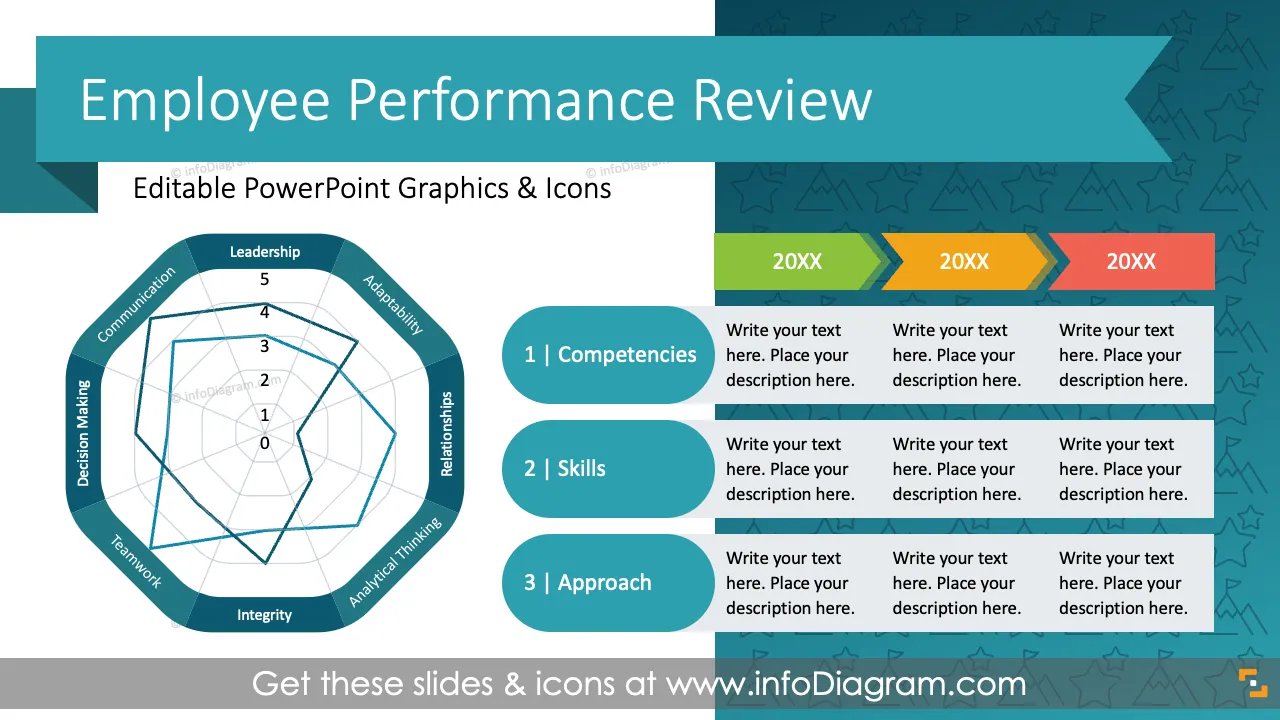
- Assess the employee’s competencies by highlighting gaps between the required and actual performance levels using a radar chart, allowing for a clear visual representation of strengths and areas for development.
- Present 360-degree feedback through engaging radar or column charts, complemented by a pre-designed comment box for additional insights and observations.
- Outline the employee’s contributions to the company’s strategic initiatives, detailing the tactics, actions, deadlines, and expected deliverables that align with organizational goals.
- Identify six key targets for the upcoming period, highlighting potential roadblocks and strategies to overcome them for successful execution.
- Showcase the company’s support to employees, outlining the resources and assistance offered to effectively help them achieve their targets.
- List the employee’s key development areas and design a comprehensive learning and development plan in a visually appealing timeline format.
- Illustrate a five-year roadmap for the employee’s personal growth, segmented into key areas such as skills, competencies, mindset, and behavior.
- Present the employee’s career path, highlighting six distinct phases of professional growth, each representing key milestones in their progression and development.
- Design a takeaway template featuring a conclusion list of four key items with visually engaging infographic elements.
Try using those PowerPoint graphics to present your data visually in an elegant way.
All graphics are editable to modify the size, colors, and text. Also, you can extend the collection further with more PPT symbols (see Related Diagrams section).
Try using thisset of fully editable PowerPoint vector shapes to present your data visually in an elegant way. You can easily modify all elements:
- Replace icons
- Change the filling and outline color
- Modify size and proportions
- Rotate, flip, align, and change order
Slides included in this PowerPoint Presentation: