

Your graphics add a nice touch to my presentations and I recently used them for one of my all-hands meetings. Your toolbox adds professionalism to my slides. Instead of using standard clipart.
Claude Jones, Director of Engineer, @Walmartlabs, USA

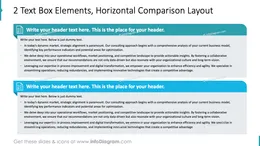
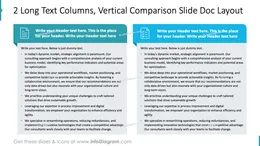
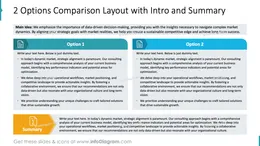
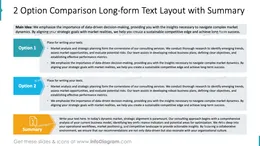
Before and after
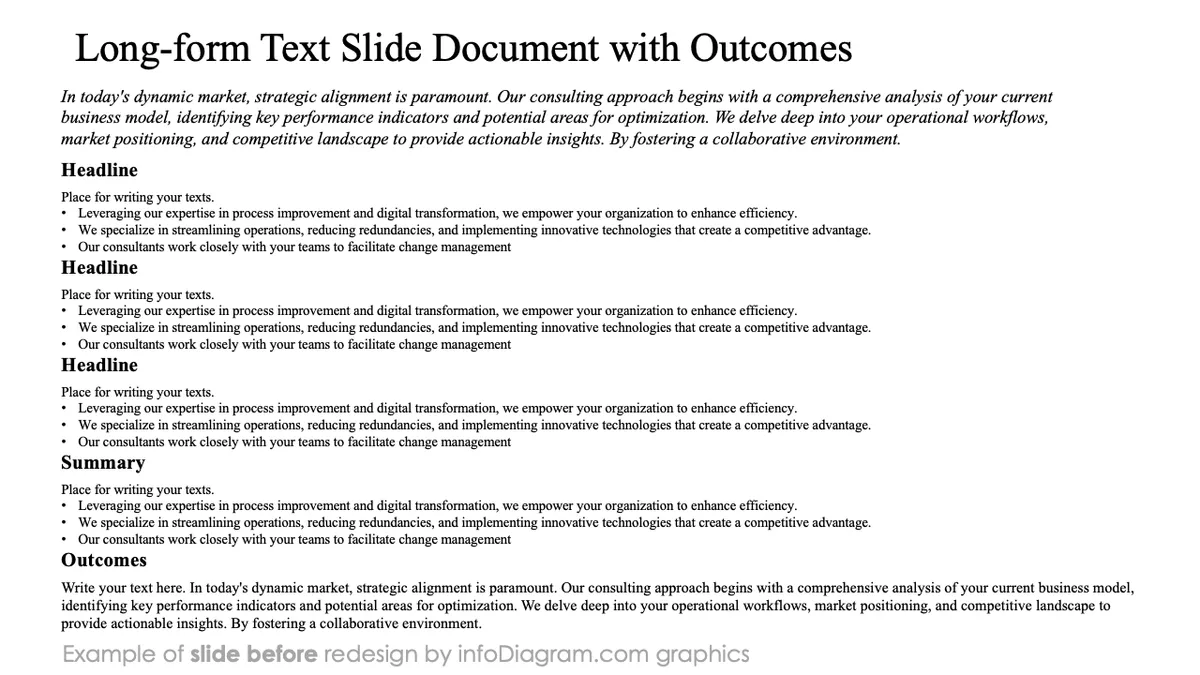
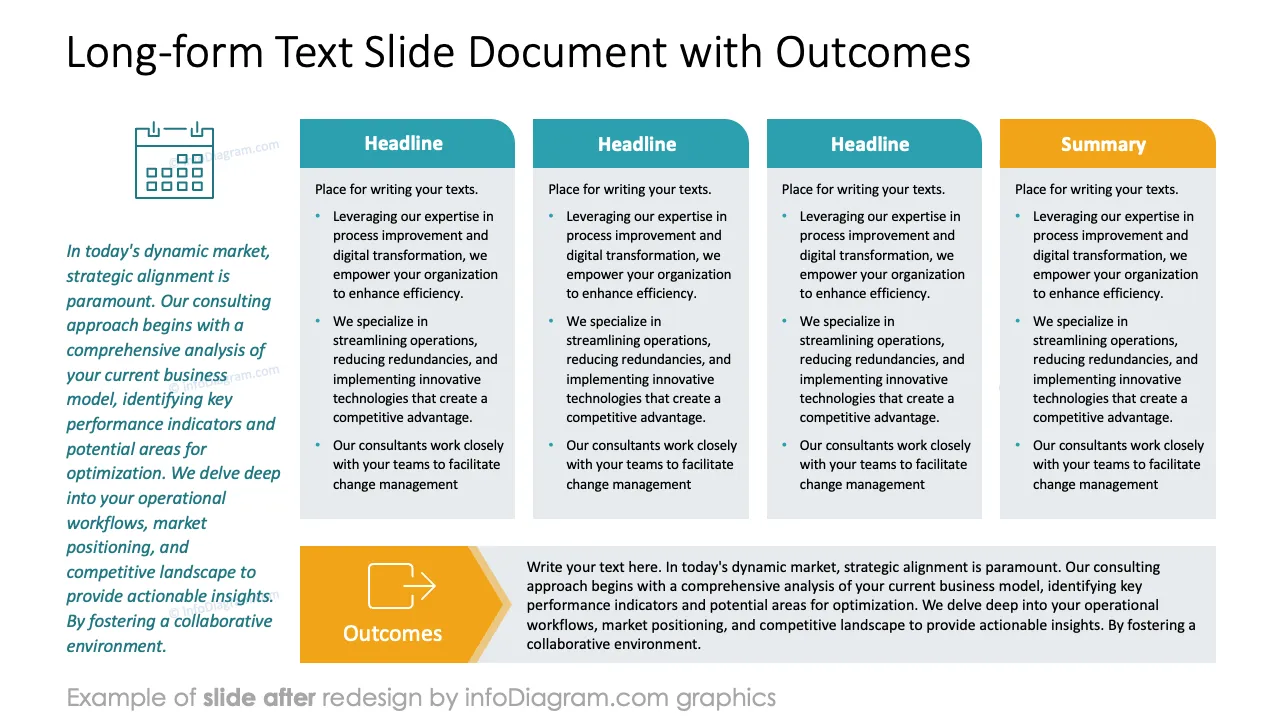
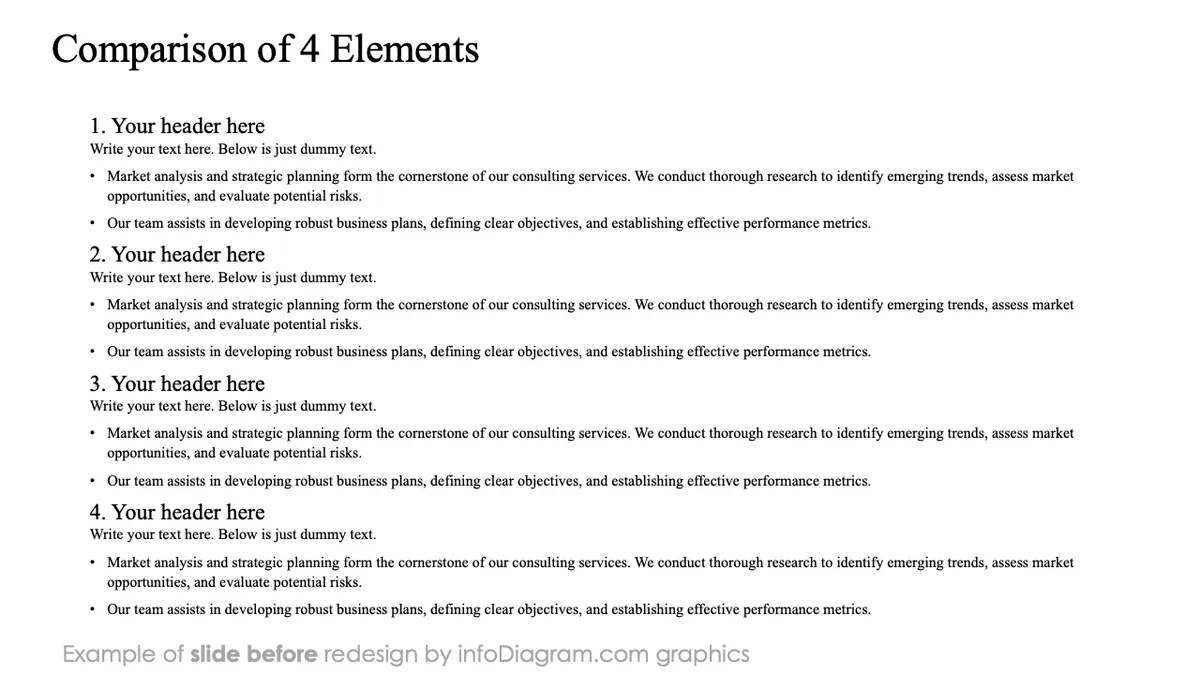
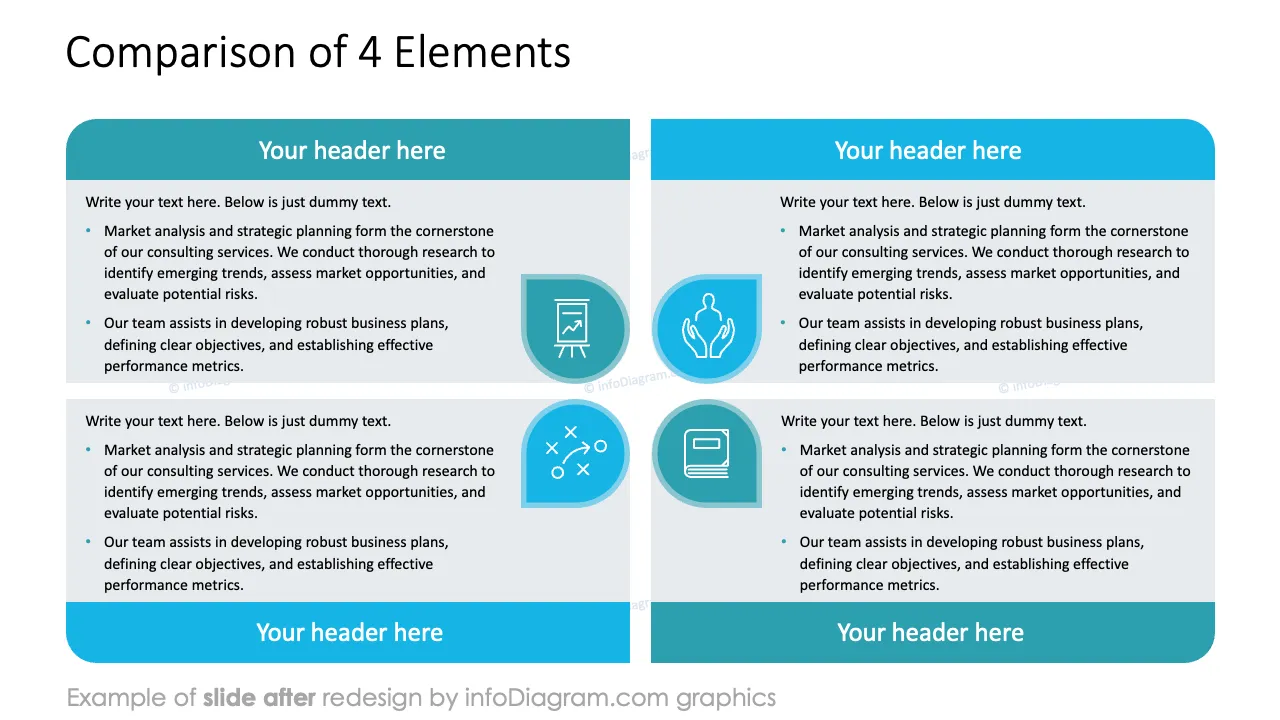
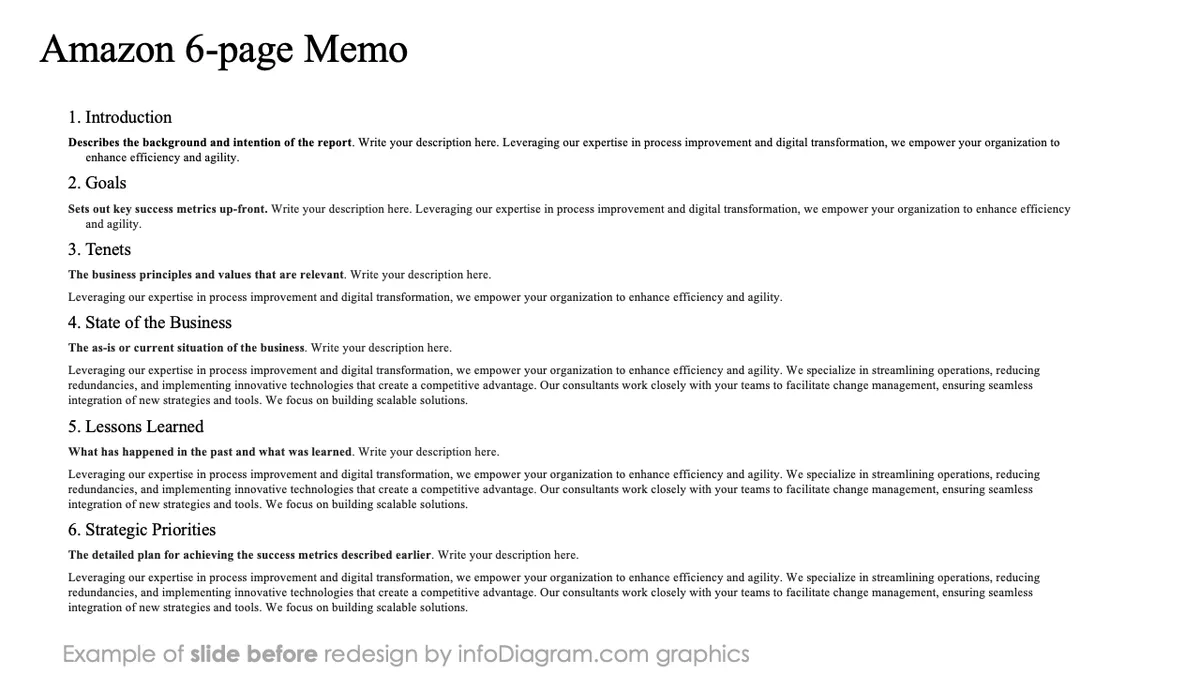
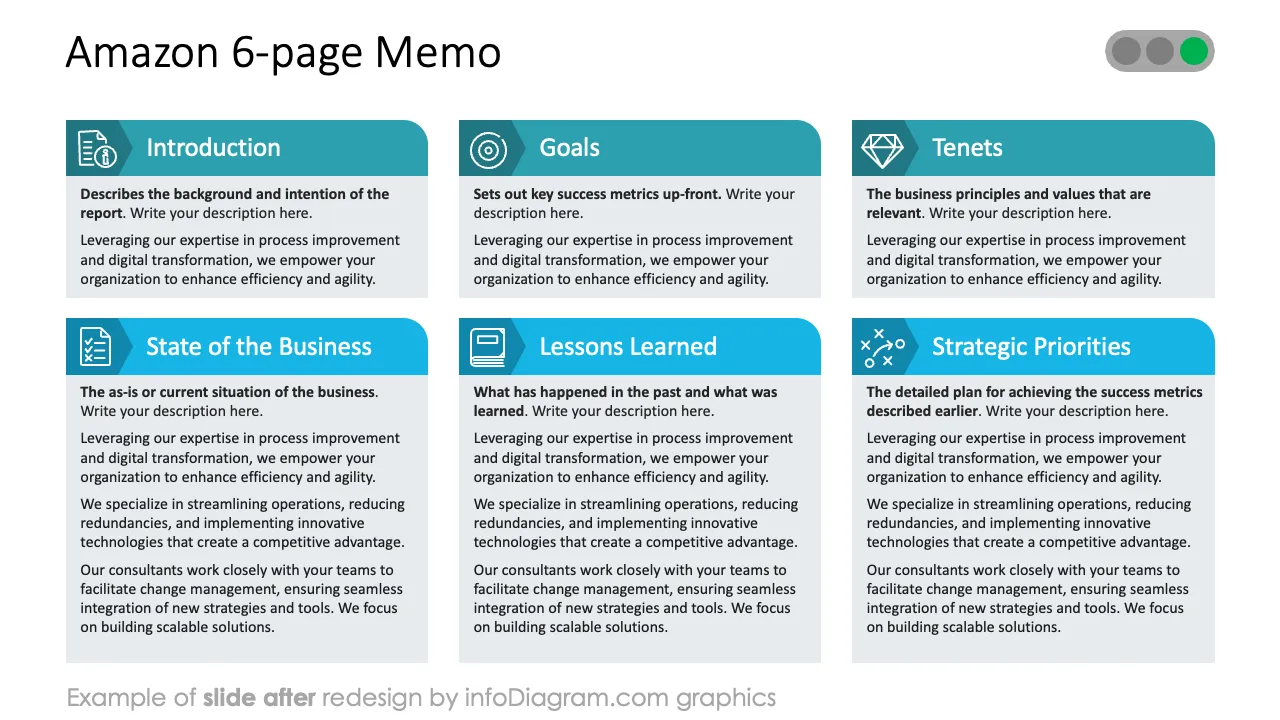
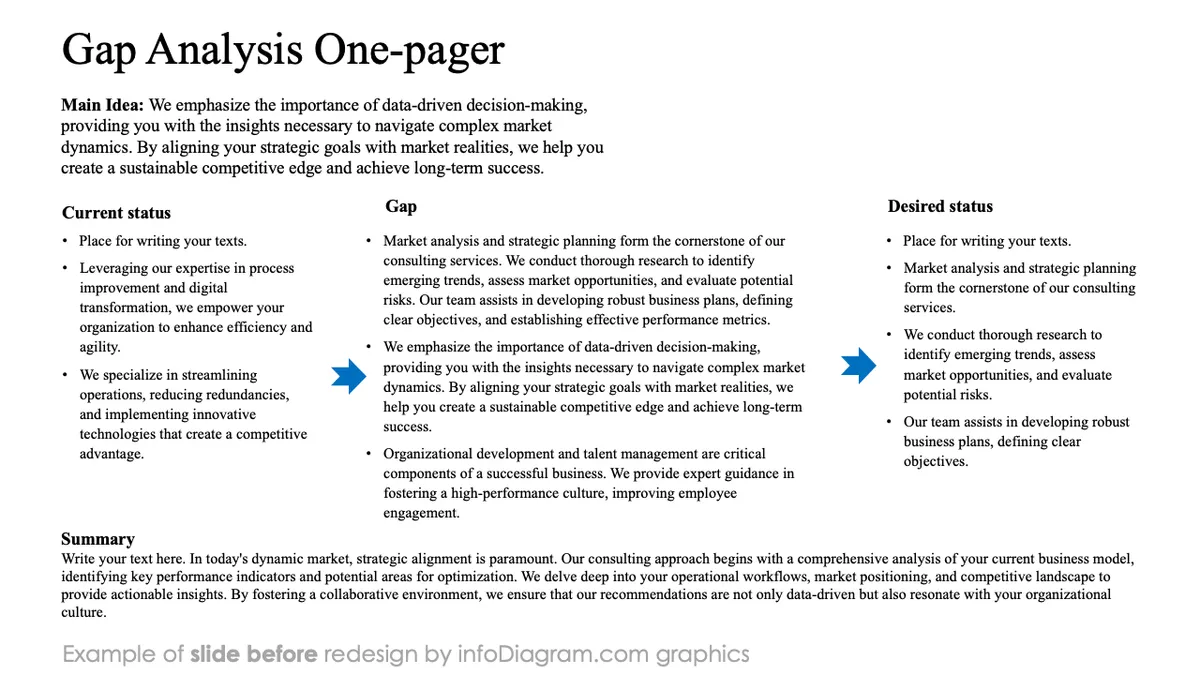
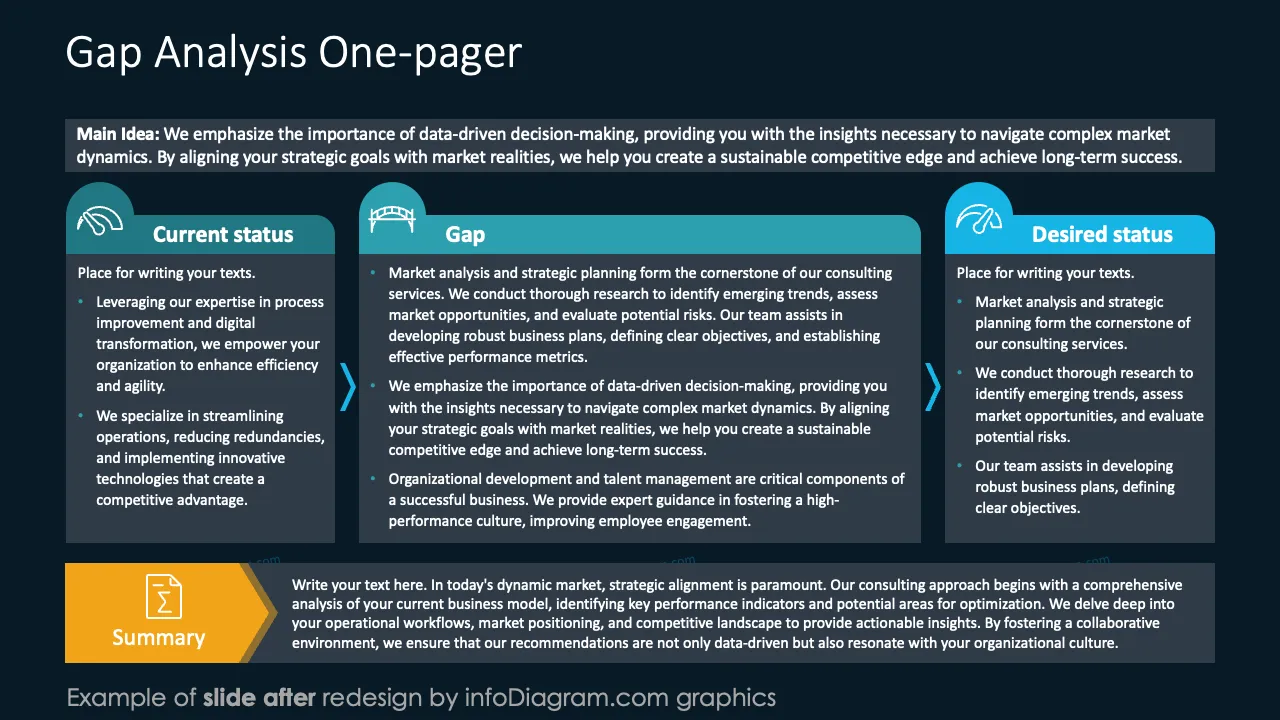
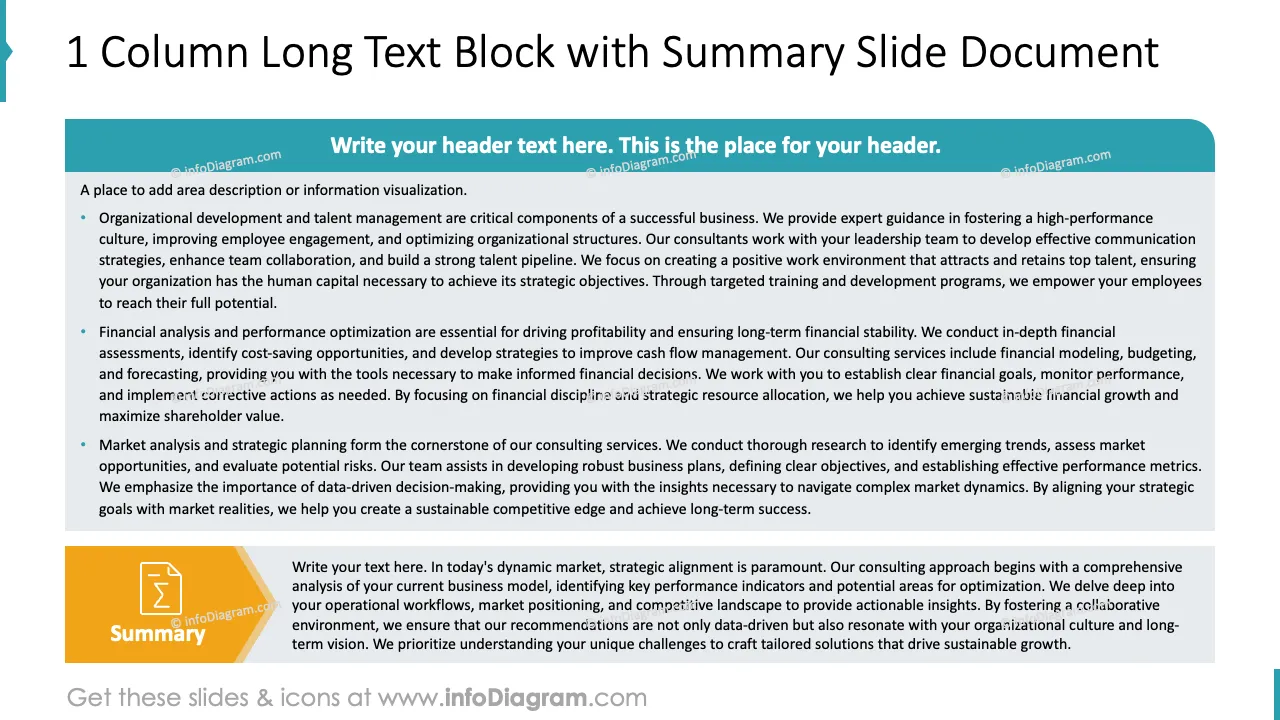
Need to create a slide document with dense text content present? Even with text-heavy content, you can present it in an organized way to make it look more attractive than a plain text Word document.
We have designed a slide doc PowerPoint template with layouts to present blocks of text in a more readable way.
This PowerPoint slide deck is designed in an elegant, flat style with colorful vector illustrations and outline icons. All graphic shapes can be recolored and resized without quality loss.
A text-heavy PowerPoint presentation by definition contains a lots of text blocks that has to stay as full text on the slide. This limits the use of visuals to illustrate presented information. Long text form is problematic because the audience can struggle to process both spoken content and text at the same time. It is also easy to get lost when reading long paragraphs.
You can improve the perception of such slidedoc type of presentations by organizing text blocks in various layouts, by using separate headers, visual summary placeholders and aligned organization of slide elements.
Using a structured content PowerPoint template helps present dense, text-heavy information in a clear, scannable way. This makes it easier for busy decision-makers to absorb key messages quickly.
Visual hierarchy and layout guide the reader’s eye, improving comprehension without sacrificing depth. It also ensures your slide documents look professional, consistent, and polished, even when packed with detailed content.
Such a structured, text-heavy PowerPoint template can be used for :
Use those PowerPoint graphics to present your text content visually in an elegant way.
All graphics are editable to modify the size, colors, and text. Also, you can extend the collection further with more PPT symbols (see Related Diagrams section).
Try using this set of fully editable PowerPoint vector shapes to present your data visually in an elegant way. You can easily modify all elements:
Your graphics add a nice touch to my presentations and I recently used them for one of my all-hands meetings. Your toolbox adds professionalism to my slides. Instead of using standard clipart.
Claude Jones, Director of Engineer, @Walmartlabs, USA
I needed a fresh look at some of my slides. I've tried to find a way to create a paintbrush effect, to underline, accentuate, add some color and the handwritten markers were just the things. Very easy to use, easy to size, change the color. It was an affordable, perfect solution and I'm happy to recommend it.
Anonymous, US
The crisp, clean look of the graphics, and the fact that it allowed me to easily edit and change the colors to match the template was my main reason for purchasing them.
Brandie Jenkins, E-learning Developer, USA



You may also need