

Your graphics add a nice touch to my presentations and I recently used them for one of my all-hands meetings. Your toolbox adds professionalism to my slides. Instead of using standard clipart.
Claude Jones, Director of Engineer, @Walmartlabs, USA

Your graphics add a nice touch to my presentations and I recently used them for one of my all-hands meetings. Your toolbox adds professionalism to my slides. Instead of using standard clipart.
Claude Jones, Director of Engineer, @Walmartlabs, USA
I needed a fresh look at some of my slides. I've tried to find a way to create a paintbrush effect, to underline, accentuate, add some color and the handwritten markers were just the things. Very easy to use, easy to size, change the color. It was an affordable, perfect solution and I'm happy to recommend it.
Anonymous, US
The crisp, clean look of the graphics, and the fact that it allowed me to easily edit and change the colors to match the template was my main reason for purchasing them.
Brandie Jenkins, E-learning Developer, USA
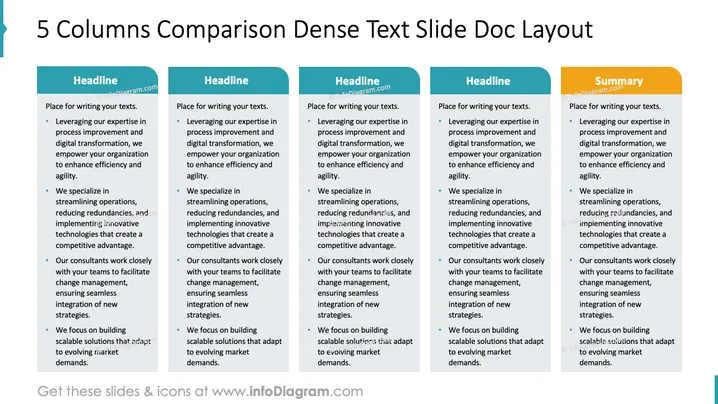
This slide outlines a structured five-column comparison for presenting dense textual information. Each column emphasizes leveraging expertise in process improvement and digital transformation to enhance organizational efficiency and agility. It highlights streamlining operations to reduce redundancies and adopt innovative technologies for competitive advantage. Consultants are engaged closely to facilitate change management and ensure seamless strategy integration. The focus consistently is on building scalable solutions adaptable to evolving market demands.
Overall, the slide communicates dense information clearly through a structured, visually organized format. The uniform layout facilitates quick comparisons and enhances readability.



