

Your graphics add a nice touch to my presentations and I recently used them for one of my all-hands meetings. Your toolbox adds professionalism to my slides. Instead of using standard clipart.
Claude Jones, Director of Engineer, @Walmartlabs, USA

Your graphics add a nice touch to my presentations and I recently used them for one of my all-hands meetings. Your toolbox adds professionalism to my slides. Instead of using standard clipart.
Claude Jones, Director of Engineer, @Walmartlabs, USA
I needed a fresh look at some of my slides. I've tried to find a way to create a paintbrush effect, to underline, accentuate, add some color and the handwritten markers were just the things. Very easy to use, easy to size, change the color. It was an affordable, perfect solution and I'm happy to recommend it.
Anonymous, US
The crisp, clean look of the graphics, and the fact that it allowed me to easily edit and change the colors to match the template was my main reason for purchasing them.
Brandie Jenkins, E-learning Developer, USA
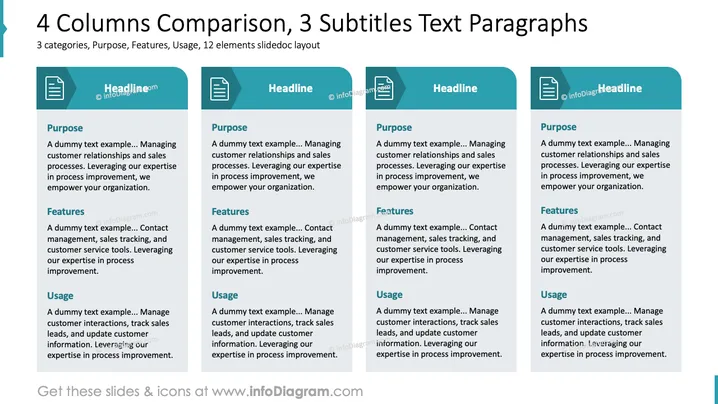
The slide presents a four-column layout with identical content under three subtitles: Purpose, Features, and Usage. Each column provides an overview of managing customer relationships and sales processes, emphasizing leveraging expertise in process improvement for organizational empowerment. Features include contact management, sales tracking, and customer service tools. Usage examples highlight managing customer interactions, tracking sales leads, and updating customer information.
The slide’s clean design with consistent icons and the color scheme facilitates easy comparison. The use of teal and white creates a professional, organized appearance.



