
Reviews
Sus gráficos añaden un toque agradable a mis presentaciones y recientemente los usé para una de mis reuniones generales. Su conjunto de herramientas añade profesionalismo a mis diapositivas. En lugar de usar imágenes prediseñadas estándar.
Necesitaba un aspecto fresco para algunas de mis diapositivas. Había intentado encontrar una forma de crear un efecto de pincel, de subrayar, acentuar, añadir algo de color y los marcadores escritos a mano fueron justo lo que necesitaba. Muy fácil de usar, fácil de ajustar el tamaño, cambiar el color. Fue una solución asequible y perfecta, y estoy feliz de recomendarla.
El aspecto nítido y limpio de los gráficos, y el hecho de que me permitiera editar y cambiar fácilmente los colores para que coincidieran con la plantilla fue mi principal razón para comprarlos.
Description
4x3 Layout Slide Document Template Placeholders
Slide Content
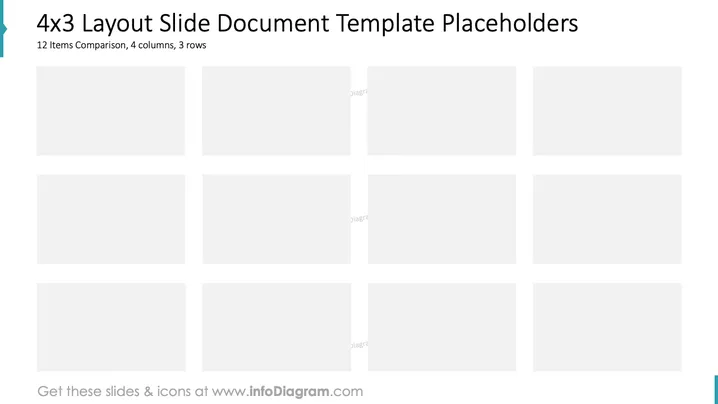
The slide presents a structural template for organizing information in a grid format, optimized for comparative analysis. The template offers placeholders for 12 items arranged in four columns and three rows, allowing comprehensive, side-by-side examination of multiple components or categories.
Graphical Look
- The slide features a clean and organized layout with four columns and three rows of light grey rectangles representing placeholders for content.
- Each placeholder is of equal size and evenly arranged to maintain consistency and balance.
- The title and subtitle are positioned at the top, using simple, clear fonts for easy readability.
- A vertical blue line on the left side adds a touch of color, emphasizing the modern and professional design.
The slide combines clarity with functionality, providing an effective framework for comparing multiple data points. The minimalistic design ensures focus remains on the content when added.
Use Cases
- Compare product features across different categories.
- Present team member roles and responsibilities.
- Analyze market segment performances simultaneously.
- Showcase multiple project timelines concurrently.
How to Edit
How to edit text & colors

How to expand / shorten diagram

How to Replace Icons in infoDiagram PPT


