
Reviews
Sus gráficos añaden un toque agradable a mis presentaciones y recientemente los usé para una de mis reuniones generales. Su conjunto de herramientas añade profesionalismo a mis diapositivas. En lugar de usar imágenes prediseñadas estándar.
Necesitaba un aspecto fresco para algunas de mis diapositivas. Había intentado encontrar una forma de crear un efecto de pincel, de subrayar, acentuar, añadir algo de color y los marcadores escritos a mano fueron justo lo que necesitaba. Muy fácil de usar, fácil de ajustar el tamaño, cambiar el color. Fue una solución asequible y perfecta, y estoy feliz de recomendarla.
El aspecto nítido y limpio de los gráficos, y el hecho de que me permitiera editar y cambiar fácilmente los colores para que coincidieran con la plantilla fue mi principal razón para comprarlos.
Description
3x3 Layout Slide Document Template Placeholders
Slide Content
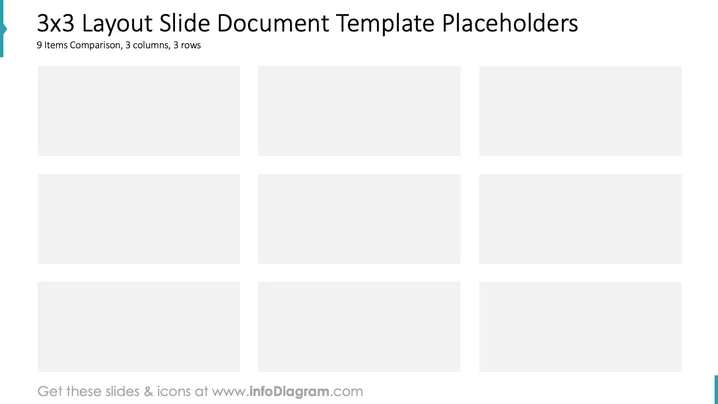
The slide presents a 3x3 layout intended for comparing nine items organized into three columns and three rows. This format is ideal for visually structuring data or ideas systematically. Each cell offers a placeholder for inserting content, allowing for detailed comparison and categorization across different dimensions or categories.
Graphical Look
- A minimalistic design with nine gray rectangular placeholders arranged in a grid.
- Three rows and three columns for organized data alignment.
- Sparse use of color, maintaining focus on the placeholders themselves.
- A subtle teal line accent on the left edge, adding a touch of color.
- Overall clean and professional appearance conducive to business presentations.
The slide has a sleek, organized look suitable for structuring comparisons clearly. The grid layout helps emphasize the logical arrangement of information.
Use Cases
- Comparing different product features or categories in a business meeting.
- Displaying competitive analysis across several dimensions.
- Organizing financial data for a quarterly review.
- Structuring market research findings for reporting purposes.
How to Edit
How to edit text & colors

How to expand / shorten diagram

How to Replace Icons in infoDiagram PPT


