


Your graphics add a nice touch to my presentations and I recently used them for one of my all-hands meetings. Your toolbox adds professionalism to my slides. Instead of using standard clipart.
Claude Jones, Director of Engineer, @Walmartlabs, USA


Before and after
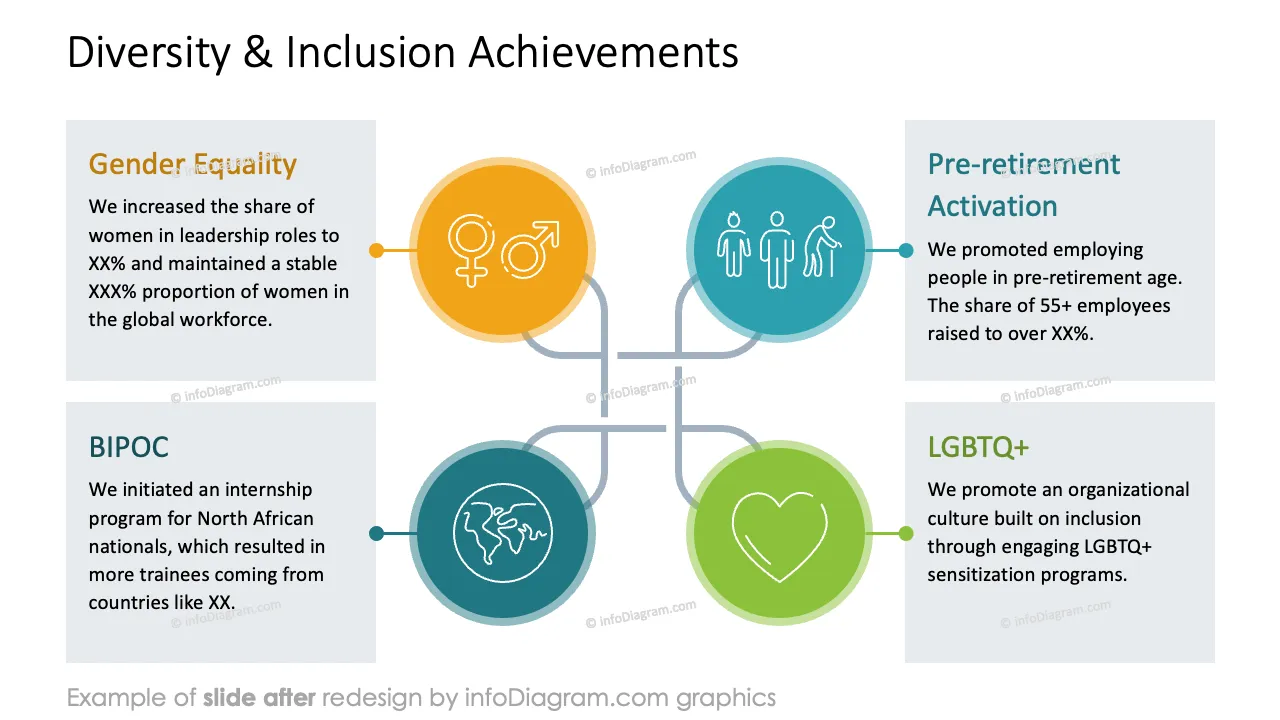
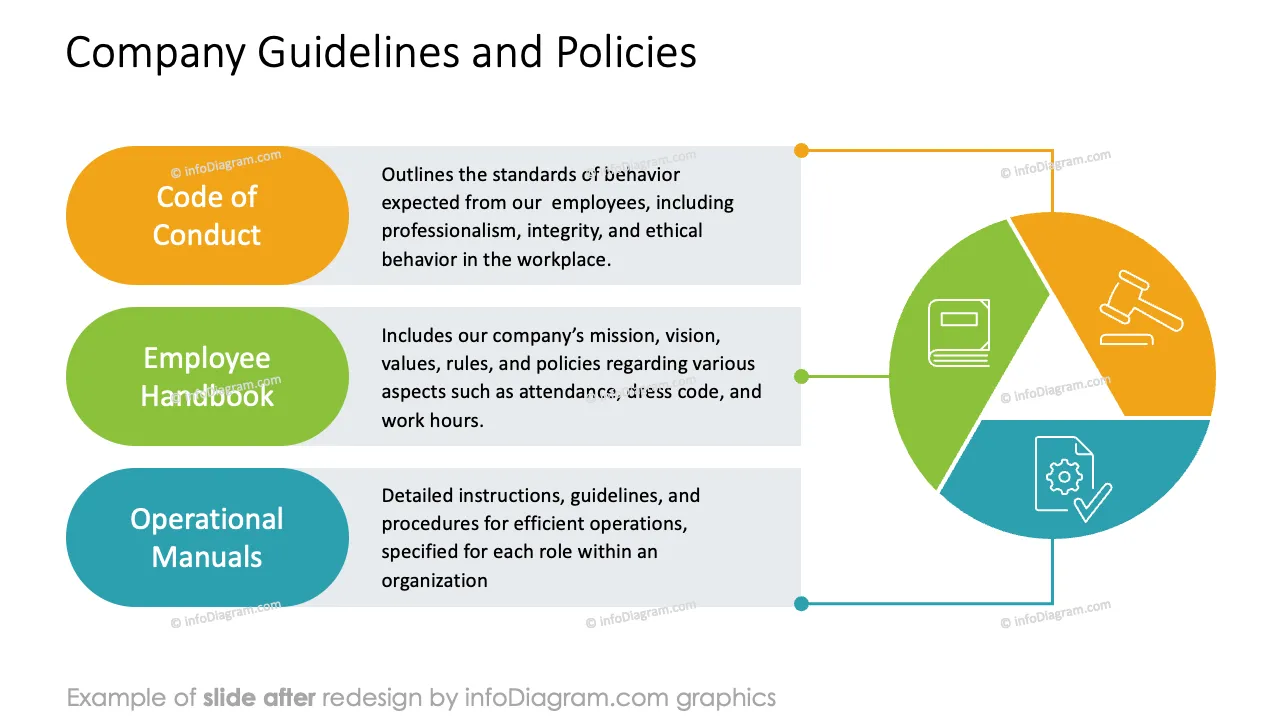
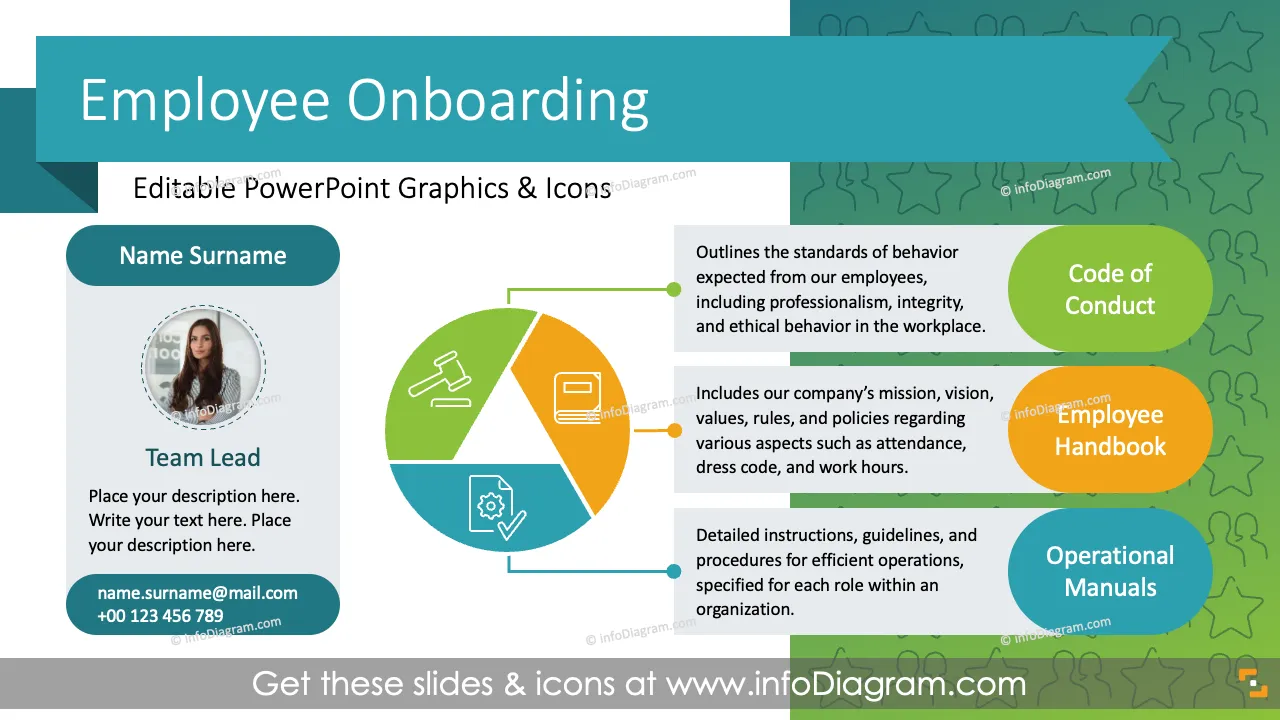
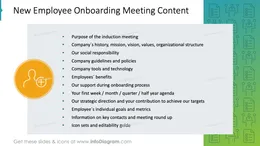
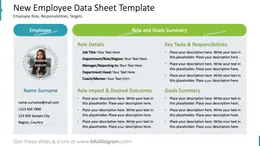
Do you need to prepare an effective and impactful induction meeting with your new employee? Use our pre-designed employee onboarding deck that allows you to conduct the welcome session with your new team member in an attractive and appealing way.
This PowerPoint slide deck is designed in an elegant, flat style with colorful vector illustrations and outline icons. All graphic shapes can be recolored and resized without quality loss.
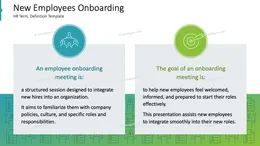
An employee onboarding meeting is a structured session to integrate new hires into an organization. It aims to familiarize them with company policies, culture, and specific roles and responsibilities. The goal of the onboarding meeting is to help new employees feel welcomed, informed, and prepared to start their roles effectively.
Visual presentations make onboarding more effective and enjoyable, helping new employees integrate smoothly and quickly into their new roles. Make your welcome session easy to understand by using graphs and infographic elements, and tailor them to your needs to upgrade your induction meeting with a new employee. We include detailed instructions on how to alter the content, values, colours and look and feel of the charts applied.
Using infographics and chart graphs will help you organize information and present your ideas in an eye-catching and attractive format.
Try using those PowerPoint graphics to present your data visually in an elegant way.
All graphics are editable, and the size, colors, and text can be modified. Also, you can extend the collection further with more PPT symbols (see Related Diagrams section).
Try using thisset of fully editable PowerPoint vector shapes to present your data visually in an elegant way. You can easily modify all elements:
Your graphics add a nice touch to my presentations and I recently used them for one of my all-hands meetings. Your toolbox adds professionalism to my slides. Instead of using standard clipart.
Claude Jones, Director of Engineer, @Walmartlabs, USA
I needed a fresh look at some of my slides. I've tried to find a way to create a paintbrush effect, to underline, accentuate, add some color and the handwritten markers were just the things. Very easy to use, easy to size, change the color. It was an affordable, perfect solution and I'm happy to recommend it.
Anonymous, US
The crisp, clean look of the graphics, and the fact that it allowed me to easily edit and change the colors to match the template was my main reason for purchasing them.
Brandie Jenkins, E-learning Developer, USA



You may also need