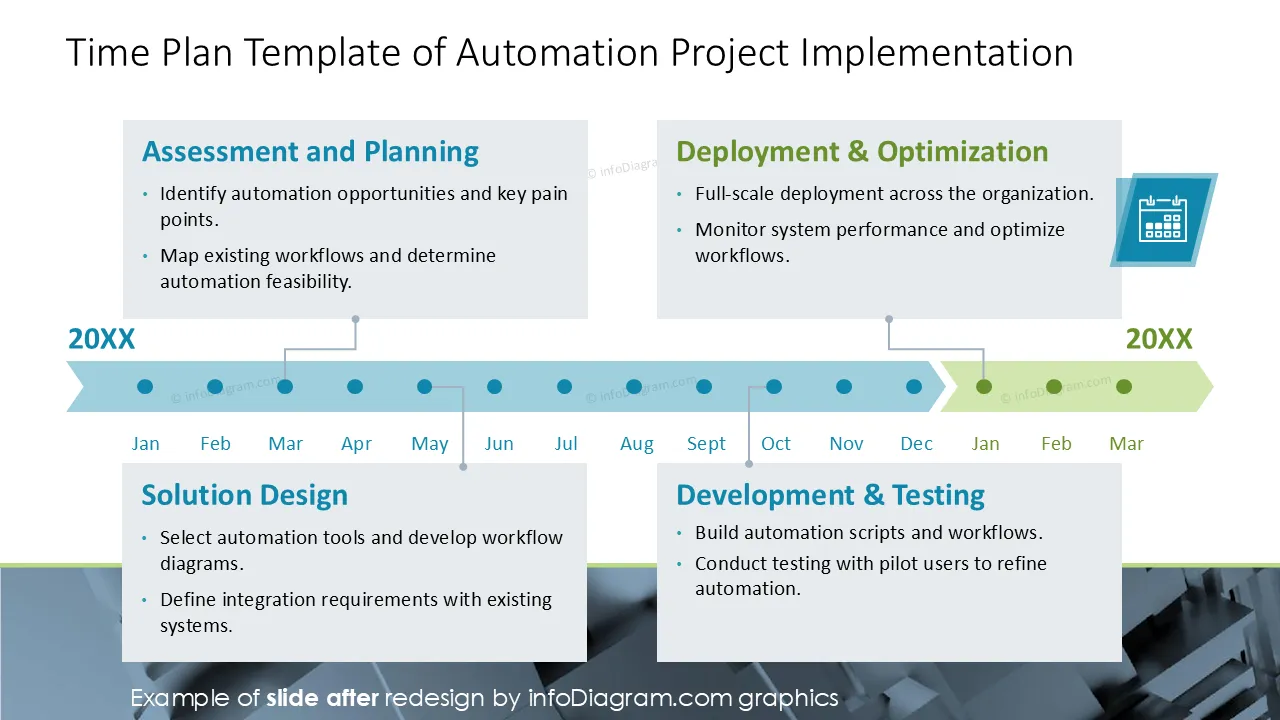
Want to present a Business Process Automation proposal to a client?
Consider using a professional visual BPA offer presentation to create a lasting impression on your IT services. We have designed this BPA project PowerPoint template to help you persuade your potential customers or inform them about cybersecurity implementation steps.
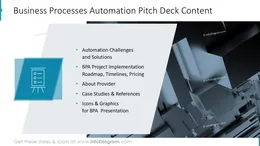
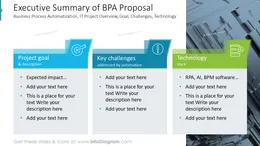
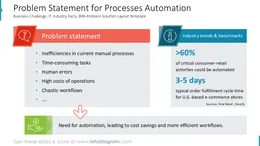
This Process automation project Proposal Presentation contains slides with the following:
- 27 layouts with diagrams illustrating concepts and processes related to BPA
- 81 icons illustrating process automatization: Business, Office Documents, Values, Finance, People and Communication
- Instruction on modifying those diagrams using standard PowerPoint editing tools.
This PowerPoint slide deck is designed in an elegant flat style with colorful vector illustrations and outline icons. All graphic shapes can be recolored and resized without quality loss.
BPA definition - What is Business Process Automation?
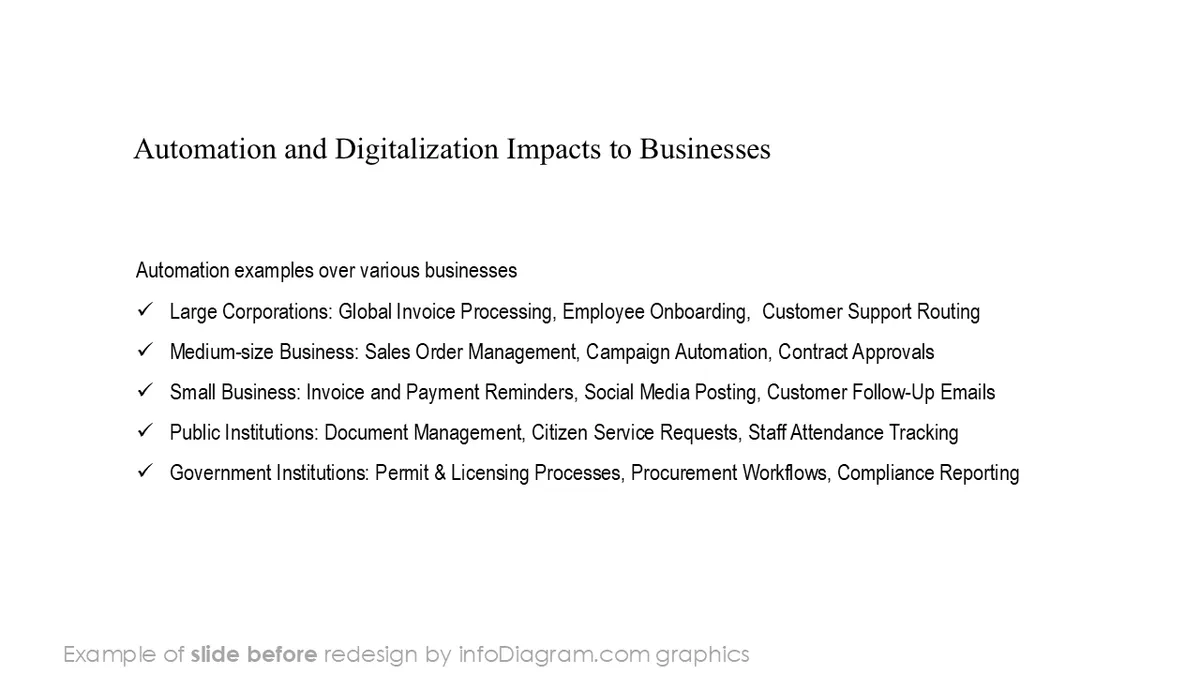
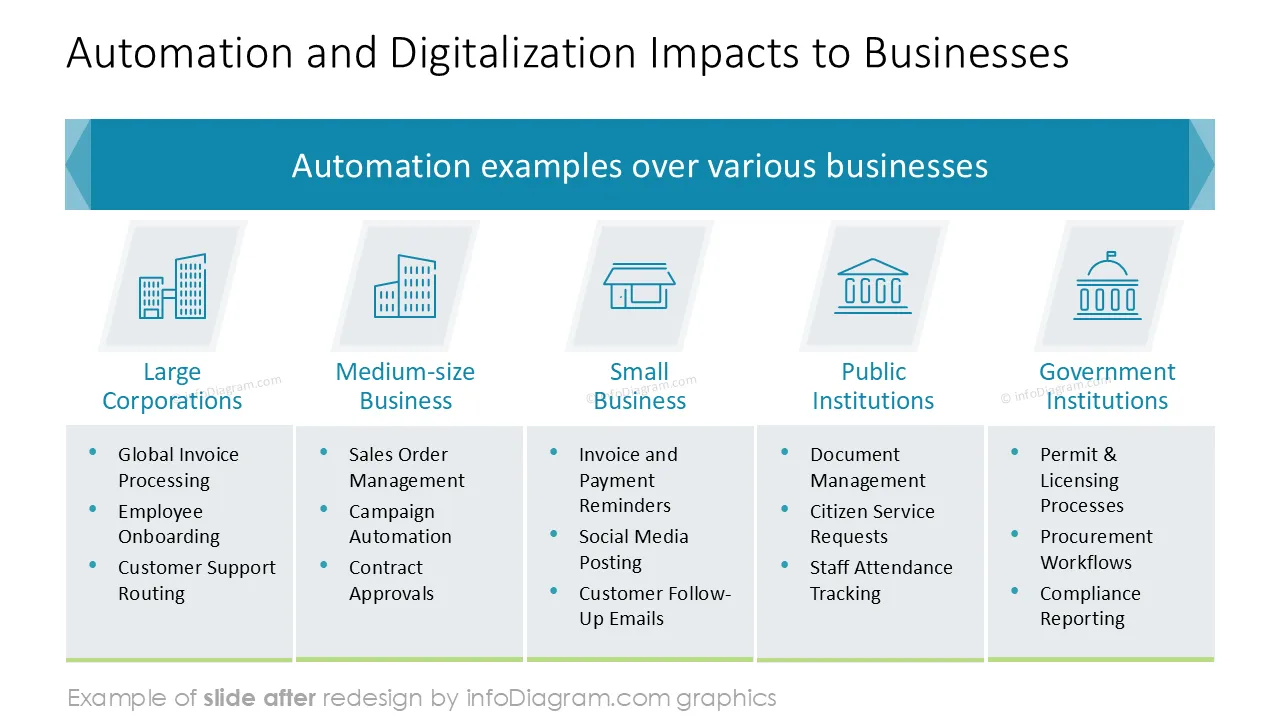
Business process automation (BPA) covers IT projects that automate repetitive activities and processes in companies and organizations. The goal of BPA projects is to increase productivity, reduce errors and speed up workflows. Examples include invoicing, customer support automation or citizen requests handling by public institutions. Business Process Automation uses various IT technologies, like artificial intelligence (AI) agents, Robotic Process Automation (RPA), and Business Process Management (BPM) software.
Why use visuals and PowerPoint for such a BPA project offer?
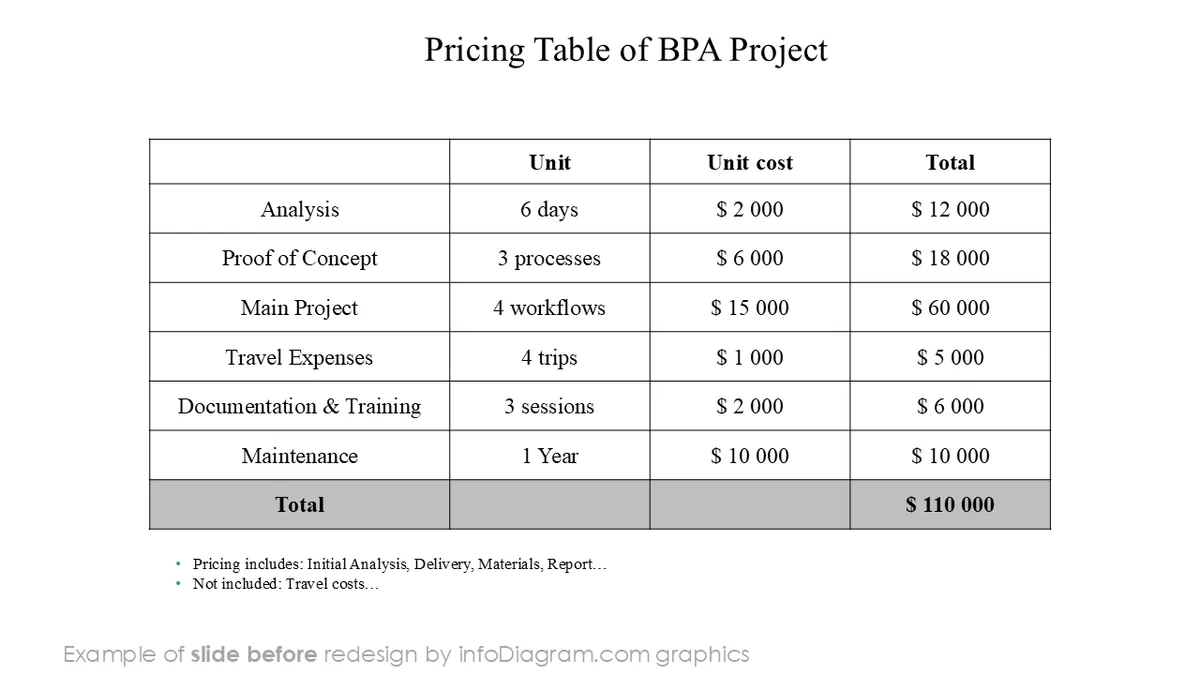
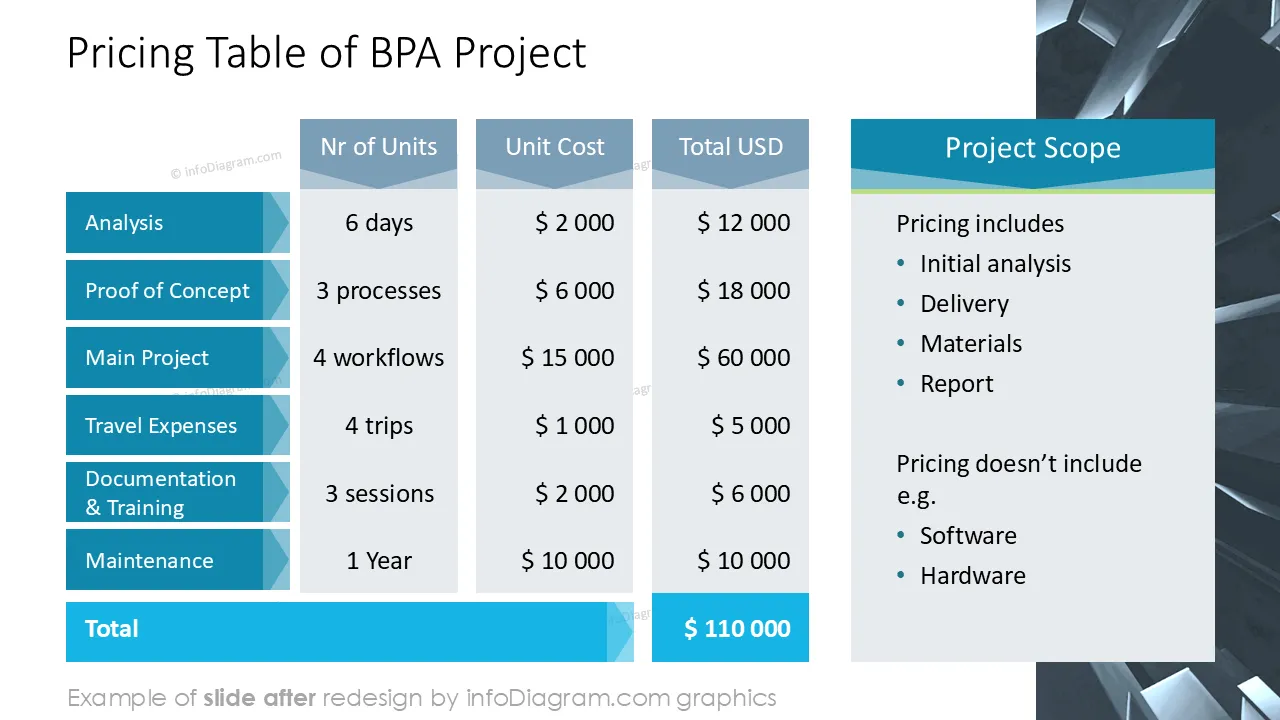
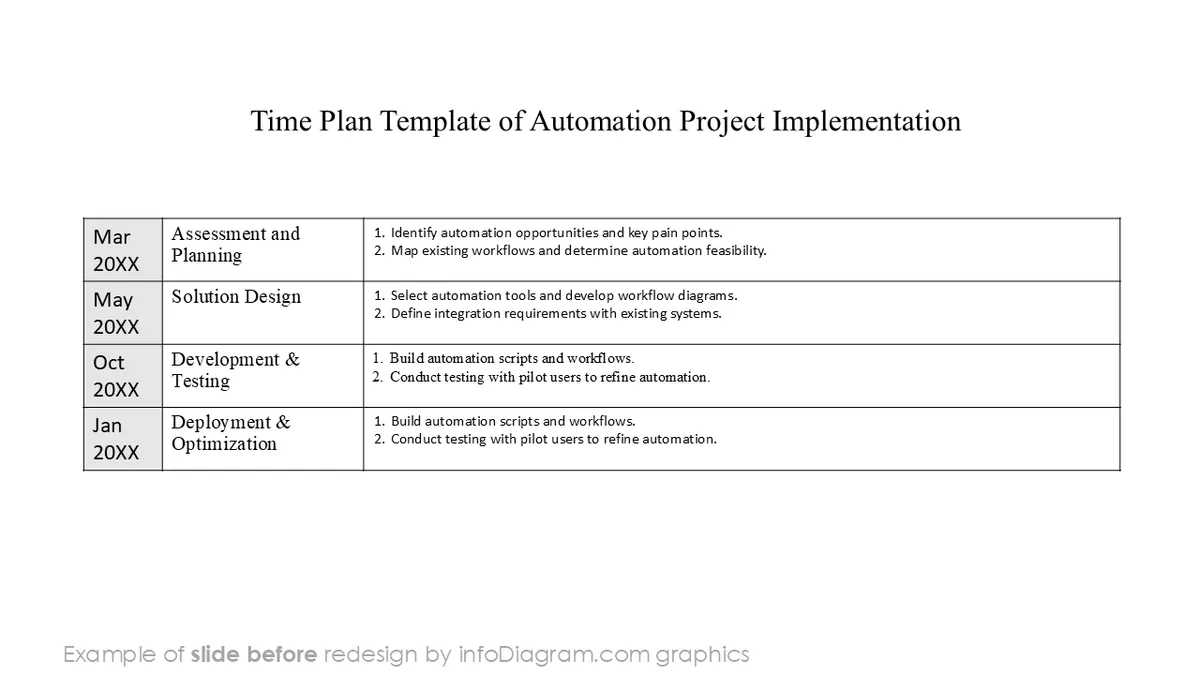
IT project pitch presentations are an important part of the sales process. When presenting BPA solutions, such a sales pitch should clearly present the reasons, benefits and costs of the automation project. You can show the BPA project roadmaps, implementation calendar, case studies. When presenting to a new client, add also show your portfolio of delivered projects and implementation team skills.
Your presentation slides are your business card. They should be clear and professional. Additionally, it should be easy for a sales representative to quickly update presentation content and adjust for a specific client. Using a PowerPoint template allows you to freely alter the presentation content while keeping the company branding. Having a toolbox of universal slides makes it easier to create a consistent presentation.
To support your IT sales activities, we designed the BPA PPT template with a pitch structure draft and related visual graphics. This will help you to quickly reuse existing graphics for your sales meetings.
Where can you use the BPA project proposal presentation?
You can use such presentation template for marketing, sales, or business development activities, for example:
- for lead generation – as a white paper or case study documents published on your webpage
- for PR and Marketing e.g. on conferences and promotional events
- for technical pre-sale communication
- during sales meetings with a potential client to explain the context of BPA challenges, project delivery process and associated costs
- for project review meetings, presenting the status of the project implementation
- for educational purposes, by teachers and trainers of IT technology topics
Use those PowerPoint graphics to present your data visually in an elegant way.
All graphics are editable to modify the size, colors, and text. Also, you can extend the collection further with more PPT symbols (see Related Diagrams section).
Try this set of fully editable PowerPoint vector shapes to present your data visually in an elegant way. You can easily modify all elements:
- Replace icons
- Change the filling and outline color
- Modify size and proportions
- Rotate, flip, align, and change order