
Your graphics add a nice touch to my presentations and I recently used them for one of my all-hands meetings. Your toolbox adds professionalism to my slides. Instead of using standard clipart.
Claude Jones, Director of Engineer, @Walmartlabs, USA
Your graphics add a nice touch to my presentations and I recently used them for one of my all-hands meetings. Your toolbox adds professionalism to my slides. Instead of using standard clipart.
Claude Jones, Director of Engineer, @Walmartlabs, USA
I needed a fresh look at some of my slides. I've tried to find a way to create a paintbrush effect, to underline, accentuate, add some color and the handwritten markers were just the things. Very easy to use, easy to size, change the color. It was an affordable, perfect solution and I'm happy to recommend it.
Anonymous, US
The crisp, clean look of the graphics, and the fact that it allowed me to easily edit and change the colors to match the template was my main reason for purchasing them.
Brandie Jenkins, E-learning Developer, USA
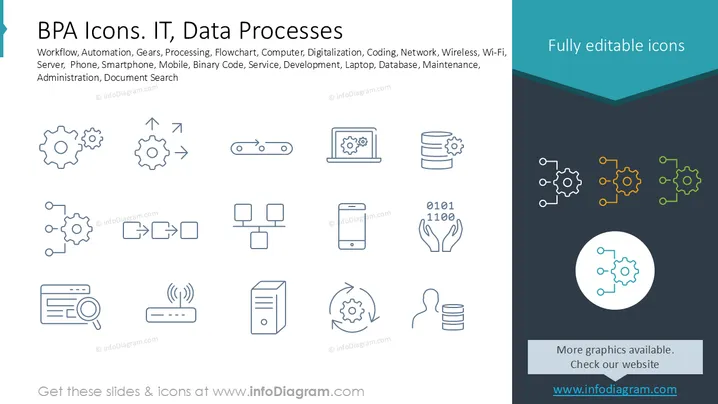
This slide showcases icons related to workflow automation and IT processes. Concepts include workflow representing systematic processes; automation for machine efficiency; gears symbolizing mechanical systems; processing indicating data handling; flowchart to depict process diagrams; computer signifying digital interfaces; digitization for converting analog data; coding as the language of software; network illustrating connectivity; and wireless showing remote communications. Further, it includes icons for Wi-Fi, servers, smartphones, mobile devices, binary code, development, laptops, databases, and document search.
The overall look is professional and organized, suitable for illustrating complex IT and process concepts with clarity. The design's simplicity facilitates understanding and allows customization for various presentation needs.




