
Your graphics add a nice touch to my presentations and I recently used them for one of my all-hands meetings. Your toolbox adds professionalism to my slides. Instead of using standard clipart.
Claude Jones, Director of Engineer, @Walmartlabs, USA
Your graphics add a nice touch to my presentations and I recently used them for one of my all-hands meetings. Your toolbox adds professionalism to my slides. Instead of using standard clipart.
Claude Jones, Director of Engineer, @Walmartlabs, USA
I needed a fresh look at some of my slides. I've tried to find a way to create a paintbrush effect, to underline, accentuate, add some color and the handwritten markers were just the things. Very easy to use, easy to size, change the color. It was an affordable, perfect solution and I'm happy to recommend it.
Anonymous, US
The crisp, clean look of the graphics, and the fact that it allowed me to easily edit and change the colors to match the template was my main reason for purchasing them.
Brandie Jenkins, E-learning Developer, USA
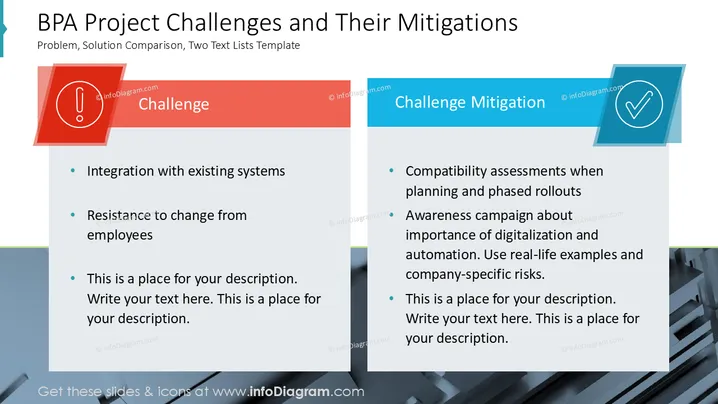
This slide outlines challenges and mitigations in Business Process Automation (BPA) projects. Challenges include integrating with existing systems, which involves ensuring compatibility, and resistance to change from employees, requiring change management strategies. Mitigations involve compatibility assessments during planning and phased rollouts to minimize disruption, and an awareness campaign on digitalization's importance, using real-life examples and company-specific risks for context.
Overall, the slide uses contrasting colors and icons effectively to differentiate challenges from mitigations, structuring information clearly. The alignment of text and colors creates a visually balanced and intuitive layout.




