
Reviews
Deine Folien sind meine 'geheime Zutat', wenn es darum geht, meine Ideen Kunden zu visualisieren. Ich spare so viel Zeit.
Ihre Folien führen oft zu guten Kommentaren und Ideen meines Teams, die die endgültigen Folien verbessern.
Description
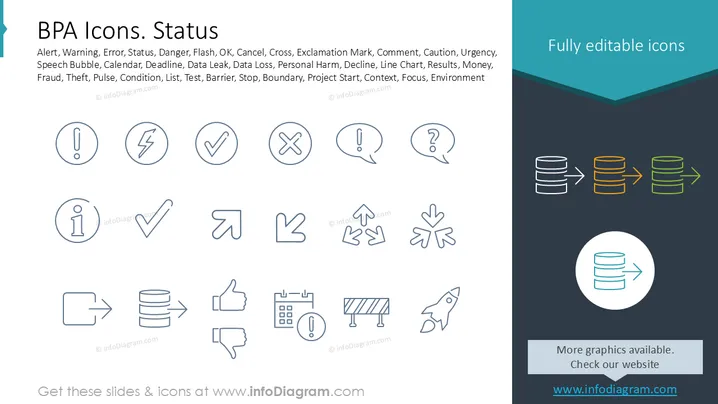
BPA Icons. Status
Slide Content
The slide showcases a collection of business process automation (BPA) icons representing various status indicators. "Alert" symbolizes urgency, "Warning" indicates potential danger, and "Error" signifies a mistake. "Status" shows the current state, "Danger" warns of potential hazards, and "Flash" represents quick alerts. "OK" signifies approval, while "Cancel" denotes stopping an action. "Cross" marks incorrect options. "Exclamation Mark" highlights important points, and "Comment" allows feedback annotations.
Graphical Look
- Icon Arrangement: Rows of circular icons with minimalist line drawings.
- Icon Design: Icons are simplistic, using thin lines and circles.
- Color Scheme: Primarily monochrome with shades of blue for icons.
- Right Side Panel: A vertical panel in dark teal and blue with contrasting icon samples.
- Additional Icons: Arrow and database icons in orange, yellow, and green for diversity.
The slide is visually clean, with a balanced structure, making it easy to understand. The color scheme is calm, enhancing the professionalism of the presentation.
Use Cases
- Business presentations explaining process automation.
- Project status updates in team meetings.
- Training sessions on identifying system alerts.
- Design discussions focusing on iconography.
How to Edit
How to edit text & colors

How to expand / shorten diagram

How to Replace Icons in infoDiagram PPT


