

Your graphics add a nice touch to my presentations and I recently used them for one of my all-hands meetings. Your toolbox adds professionalism to my slides. Instead of using standard clipart.
Claude Jones, Director of Engineer, @Walmartlabs, USA

Before and after
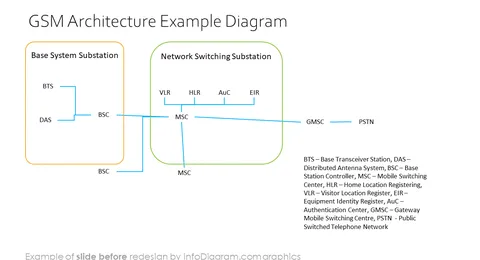
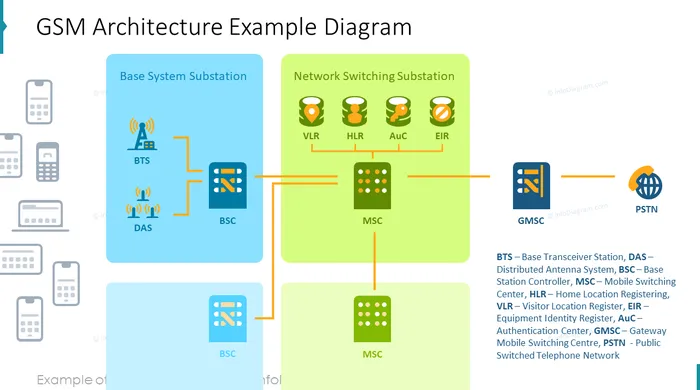
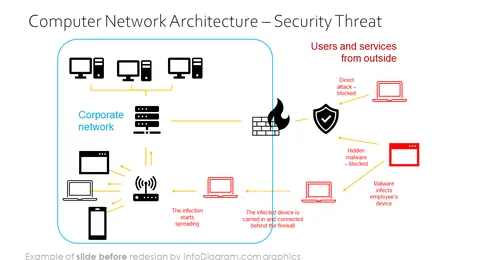
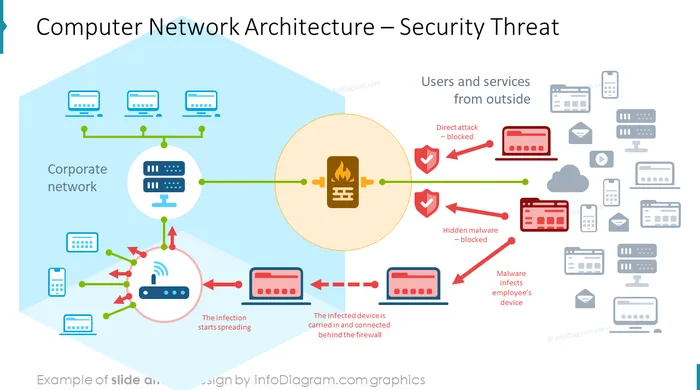
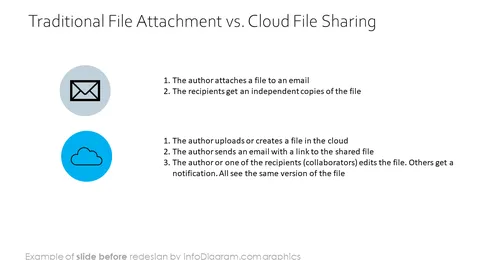
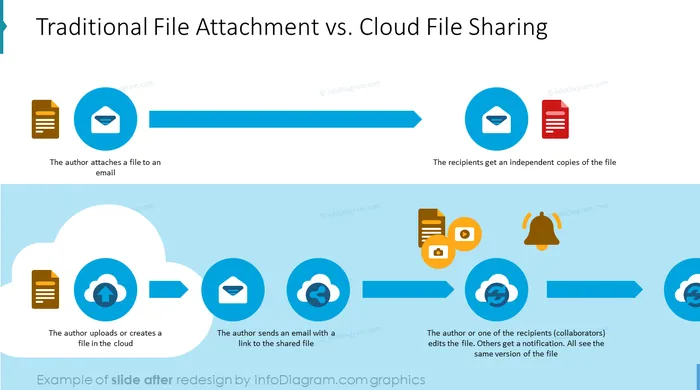
Are you presenting Information Technology topics? Take advantage of using visuals from the presentation deck we have designed to explain computer science, networking, or the latest digital technology concepts.
This PowerPoint graphics collection includes:
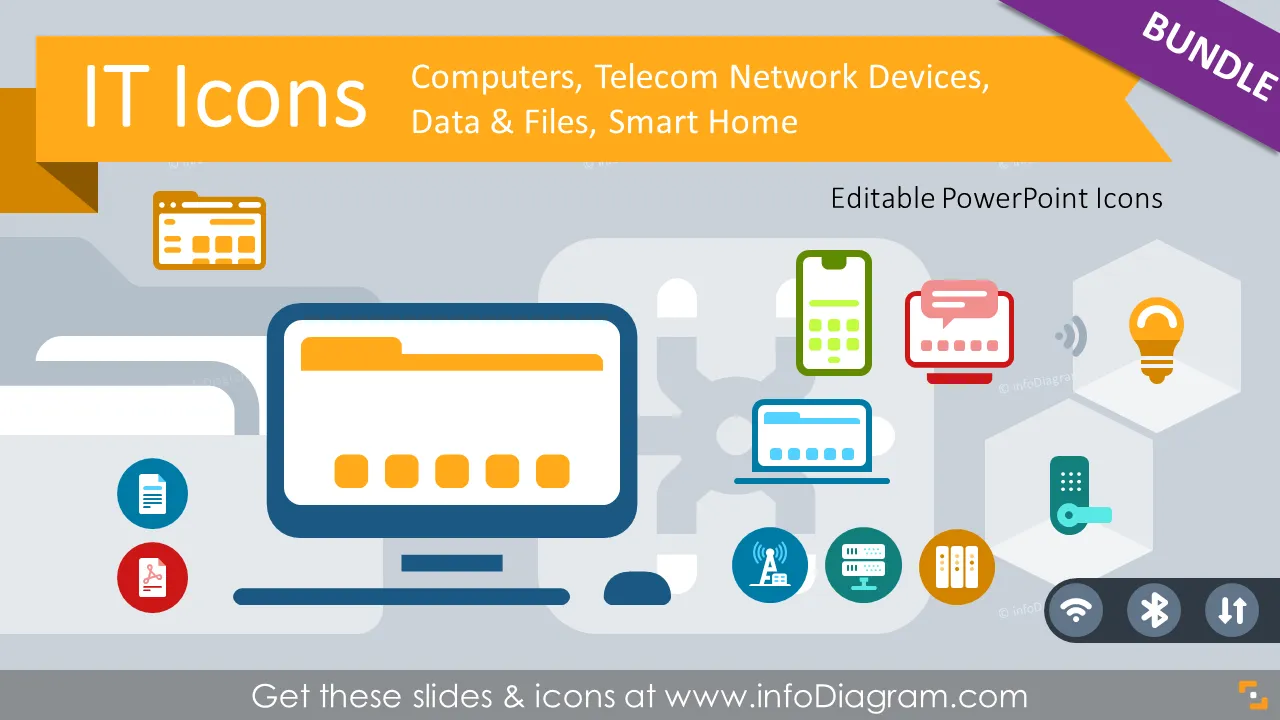
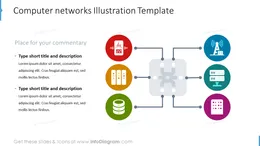
We’ve designed this logo collection of Information Technology devices to make it easier to explain those new technologies. Using visuals helps your audience to understand terms and structures faster. The icon set covers main areas of recent digital technology advancements:
Those IT and Telco symbols can be used in various business contexts:
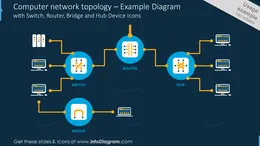
Consider using such diagrams to replace text bullets in your slides.
Finding the right IT icons is extremely time-consuming. So, we designed you IT symbols bundle to help you out. IT icons are a resource that every company should have up their sleeve to illustrate computer and mobile devices, virtual hosts and networking, or Internet and software. Regardless of what kind of product you’re designing, you’re likely to need a few professional icons here and there.
All graphics are editable, so you can modify the colors and text. We added also a general icon collection at the end of the presentation deck. Optionally you can also extend the collection by more PPT symbols (see Related Diagrams section).
Photographs are included in the template. You can easily replace them as well by pictures of your own.
Fully editable in PowerPoint set of vector shapes fully editable by using built-in PowerPoint tools, including
See editing demonstration in our HowTo Videos.
Your graphics add a nice touch to my presentations and I recently used them for one of my all-hands meetings. Your toolbox adds professionalism to my slides. Instead of using standard clipart.
Claude Jones, Director of Engineer, @Walmartlabs, USA
I needed a fresh look at some of my slides. I've tried to find a way to create a paintbrush effect, to underline, accentuate, add some color and the handwritten markers were just the things. Very easy to use, easy to size, change the color. It was an affordable, perfect solution and I'm happy to recommend it.
Anonymous, US
The crisp, clean look of the graphics, and the fact that it allowed me to easily edit and change the colors to match the template was my main reason for purchasing them.
Brandie Jenkins, E-learning Developer, USA



You may also need