

Your graphics add a nice touch to my presentations and I recently used them for one of my all-hands meetings. Your toolbox adds professionalism to my slides. Instead of using standard clipart.
Claude Jones, Director of Engineer, @Walmartlabs, USA

Your graphics add a nice touch to my presentations and I recently used them for one of my all-hands meetings. Your toolbox adds professionalism to my slides. Instead of using standard clipart.
Claude Jones, Director of Engineer, @Walmartlabs, USA
I needed a fresh look at some of my slides. I've tried to find a way to create a paintbrush effect, to underline, accentuate, add some color and the handwritten markers were just the things. Very easy to use, easy to size, change the color. It was an affordable, perfect solution and I'm happy to recommend it.
Anonymous, US
The crisp, clean look of the graphics, and the fact that it allowed me to easily edit and change the colors to match the template was my main reason for purchasing them.
Brandie Jenkins, E-learning Developer, USA
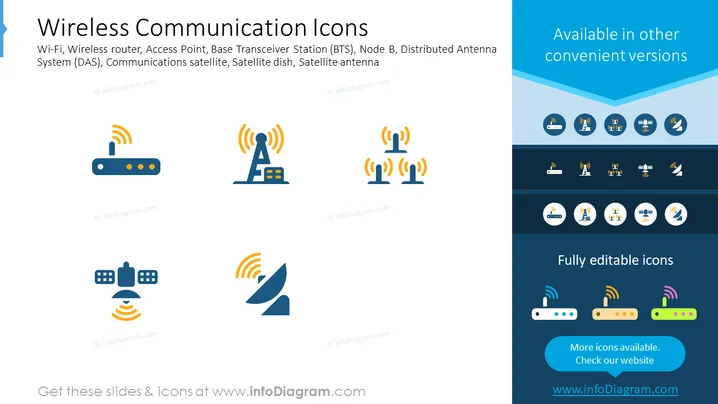
The slide titled "Wireless Communication Icons" presents a variety of icons representing different elements of wireless technology. It includes symbols for Wi-Fi, indicating the common wireless networking technology; a Wireless router, which connects multiple Wi-Fi-enabled devices to the network; an Access Point that allows wireless devices to connect to a wired network; Base Transceiver Station (BTS) and Node B, both essential parts of mobile phone networks; a Distributed Antenna System (DAS) which increases wireless coverage within a particular area; Communications satellite, representing the satellites facilitating wireless communication; and pictograms for a Satellite dish and Satellite antenna, which are used for receiving and transmitting satellite signals.
The slide has a professional and clean design that's easy to read. The color scheme is consistent with light and dark blues, providing contrast for the icons and the text.



