

Your graphics add a nice touch to my presentations and I recently used them for one of my all-hands meetings. Your toolbox adds professionalism to my slides. Instead of using standard clipart.
Claude Jones, Director of Engineer, @Walmartlabs, USA

Your graphics add a nice touch to my presentations and I recently used them for one of my all-hands meetings. Your toolbox adds professionalism to my slides. Instead of using standard clipart.
Claude Jones, Director of Engineer, @Walmartlabs, USA
I needed a fresh look at some of my slides. I've tried to find a way to create a paintbrush effect, to underline, accentuate, add some color and the handwritten markers were just the things. Very easy to use, easy to size, change the color. It was an affordable, perfect solution and I'm happy to recommend it.
Anonymous, US
The crisp, clean look of the graphics, and the fact that it allowed me to easily edit and change the colors to match the template was my main reason for purchasing them.
Brandie Jenkins, E-learning Developer, USA
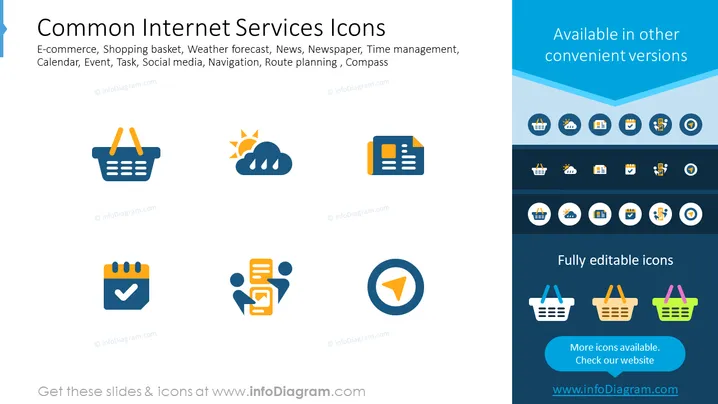
The PowerPoint slide titled 'Common Internet Services Icons' showcases a collection of stylized icons related to various web-based services. Describing related services, such as E-commerce (online shopping), Shopping basket (cart for collecting items), Weather forecast (predicting weather conditions), News (providing recent updates), Newspaper (source of written news), Time management (organizing tasks efficiently), Calendar (tracking dates and events), Event (specific occasion), Task (item on a to-do list), Social media (platforms for social interaction), Navigation (finding one's way), Route planning (mapping a path), and Compass (directional guide).
The slide has a clean and modern design, with a clear separation between the content and promotional areas. The use of bright colors and flat icons makes the information easily digestible and visually appealing.



