Cover and narrative setup
Usage example
Deck preview
What the deck looks like in practice
This template does not have a dedicated before/after case study, so we show the strongest slides from the actual deck instead.
Cover and narrative setup

Core structure and talking points
Polished visual slide from the deck
Description
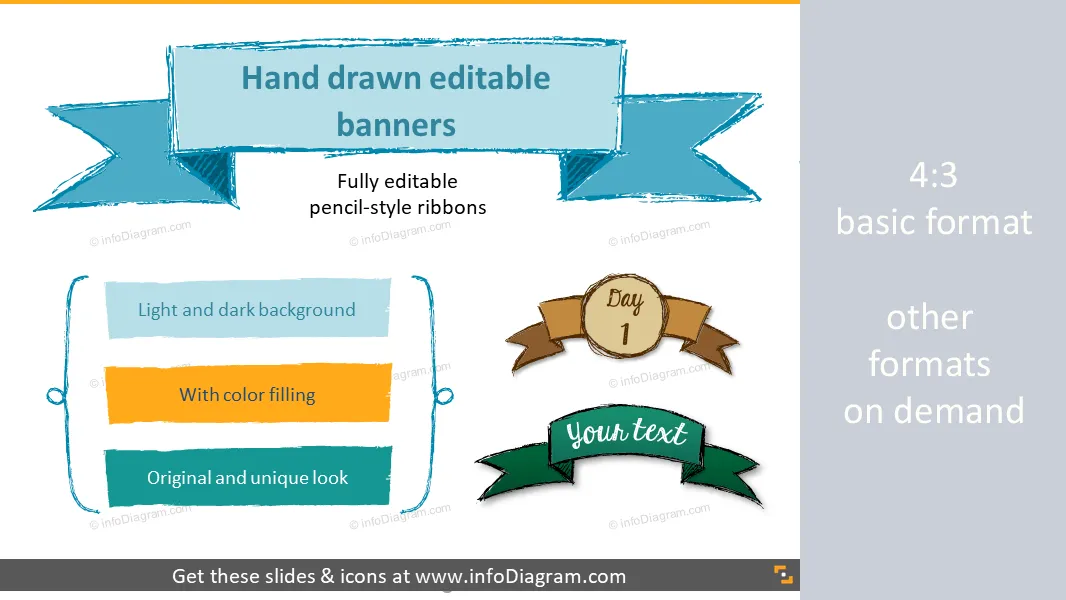
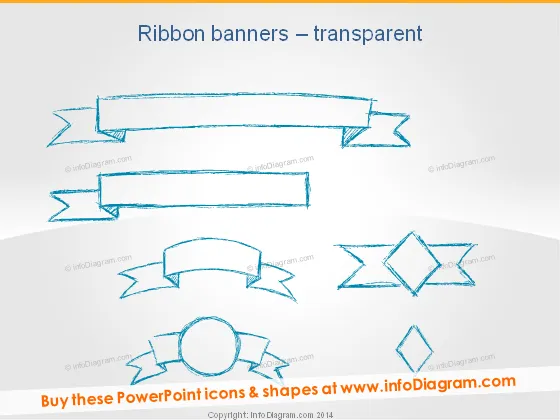
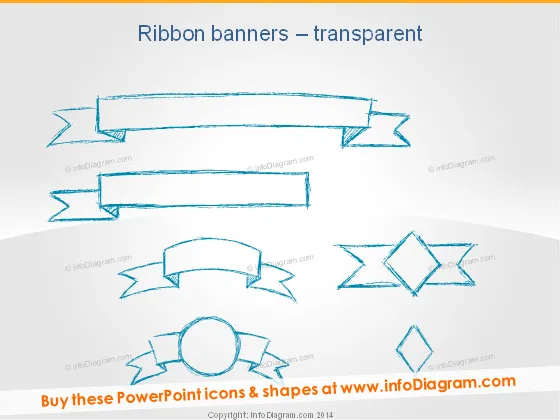
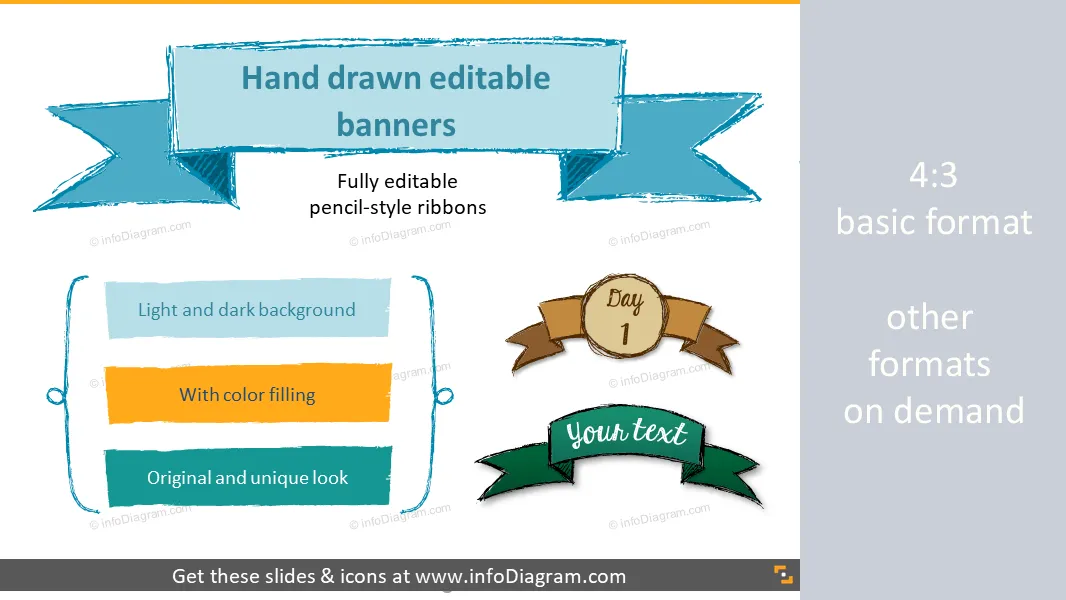
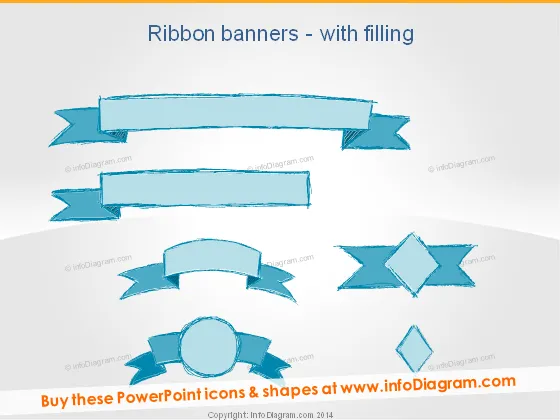
Sketch Banners, Ribbons for PowerPoint: hand drawn pencil shapes for infographics titles and bookmarks
- 45 sketched shapes: banners, label ribbons, bookmarks
- Usage examples: World map trip, Numbering, Unique slide titles
- Handcrafter Pencil line style, ideal for retro or organic design
- Fully editable colors & size in PowerPoint (vector format)
Content
Handwritten banner shapes (manually sketched by pencil) for infographics and general use
- to illustrate slides by adding unique titles and bookmarks
- to create infographics like slides design in PowerPoint
Editable elements
Fully editable in PowerPoint set of vector shapes fully editable by using built-in PowerPoint tools, including
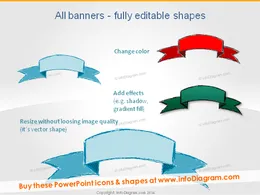
- changing filling and contour colors of the banner shapes
- adding shadows
- changing shape and size, rotating, flipping the object
- putting shapes behind or on top of text
See editing demonstration in our HowTo Videos.
Author
- InfoDiagram designer & Prezentio.com designers
- Contact: infoDiagram
Slides included in this PowerPoint Presentation:
- Sketch Ribbon Banner Pencil PPT Infographics
- Ribbon Banner Infographics Title PowerPoint
- Blue Green Red Banner Editable Handcrafted ppt
- Handdrawn Ribbon Transparent Doodle PPT shape
- Sketch Title Banner Retro PowerPoint clipart
- Pencil Banner Outline Stripe hand drawn ppt slide title
- Pencil Banners Retro Stripe Blue slide title ppt sketch
- Pencil Bookmark Outline hand drawn ppt clip art
- Pencil Bookmark Retro blue hand drawn ppt clipart
- Handdrawn Badge Circle Banners Pencil Cloud ppt icon
- Retro Badge Circle Banner Pencil Cloud powerpoint icon
- Sketched Brackets Frames Pencil for Infographics ppt
- Labels Pencil Outline Comment handwritten ppt clipart
- Retro Labels Pencil Comment handwritten ppt clipart
- Sketch Label Banner Placeholder Pencil powerpoint clipart
- Handdrawn Rectangle Label Banner Placeholder Pencil PPT
- Creating hand drawn label outline sketch Powerpoint
- Creating hand drawn label retro doodle Powerpoint
- Hand written Rectangle Label PowerPoint placeholder
- Handcrafted frames curly brackets Pencil PowerPoint icons
- Sketch Banners Outline Pencil Ribbon PowerPoint Titles
- Doodle Banners Retro Pencil Bookmark PPT clip art
- Scribbled Title Banner Pencil Arrow drawing ppt clipart
- Scribbled Title Banner Retro Pencil A B C item ppt clipart
- Retro Infographics Banner Template Sketch Pencil Ribbon PPT
- Retro Badge Banner Placeholder Sketch Pencil PPT icon
- Agenda Retro style Title Handdrawn Pencil ppt clipart
- Curly brackets doodle Placeholder Sketch Pencil PPT icon
- Curly brackets Placeholder scribble Pencil PPT icon
- Doodle cloud Placeholder scribble Pencil PPT clip art
- Doodle Banner Ribbon Title scribble pencil PPT clipart
- Retro World Map Banner Doodle Trip Power Point clipart
- Retro World Map Sketch Banner Day Trip PPT clipart
- Black board Doodle Banner Title White Pencil Sketch PPT
- Black board Doodle Numbering Ribbon White handdrawn PPT
- Blackboard World Map Sketch White Banner PPT clipart
- Font Hand drawn style script KG sketch banners PowerPoint
Reviews
Seus gráficos dão um toque agradável às minhas apresentações e eu os usei recentemente para uma das minhas reuniões gerais. Sua caixa de ferramentas adiciona profissionalismo aos meus slides. Em vez de usar clipart padrão.
Claude Jones, Diretor de Engenharia, @Walmartlabs, USA
Eu precisava de um novo visual para alguns dos meus slides. Tentei encontrar uma maneira de criar um efeito de pincel, para sublinhar, acentuar, adicionar alguma cor e os marcadores manuscritos foram exatamente o que eu procurava. Muito fácil de usar, fácil de redimensionar, mudar a cor. Foi uma solução acessível e perfeita e estou feliz em recomendá-la.
Anonymous, US
A aparência nítida e limpa dos gráficos, e o fato de me permitir editar e alterar facilmente as cores para combinar com o modelo, foi o principal motivo para comprá-los.
Brandie Jenkins, Desenvolvedor de E-learning, USA

How to Edit
How to edit text & colors

How to expand / shorten diagram

How to Replace Icons in infoDiagram PPT

You may also need