
Your graphics add a nice touch to my presentations and I recently used them for one of my all-hands meetings. Your toolbox adds professionalism to my slides. Instead of using standard clipart.
Claude Jones, Director of Engineer, @Walmartlabs, USA
Your graphics add a nice touch to my presentations and I recently used them for one of my all-hands meetings. Your toolbox adds professionalism to my slides. Instead of using standard clipart.
Claude Jones, Director of Engineer, @Walmartlabs, USA
I needed a fresh look at some of my slides. I've tried to find a way to create a paintbrush effect, to underline, accentuate, add some color and the handwritten markers were just the things. Very easy to use, easy to size, change the color. It was an affordable, perfect solution and I'm happy to recommend it.
Anonymous, US
The crisp, clean look of the graphics, and the fact that it allowed me to easily edit and change the colors to match the template was my main reason for purchasing them.
Brandie Jenkins, E-learning Developer, USA
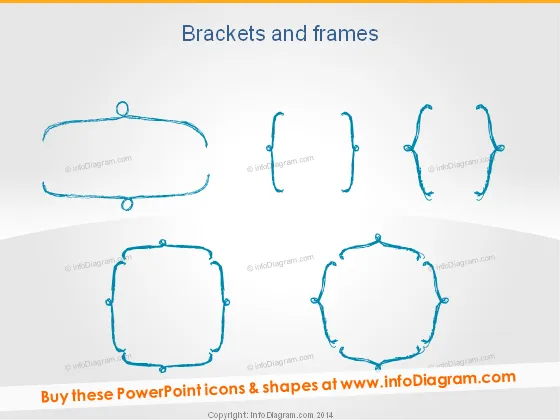
This PowerPoint slide displays a variety of bracket shapes and frame designs, which can be utilized to highlight information or decorate text within a presentation. The six graphics illustrate a range of styles from simple curved lines to more complex, decorative frameworks. Each graphic serves as a visual aid to encapsulate key points, call attention to specific information, or create section dividers in a document or presentation. These visual elements help organize content aesthetically and can enhance the overall design of the slides.
The slide has a clean and minimalistic look with a creative flair provided by the sketch-inspired bracket and frame illustrations. The use of blue against the neutral background ensures good visibility and a pop of color without being overwhelming.




