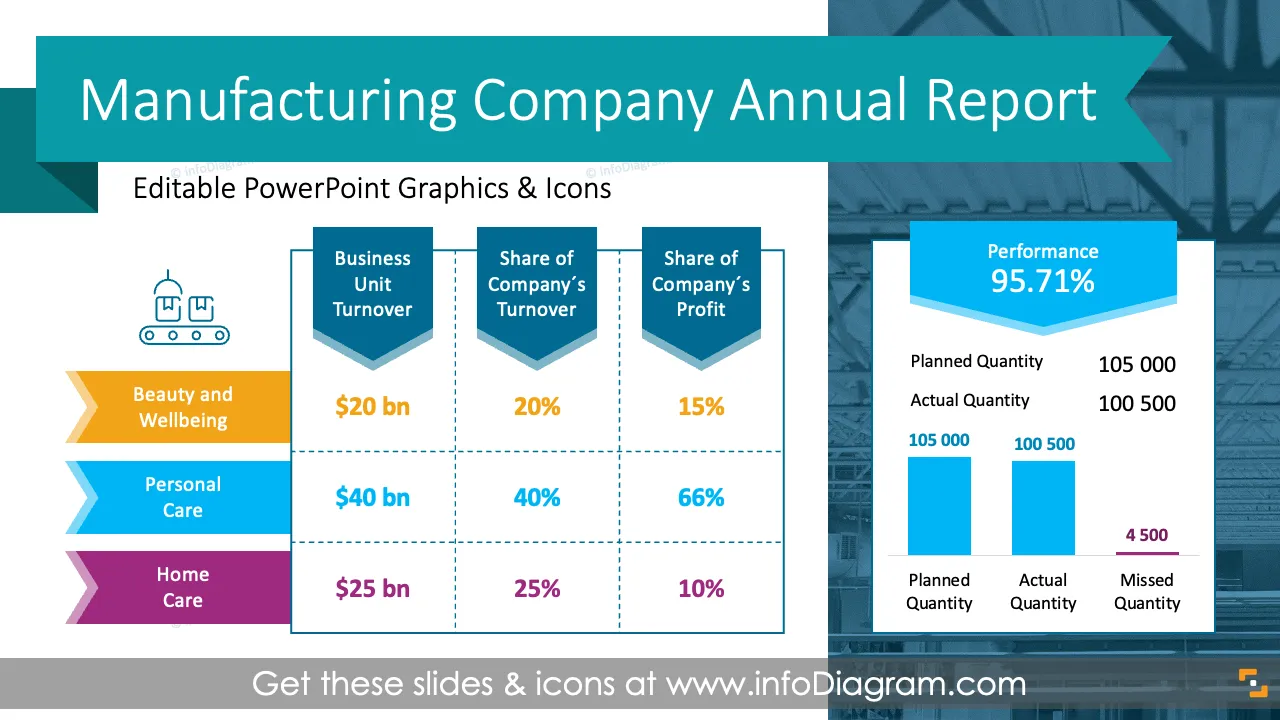
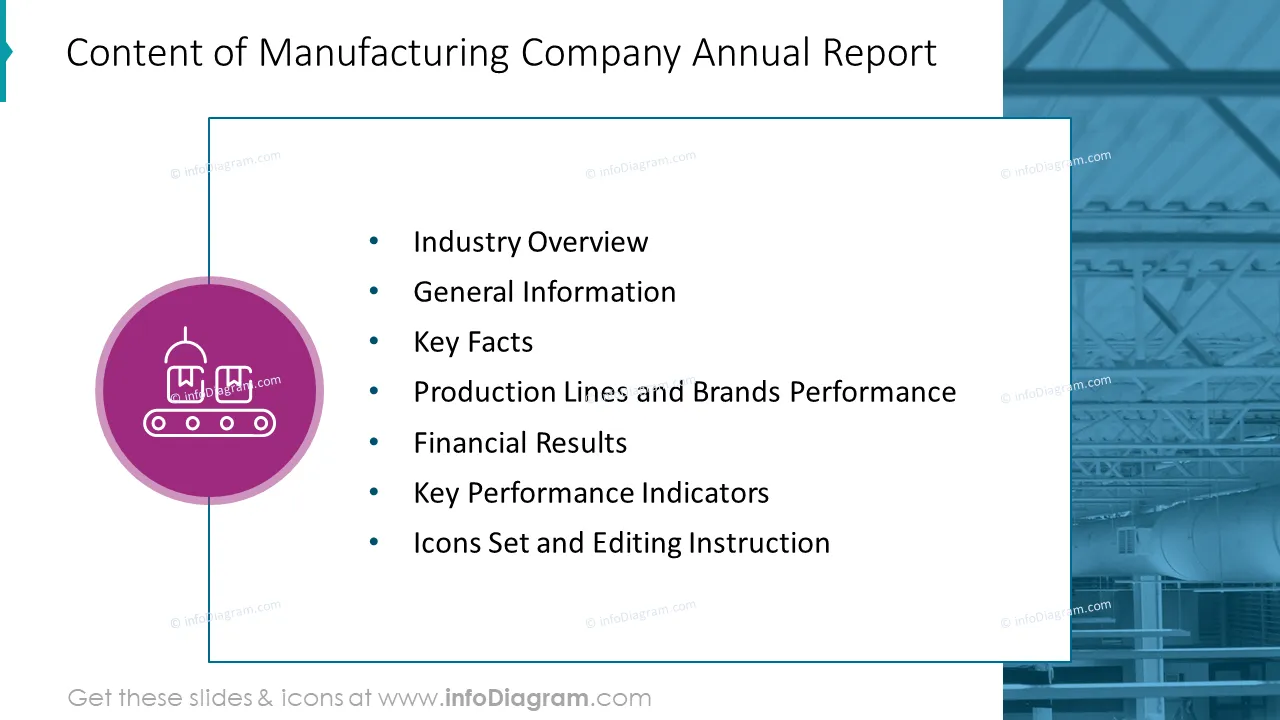
If you need to provide a comprehensive overview of your company's financial performance, operational highlights, strategic initiatives, and production efficiency metrics in an eye-catching and attractive format, use our pre-designed, content-ready slides. Modify them to your needs, add your comments, and enjoy your presentation!
This Manufacturing Company Annual Report with Production Metrics Template contains slides with the following:
- 37 charts, tables, and diagrams illustrating various issues related to the production annual report
- 56 icons illustrating manufacturing topics: Production, Management Data, People and Ideas, and Finances
- Instruction on modifying those diagrams using standard PowerPoint editing tools.
This PowerPoint slide deck is designed in an elegant flat style with colorful vector illustrations and outline icons. All graphic shapes can be recolored and resized without quality loss.
Authors of this Manufacturing Company Annual Report with Production Metrics Template
What is the Annual Report of a Manufacturing Company?
An annual report for a manufacturing company typically provides a comprehensive overview of the company's financial performance, operational highlights, strategic initiatives, and production efficiency metrics related to the past fiscal year.
Why use the Annual Report of a Manufacturing Company?
The annual report is a comprehensive communication tool for shareholders, investors, analysts, and other stakeholders, providing transparency and insight into the company's performance and prospects. If you want to disclose your quarterly or annual numbers and understandably to the a/m audience, use our templates to help you present them in an eye-catching and attractive format.
You can reuse our graphs and charts and tailor them to your needs to upgrade your presentation slides. The majority of our charts are Data-Driven Excel Charts, so it is very easy to change the presented values. We also include detailed instructions on how to alter the content, values, colors, and look and feel of the charts.
Where can you use the Annual Report of the Manufacturing Company?
Using infographics in your company’s performance presentation will help you organize information in a visually appealing way and present your numbers and comparisons in a compelling way that is easy for your audience to understand.
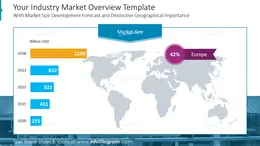
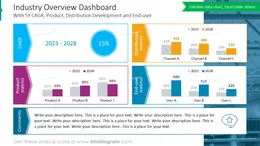
- Describe your industry, presenting market shares, products, distribution channels, and end-user development potential.
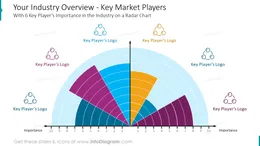
- Visualize the importance of the key players in your industry using a beautifully designed radar chart.
- Present the industry growth opportunities in bar and line charts, adding relevant observations in the prepared comment box.
- Provide general information about your company, such as shareholding structure, key financial data, market presence, core business lines, and product group descriptions.
- Analyze your current product portfolio using the revenue/return on assets graph and highlight the importance of particular products per category.
- Show your business development strategy per brand, including detailed tactics designed to meet your company’s objectives.
- Visualize the breakdown of your production by plants and business groups.
- Design a financial summary overview in a way that your audience can track the key metrics and present your profit and loss statement, including quarterly revenue, COGS, GM, OPEX, EBIDTA, EBIT, PBT data.
- Describe your revenue and profit key growth drivers per segment or business unit.
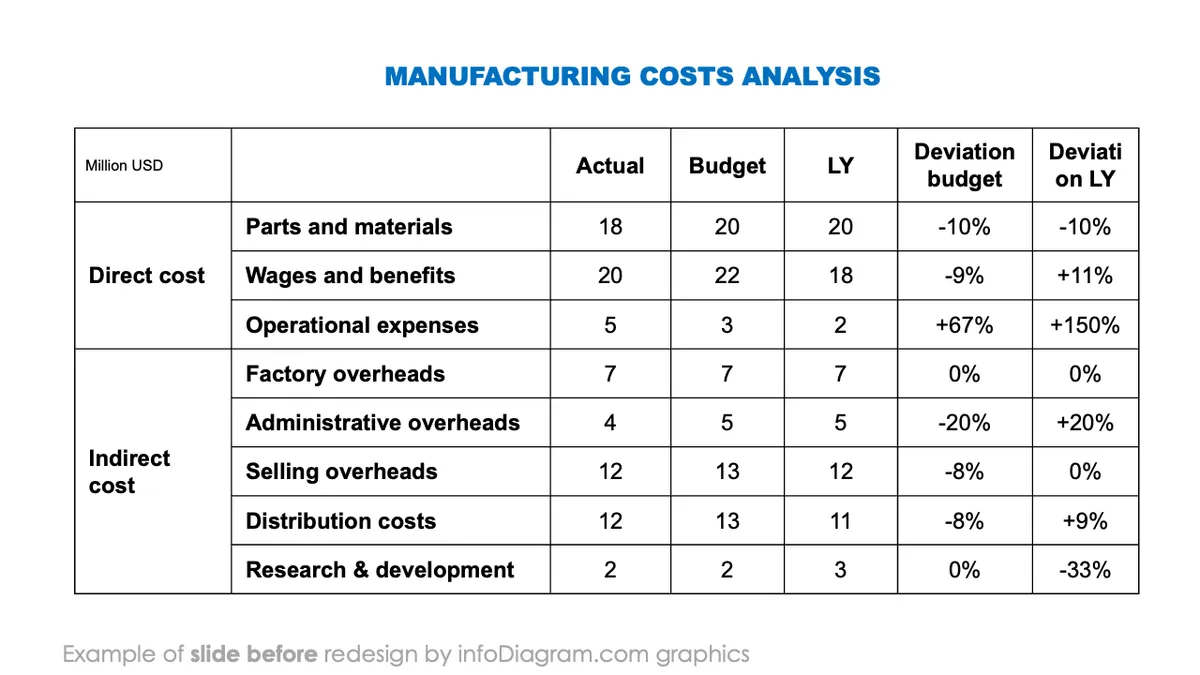
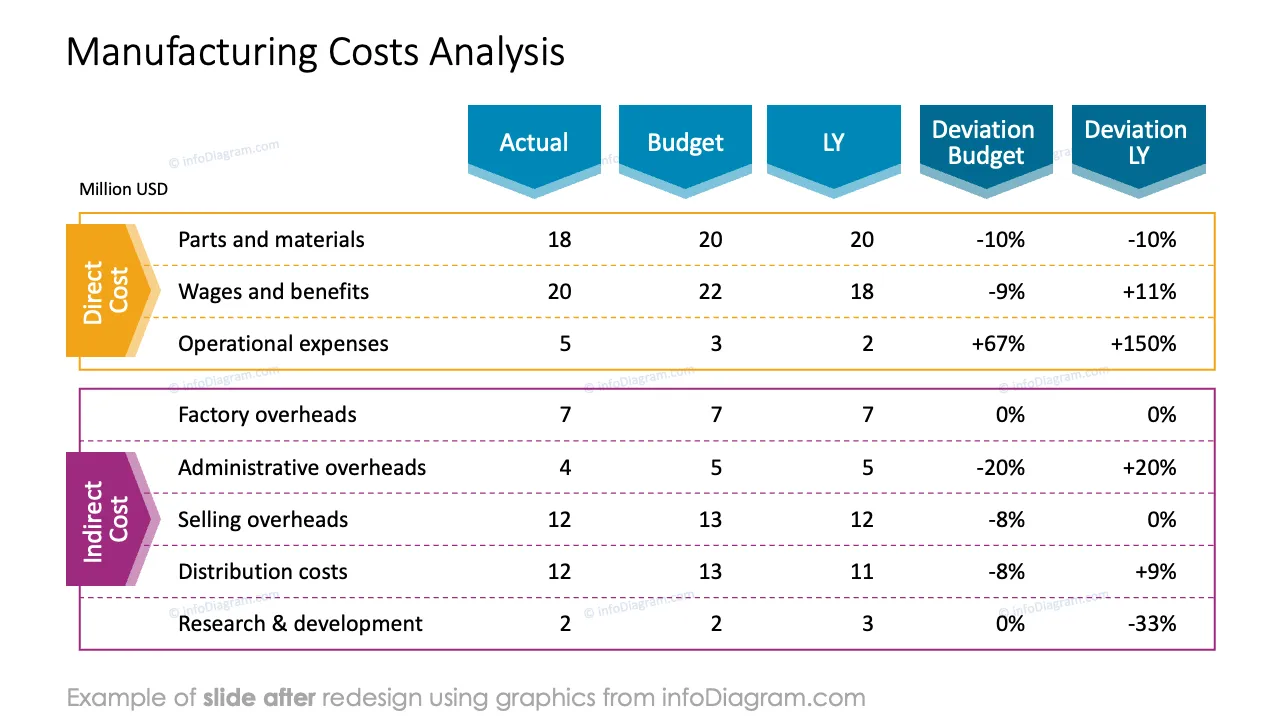
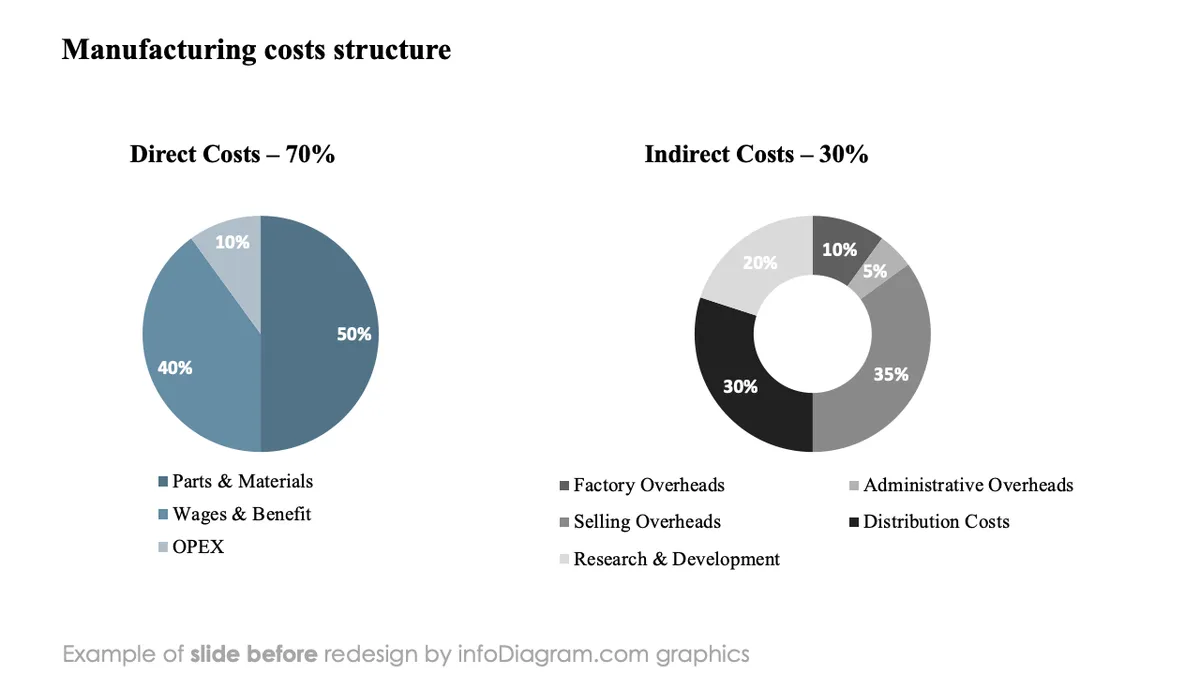
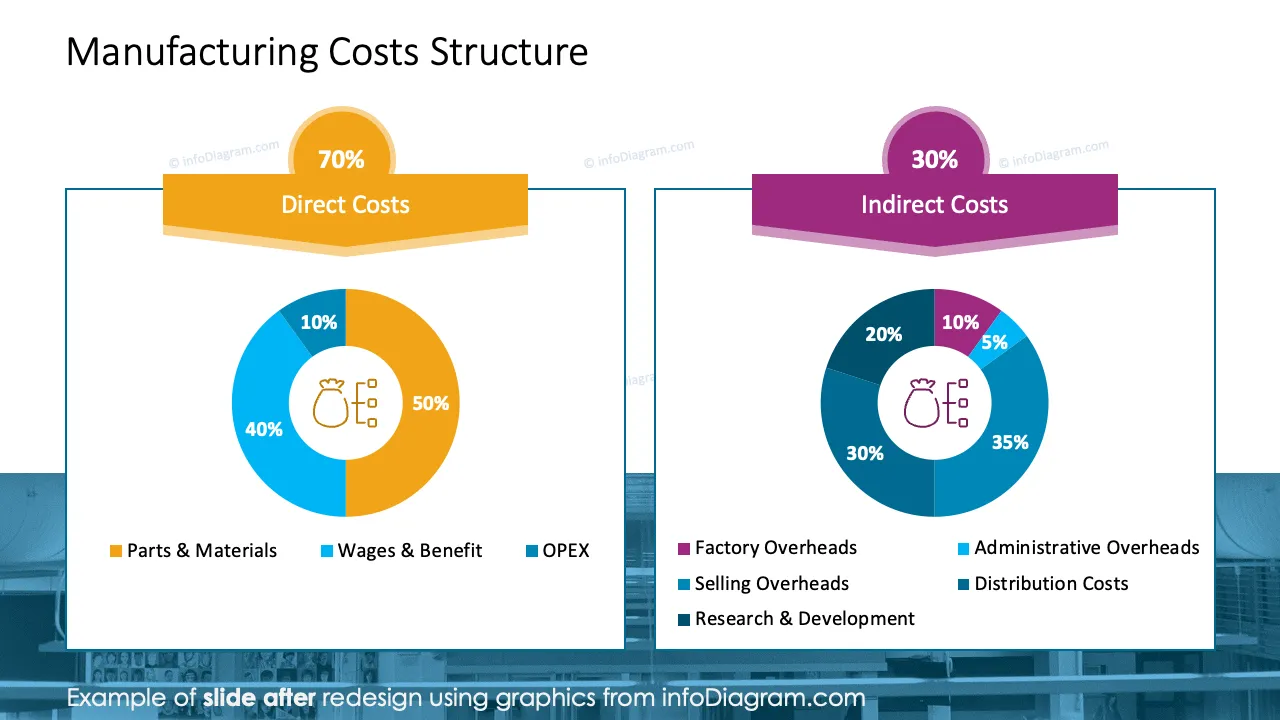
- Analyze your direct and indirect production costs, comparing them to the budget and last year.
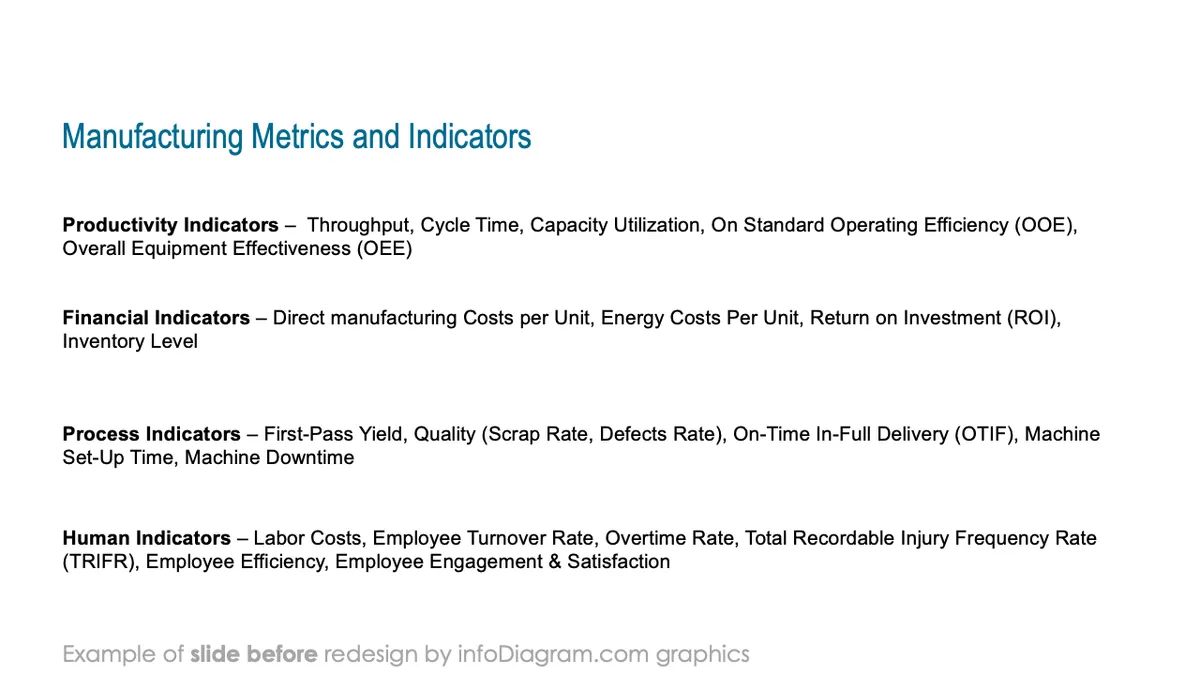
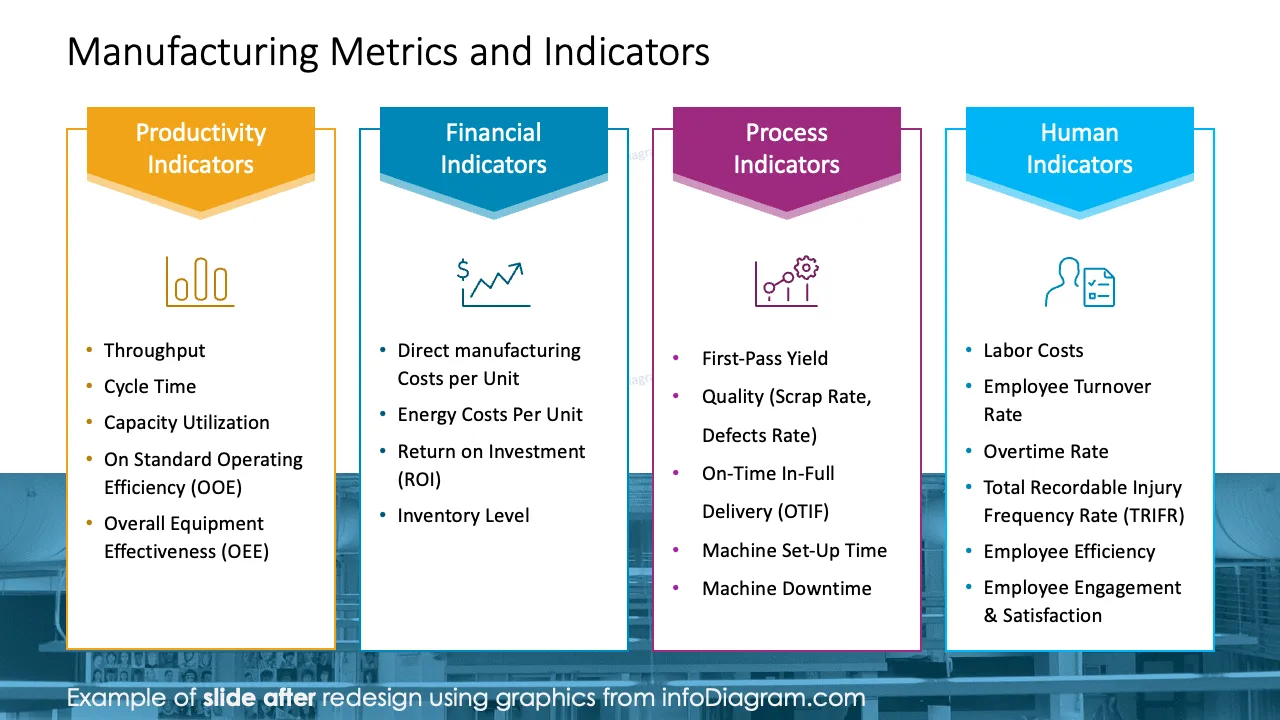
- Present your manufacturing metrics and indicators, including productivity, financial, process, or human resources ratios.
Try using those PowerPoint graphics to present your data visually in an elegant way.
All graphics are editable to modify the size, colors, and text. Also, you can extend the collection further with more PPT symbols (see Related Diagrams section).
Try using thisset of fully editable PowerPoint vector shapes to present your data visually in an elegant way. You can easily modify all elements:
- Replace icons
- Change the filling and outline color
- Modify size and proportions
- Rotate, flip, align, and change order