Cover and narrative setup
Usage example
Deck preview
What the deck looks like in practice
This template does not have a dedicated before/after case study, so we show the strongest slides from the actual deck instead.
Cover and narrative setup

Core structure and talking points
Polished visual slide from the deck
Description
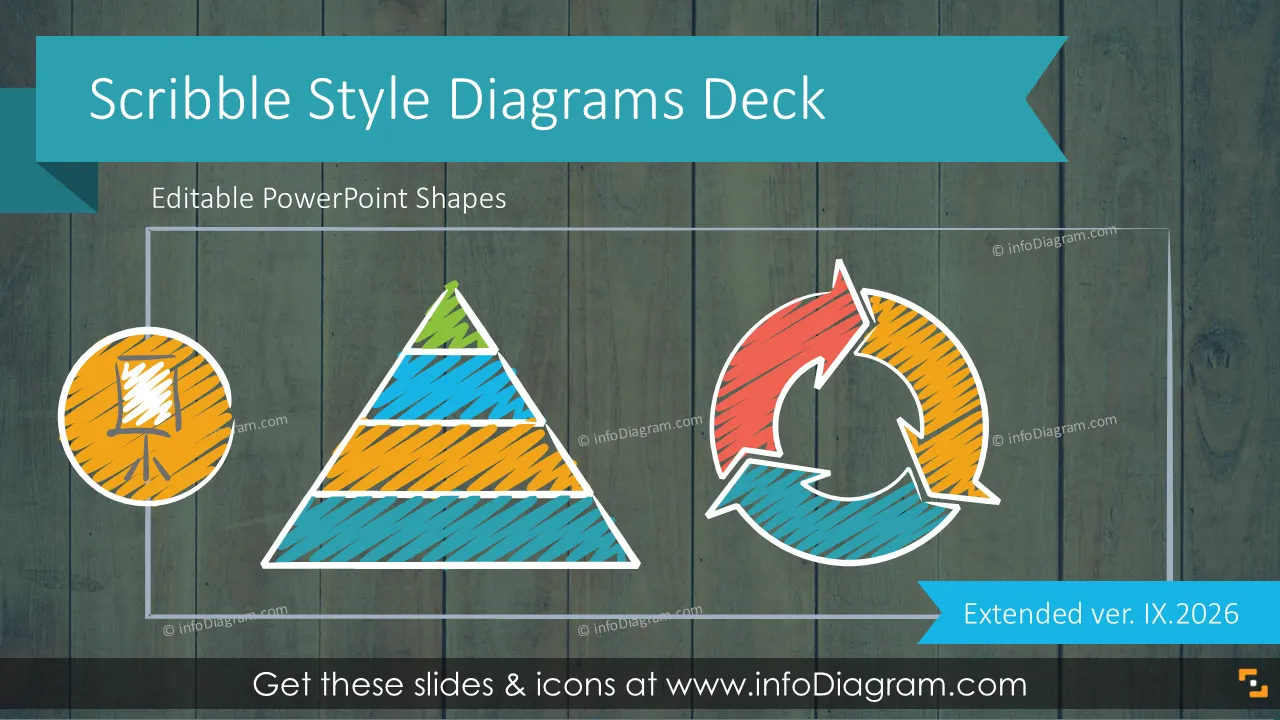
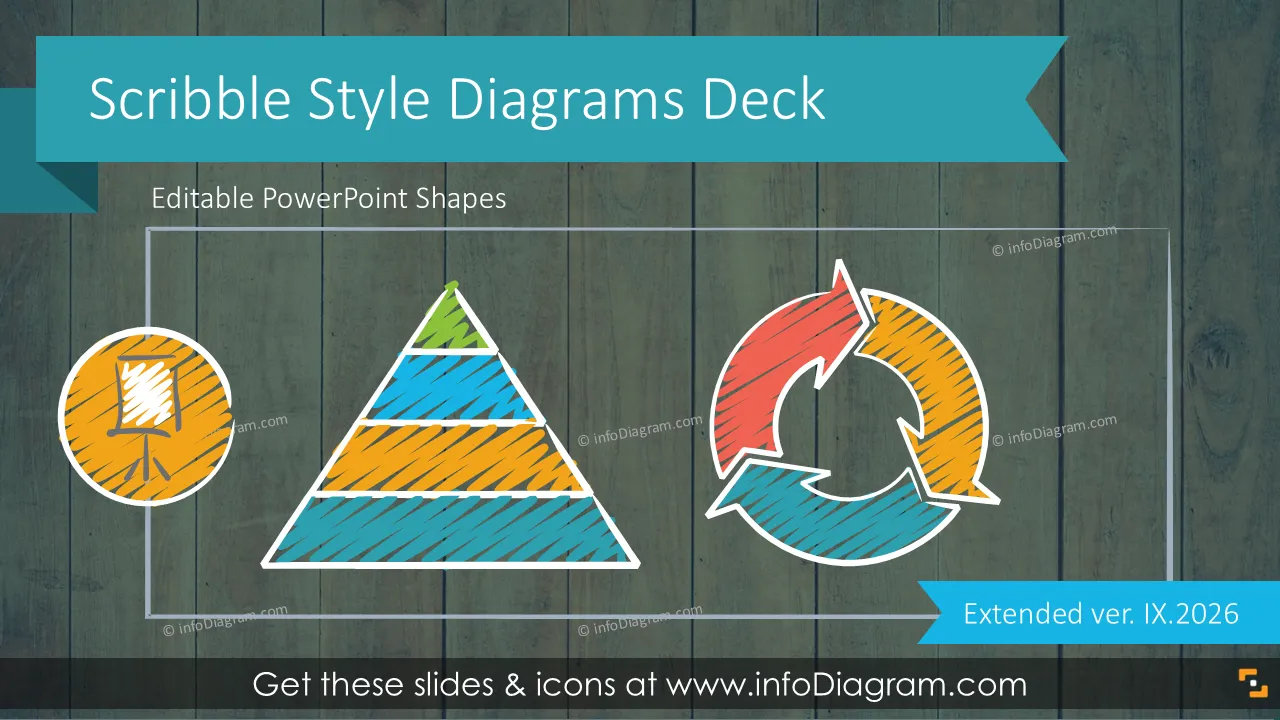
Set of hand drawn diagram shapes for creative infographics made in Powerpoint
- Lists diagrams
- Ordered lists, sequence diagrams
- Central list diagrams
- Timeline diagrams
- Key data presentation, KPI diagrams
- Loop diagrams
- set of scribble and flat icon symbols for infographics: man, brain, computer, document, thumbs up
- fully editable style, size and colors
Content:
Hand drawn diagrams and scribble symbols for creating own infographics in Powerpoint.
- Lists diagrams:
- Hexagonal shapes lists: classic, horizontal and with grey description
- Arrows shapes list
- Ribbon diagrams
- Pentagon shape diagram
- Circle diagram and Quarters circle diagram
- Ordered lists and sequence diagrams:
- Hexagonal shapes list
- Cards text boxes diagram
- Scribble circles
- Loop arrows diagram
- Closed loop diagrams with:
- Arrows, sub points, text boxes, circle quarters, outline quarters
- Central list diagrams:
- Central circle list with items and icons
- Pentagram diagram
- Central arrows diagram
- Venn diagrams
- Timeline diagrams:
- Time line with scribble rectangles and dots
- Horizontal Timeline and Vertical timeline
- Timeline arrows
- Key data presentation and KPI (Key Performance Indicators) diagrams:
- Scribble gauges for KPI balanced card board
- Infographics population diagram: male and female icons
- Data arrow chart diagram
- Key number presentation
- Concepts:
- Joint communication speech bubble
- Integration, Synergy - puzzle pieces
- Icons:
- Scribble icons index: thumbs up, brain, star, bulb, diamond, paper plane, lifebuoy, gavel, compass, weight
- Scribble icons: male, female, formal suit
- Flat icons index: tablet, smartphone, pc, laptop, thumbs up, man, bulb, hearth, box, magnifier, cloud
Fully editable in PowerPoint set of vector shapes fully editable by using built-in PowerPoint tools, including * changing color of the icon filling and its outline * adding shadows * changing shape and size, rotating, flipping the object * putting shapes behind or on top of text See editing demonstration in our HowTo Videos.
Hand Drawn Scribbled Infographics diagrams and symbols package may be used for:
* business presentation
* powerpoint presentation
* business plans
* school projects
* marketing plan
* marketing strategy
* powerpoint design
* presentation design
* brand strategy
* marketing campaign
Who may find it useful: * entrepreneur, * manager, * presenter, * powerpoint presenter, * speaker, * companies * students
Authors
* Design: Izabela Zvirinska, [ Contact via infoDiagram.com ](/contact/)
Slides included in this PowerPoint Presentation:
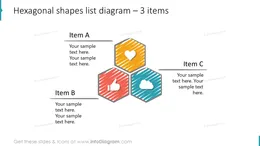
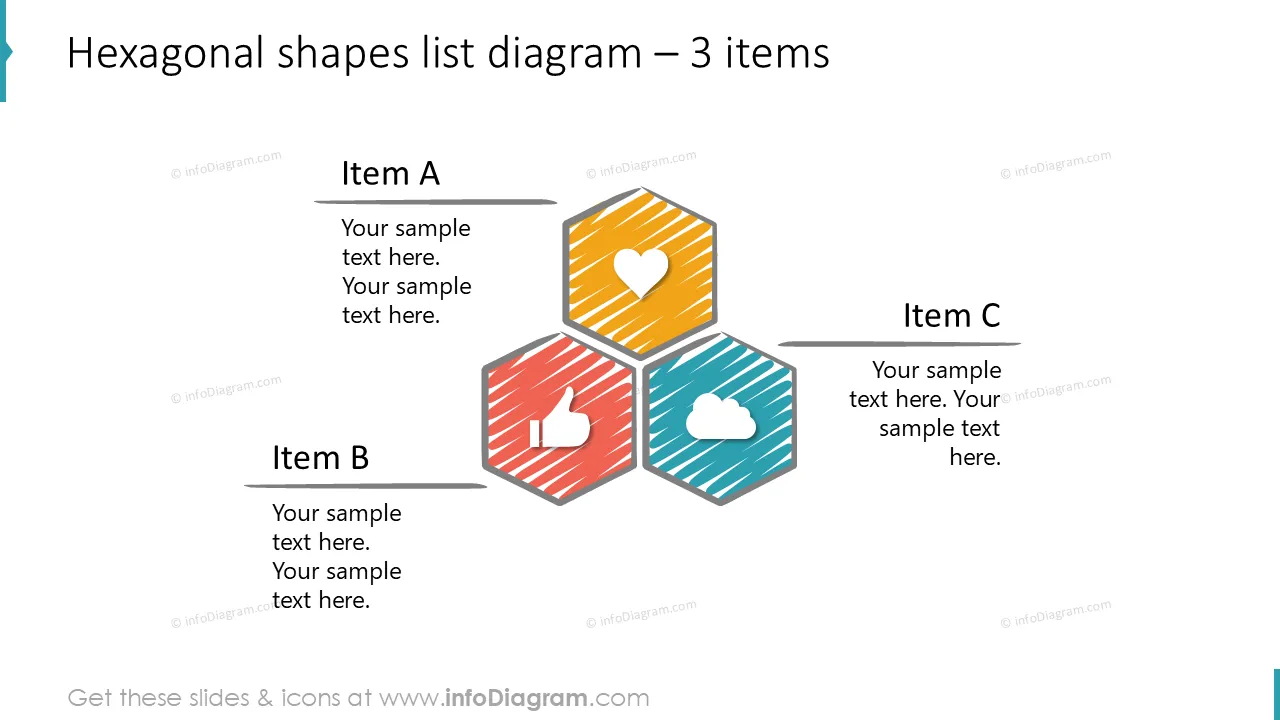
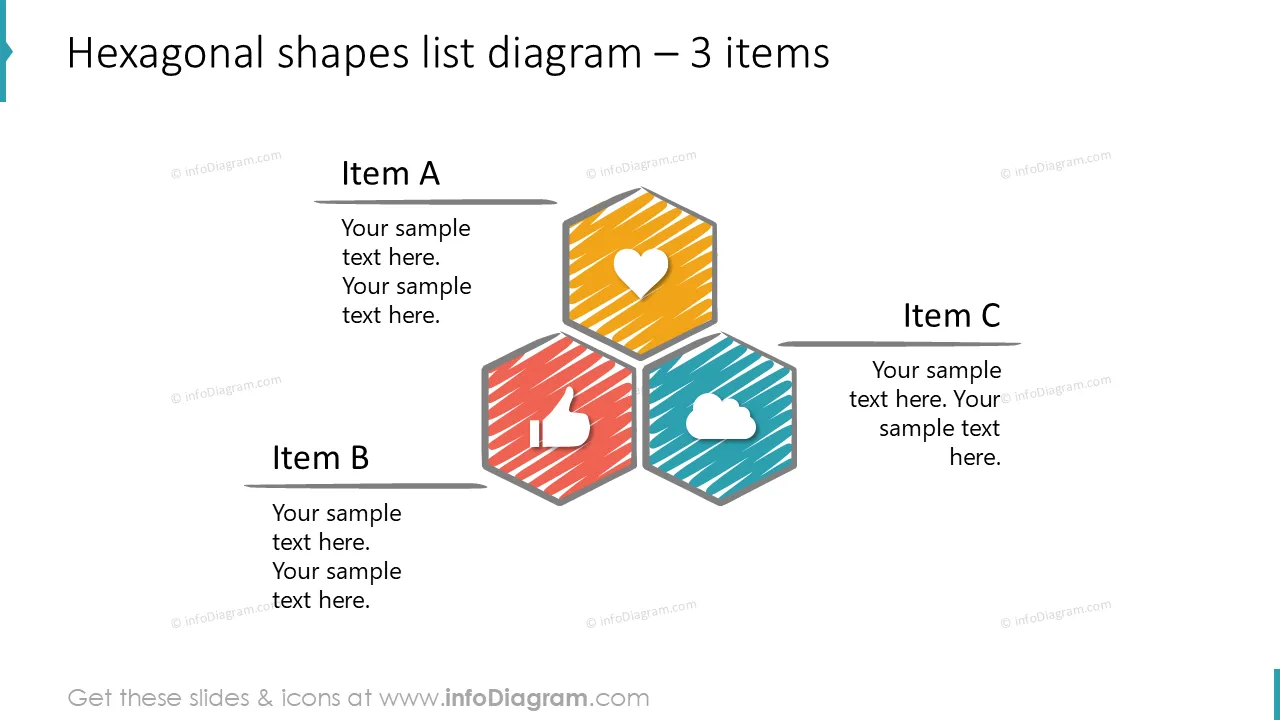
- Hexagonal shapes list diagram – 3 items
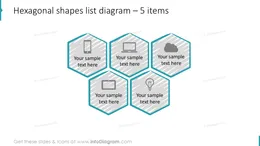
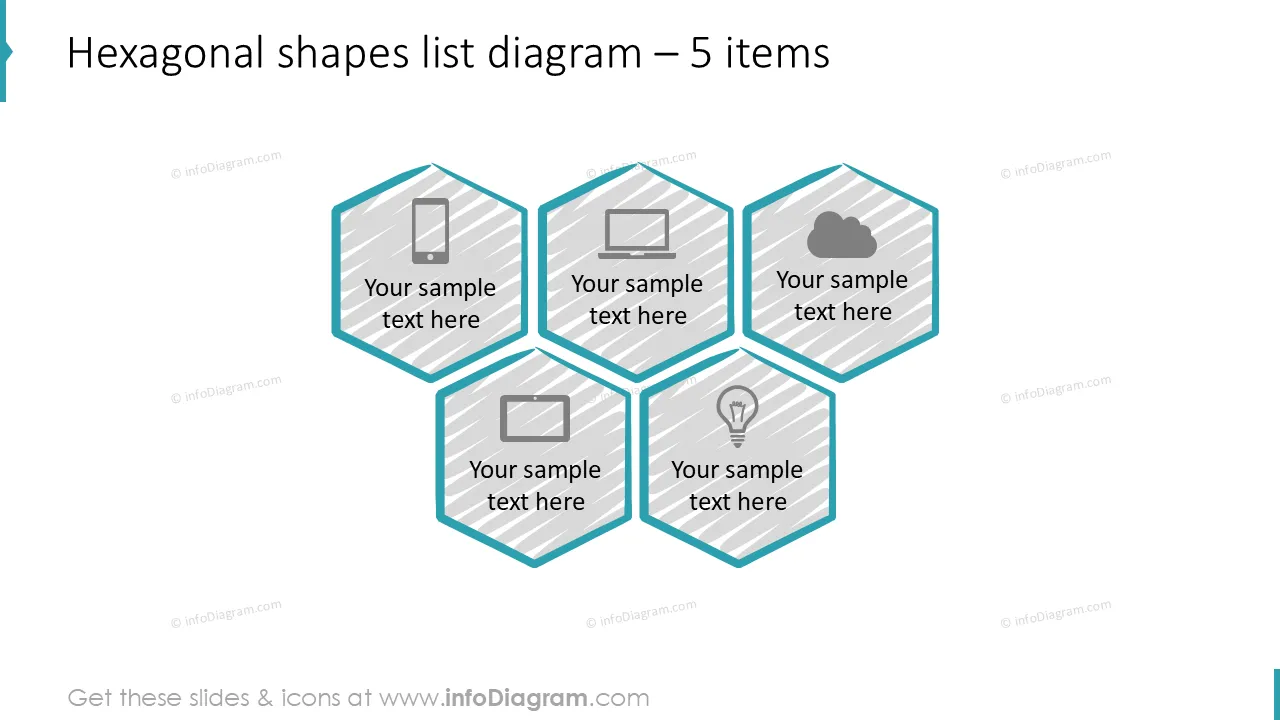
- Hexagonal shapes list diagram – 5 items
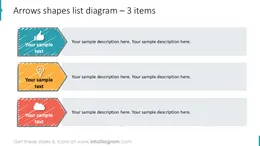
- Arrows shapes list diagram – 3 items
- Hexagonal shapes horizontal list diagram with 3 items
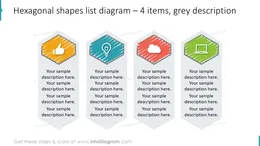
- Hexagonal shapes list diagram – 4 items, grey description
- Scribble text boxes with title – 3 items + joint item
- Ribbon diagram – 4 item
- Ribbon diagram with 3 items
- Circle diagram – 4 items
- Circle diagram II - 4 items
- Circle diagram III – 8 items
- Circles diagram – 3 items
- Pentagram diagram
- Quarters circle diagram
- Hexagonal shapes list – 3 items
- Cards text boxes diagram
- Scribble circles flow chart – 4 items
- Scribble circles flow chart – 6 items with icons
- Loop arrows diagram – 6 items
- Quarter shape flow chart diagram – 5 items
- Closed loop – 3 arrows
- Closed loop II – 3 arrows
- Closed loop – 3 arrows with sub points
- Closed loop – 3 dots with text boxes
- Closed loop – 4 arrows
- Closed loop – 4 circle quarters
- Closed loop – 4 circle outline quarters
- Central list – 6 sub-items
- Inside circles diagram - 4 items
- Pentagram diagram – 5 items with icons
- Central arrows diagram – 4 items, text outside
- Central arrows diagram – 4 items, text inside
- Venn diagram – 4 joint items
- Venn diagram – 3 joint items
- Time line – scribble rectangles and dots
- Horizontal Timeline – 4 Scribble Labels
- Vertical timeline – scribble circles and dots
- Timeline arrows – 3 items
- Scribble gauges for KPI balanced card board
- Infographics population diagram – male icons
- Infographics population diagram – female icons
- Data arrow chart diagram
- Key number presentation – 4 circles diagram
- Joint communication speech bubble
- Integration, Synergy – 3 puzzle pieces
- Integration of 3 elements – puzzle circle
- New Scribble Diagrams
- Hand-drawn Scribble Style Banner Presentation Title Placeholder
- Hand-drawn Scribble Style Banner Presentation Section Placeholder
- Title of section slide write here keep calm And use our service
- 5 Levels Scribbled Pyramid - Maslow hierarchy of needs
- 4 Levels Scribbled Pyramid Diagram
- 3 Levels Scribbled Pyramid Diagram
- 3 Pillars Scribble Diagram
- 4 Pillars Scribble Diagram
- 5 Pillars Scribble Diagram
- Horizontal Timeline – 3 Scribble Labels
- Horizontal Timeline – 4 Scribble Labels
- Horizontal Timeline – 5 Scribble Labels
- Hexagonal Scribble Shapes List – 2 items
- Hexagonal Scribble Shapes List – 3 items
- Hexagonal Scribble Shapes List - 4 items
- Hexagonal Scribble Shapes List – 5 items
- Hexagonal shapes list – 6 items
- Hexagonal shapes list – 7 items
- Hexagonal shapes list – 8 items
- Before After Comparison Scribble 2 Text Boxes
- Before After Comparison Scribble 3 Text Boxes
- Before After Comparison Scribble 4 Text Boxes
- Hexagonal Shapes Scribble List – 3 Items, Grey Description
- Hexagonal Shapes Scribble List – 4 Items, Grey
- Hexagonal Shapes Scribble List – 5 Items, Grey
- Timeline Scribble Arrows – 3 items
- Timeline arrows – 4 items
- Timeline arrows - 5 items
- Timeline arrows – 6 items
- Timeline arrows – 7 items
- Timeline arrows – 8 items
- Hexagonal shapes list diagram - 3 items
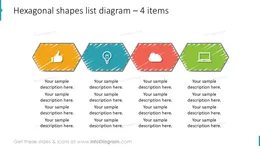
- Hexagonal shapes list diagram – 4 items
- Hexagonal shapes list diagram – 5 items
- Hexagonal shapes list diagram – 6 items
- HOW WE WORK – WRITE HERE YOUR TITLE
- HOW WE WORK - WRITE HERE YOUR TITLE
- HOW WE WORK – WRITE HERE YOUR TITLE
- Title Slide
- Focus Circle Text Slide Template
- Next Steps Text Slide Template
- Hand Drawn Scribbled Infographics diagrams and symbols (PPT shapes)
Reviews
Sus gráficos añaden un toque agradable a mis presentaciones y recientemente los usé para una de mis reuniones generales. Su conjunto de herramientas añade profesionalismo a mis diapositivas. En lugar de usar imágenes prediseñadas estándar.
Claude Jones, Director of Engineer, @Walmartlabs, USA
Necesitaba un aspecto fresco para algunas de mis diapositivas. Había intentado encontrar una forma de crear un efecto de pincel, de subrayar, acentuar, añadir algo de color y los marcadores escritos a mano fueron justo lo que necesitaba. Muy fácil de usar, fácil de ajustar el tamaño, cambiar el color. Fue una solución asequible y perfecta, y estoy feliz de recomendarla.
Anonymous, US
El aspecto nítido y limpio de los gráficos, y el hecho de que me permitiera editar y cambiar fácilmente los colores para que coincidieran con la plantilla fue mi principal razón para comprarlos.
Brandie Jenkins, Desarrollador de e-learning, USA
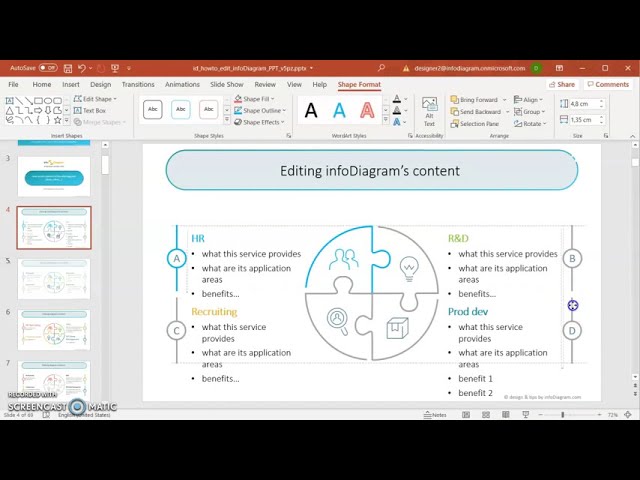
How to Edit
How to edit text & colors

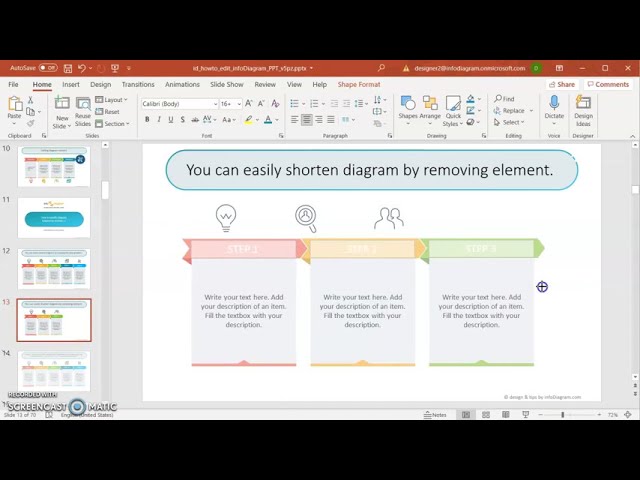
How to expand / shorten diagram

How to Replace Icons in infoDiagram PPT

You may also need