
Reviews
Your slides are my "secret sauce" when it comes to presenting my ideas to clients. I save a lot of time.
J'avais un délai de livraison à respecter et je n'avais pas le temps de créer une variété de modèles de diapositives. Infodiagram m'a proposé des options faciles à télécharger et à personnaliser en fonction de mes besoins !
Vos diapositives suscitent souvent de précieux commentaires et idées de la part de mon équipe, ce qui améliore les diapositives finales.
Description
Slide Title
Unfortunately, the attached picture does not contain a visible slide title for me to include.
Slide Content
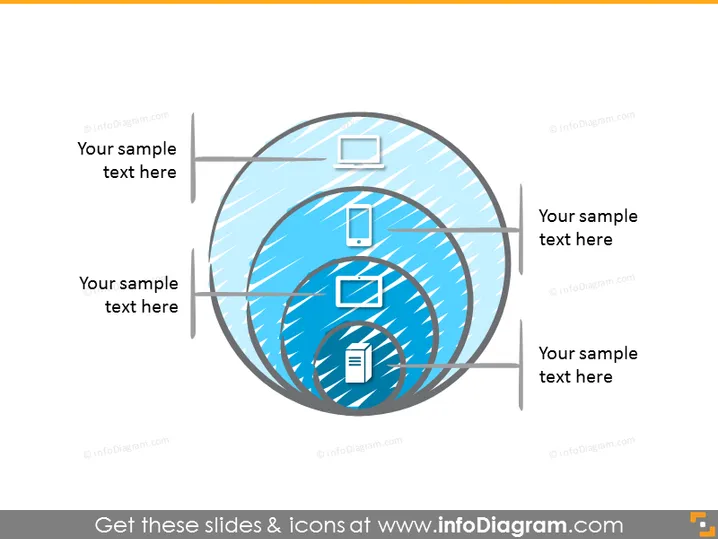
The slide appears to be illustrating a process or a system with four components, each represented by an icon: a desktop computer, a mobile phone, a larger screen possibly indicating a tablet or monitor, and a document symbol. Each icon is encapsulated within circular layers, giving a sense of integration or interconnectivity amongst the four elements. These could symbolize different platforms or steps in a workflow, emphasizing their interconnected nature.
Graphical Look
- The slide has a light background with a subtle texture pattern.
- Four main circular vector shapes are layered on top of each other, creating a 3D spherical effect.
- Each circle is filled with a different shade of blue and has a dashed or slashed texture, giving the impression of dynamic motion or connectivity.
- There are four icons, each placed inside the spheres: a desktop computer, a mobile phone, a display or tablet, and a document.
- To the left and right, there are placeholders with the text "Your sample text here", allowing for descriptions or notes associated with each of the four icons.
- Dark lines with arrowheads point from the text placeholders to the respective icons, emphasizing the connection between the text and the graphics.
The overall look of the slide is modern and dynamic, with the use of blue hues and abstract sphere shapes evoking a theme of technology and interconnectivity.
Use Cases
- To represent a multi-platform digital strategy in a marketing presentation.
- To show the integration of various IT systems in a corporate technology overview.
- As a visual tool to describe a complex process with multiple interconnected steps in project management.
- To illustrate components of a software ecosystem in a product development or sales pitch.
How to Edit
How to edit text & colors

How to expand / shorten diagram

How to Replace Icons in infoDiagram PPT


