

Your graphics add a nice touch to my presentations and I recently used them for one of my all-hands meetings. Your toolbox adds professionalism to my slides. Instead of using standard clipart.
Claude Jones, Director of Engineer, @Walmartlabs, USA

Your graphics add a nice touch to my presentations and I recently used them for one of my all-hands meetings. Your toolbox adds professionalism to my slides. Instead of using standard clipart.
Claude Jones, Director of Engineer, @Walmartlabs, USA
I needed a fresh look at some of my slides. I've tried to find a way to create a paintbrush effect, to underline, accentuate, add some color and the handwritten markers were just the things. Very easy to use, easy to size, change the color. It was an affordable, perfect solution and I'm happy to recommend it.
Anonymous, US
The crisp, clean look of the graphics, and the fact that it allowed me to easily edit and change the colors to match the template was my main reason for purchasing them.
Brandie Jenkins, E-learning Developer, USA
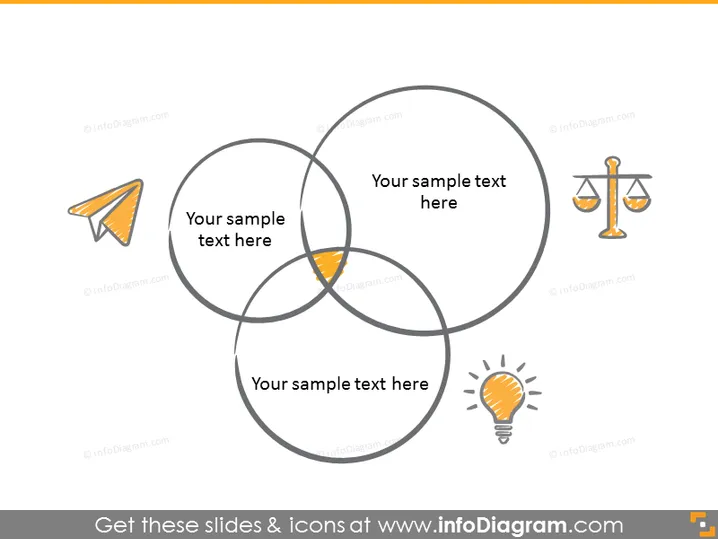
The PowerPoint slide appears to illustrate a conceptual overlap of three different areas, each accompanied by an icon representing different ideas or themes. The first area includes an icon of a paper plane, which could symbolize speed, delivery, or communication. The second one features a scale, which often represents justice, balance, or law. The final area showcases a light bulb, a common metaphor for innovation, ideas, or creativity. This Venn diagram setup is a widespread way to demonstrate how different concepts intersect and where they might combine to create a new, shared area - shown by the overlapping center.
The slide has a clean, modern look with a simplistic color scheme that emphasizes clarity and focus on the content. The use of universally recognizable icons aids in conveying the concepts for each category succinctly.



