

Your graphics add a nice touch to my presentations and I recently used them for one of my all-hands meetings. Your toolbox adds professionalism to my slides. Instead of using standard clipart.
Claude Jones, Director of Engineer, @Walmartlabs, USA


Before and after
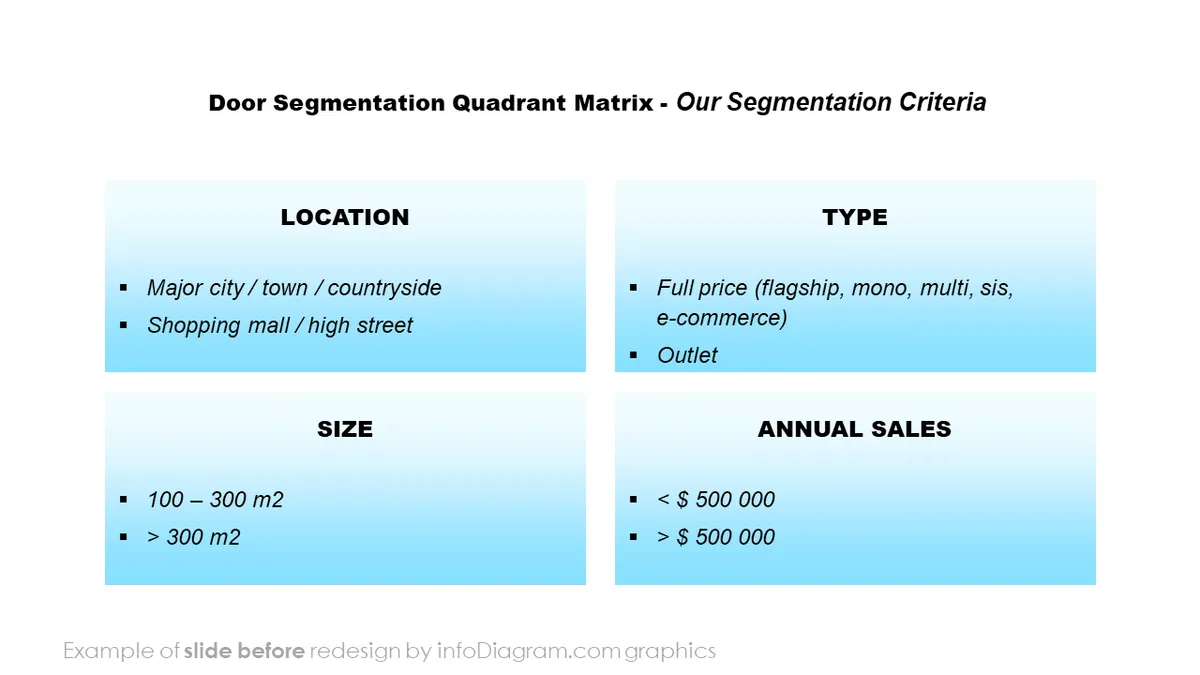
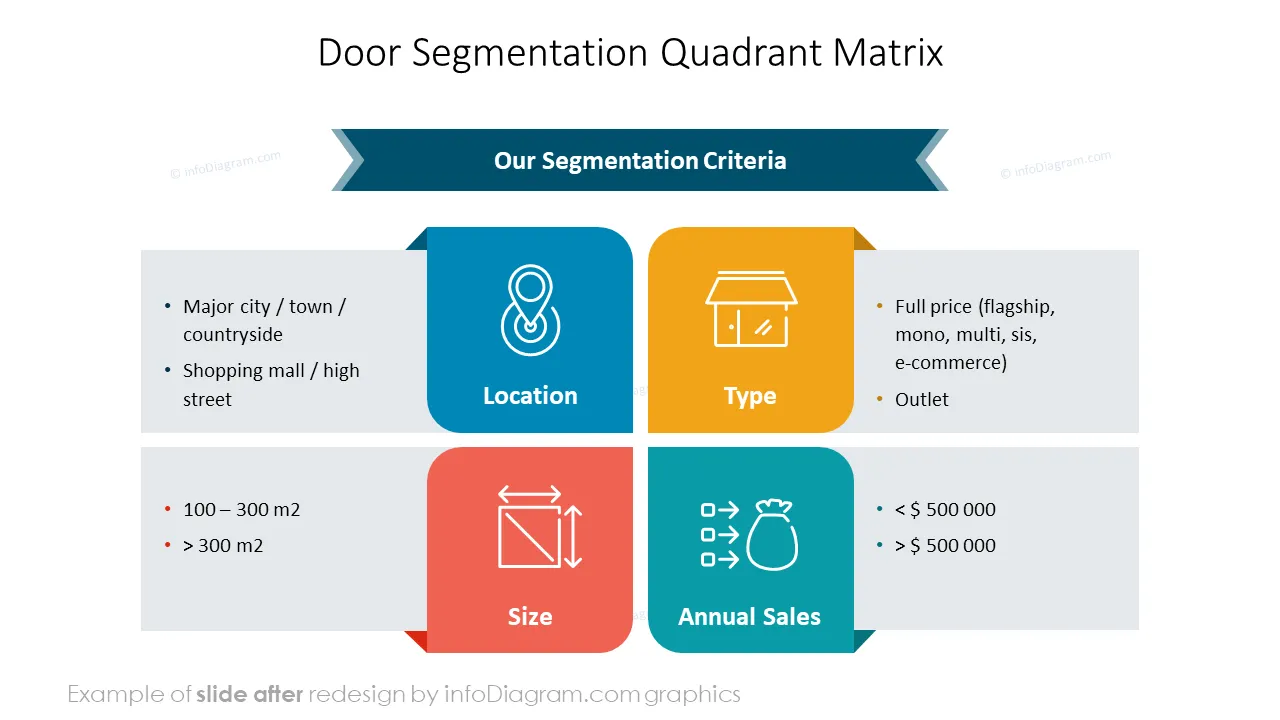
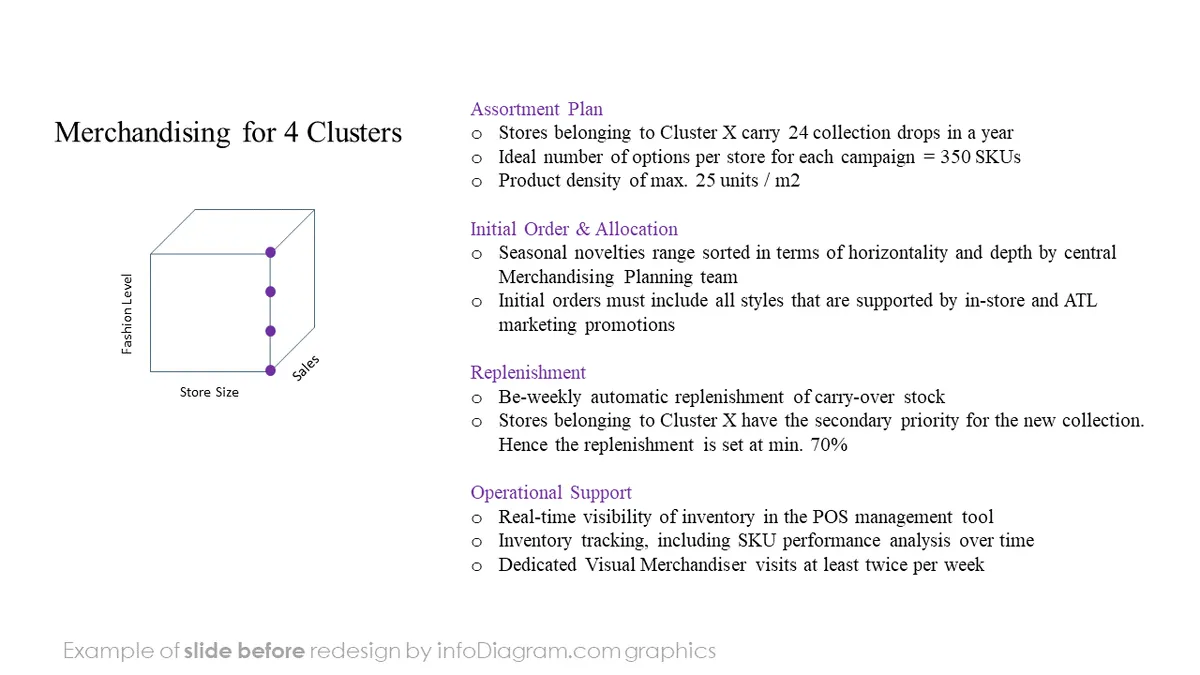
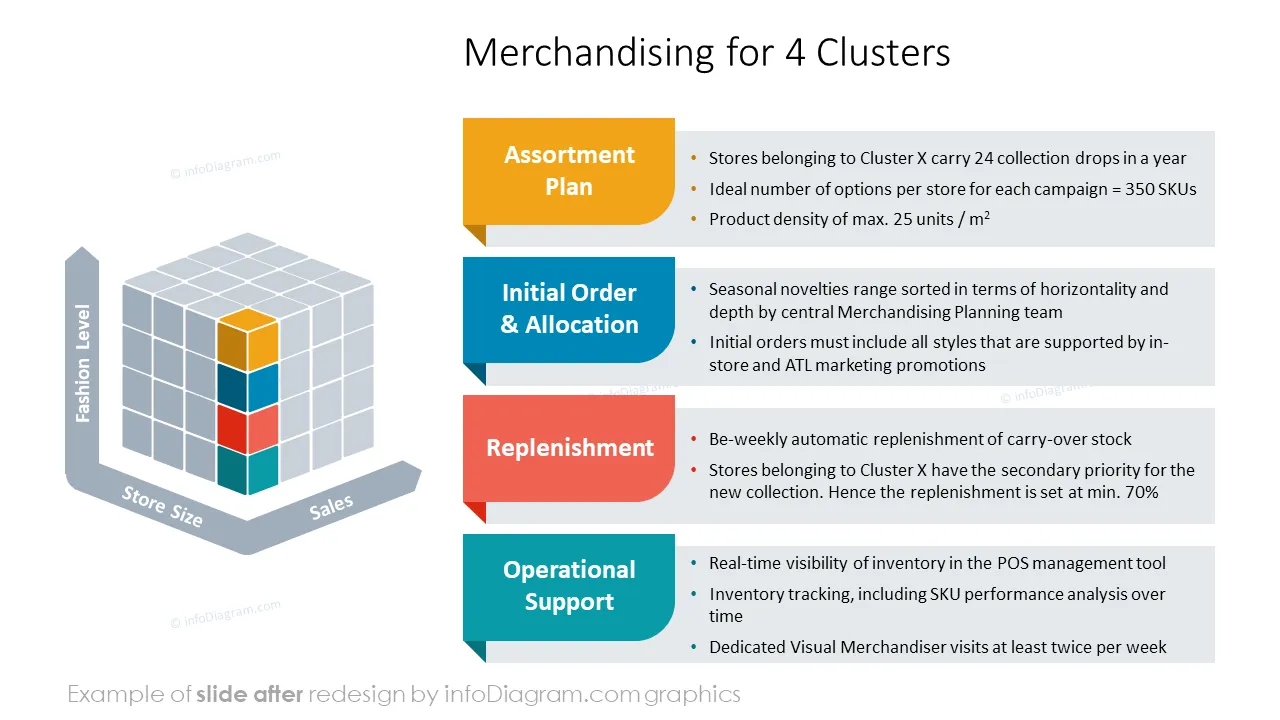
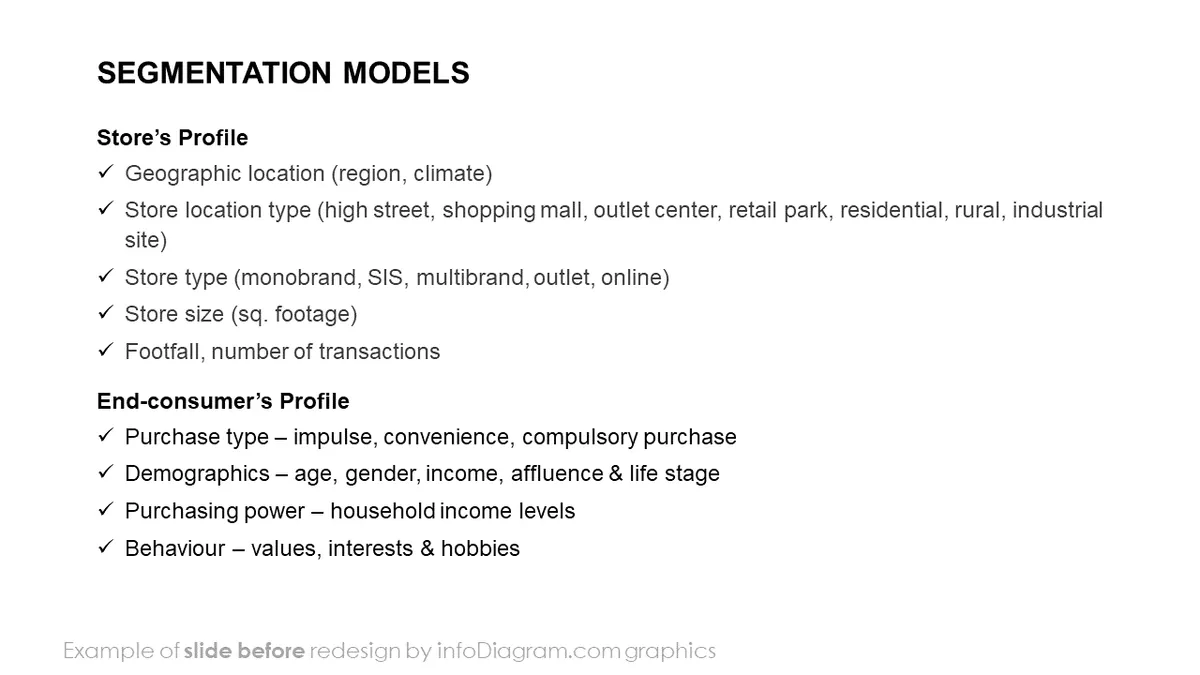
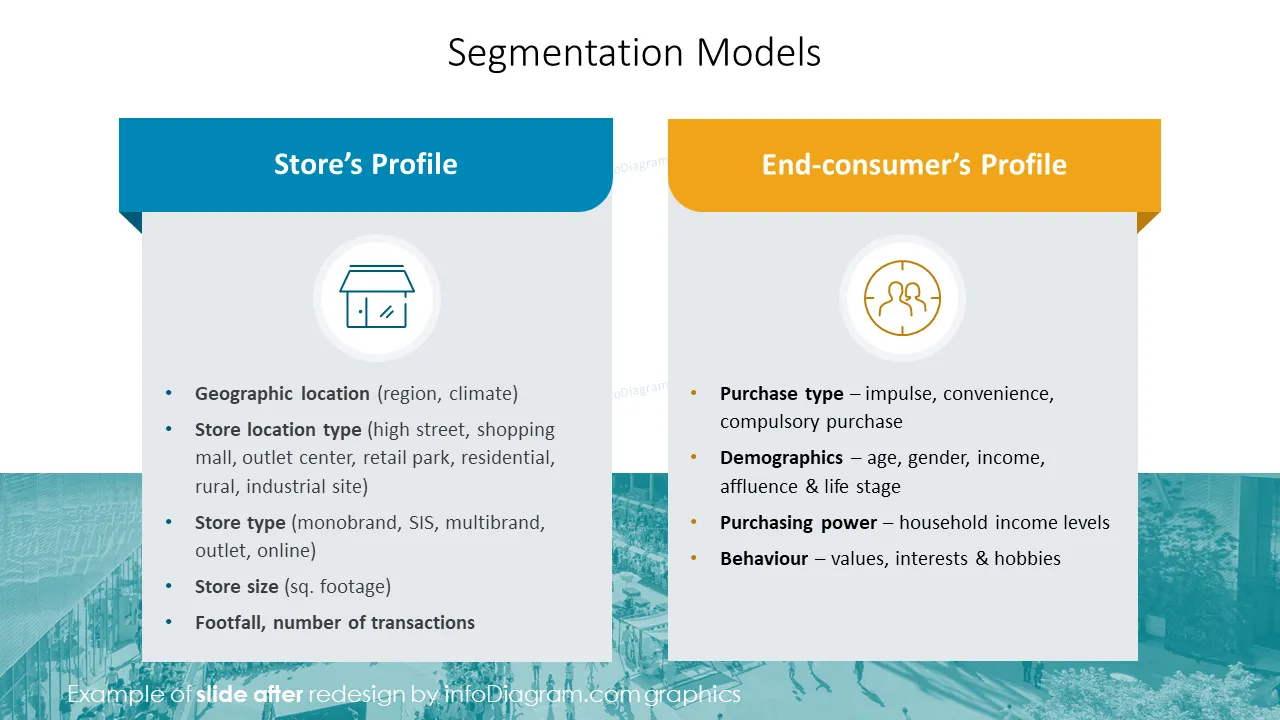
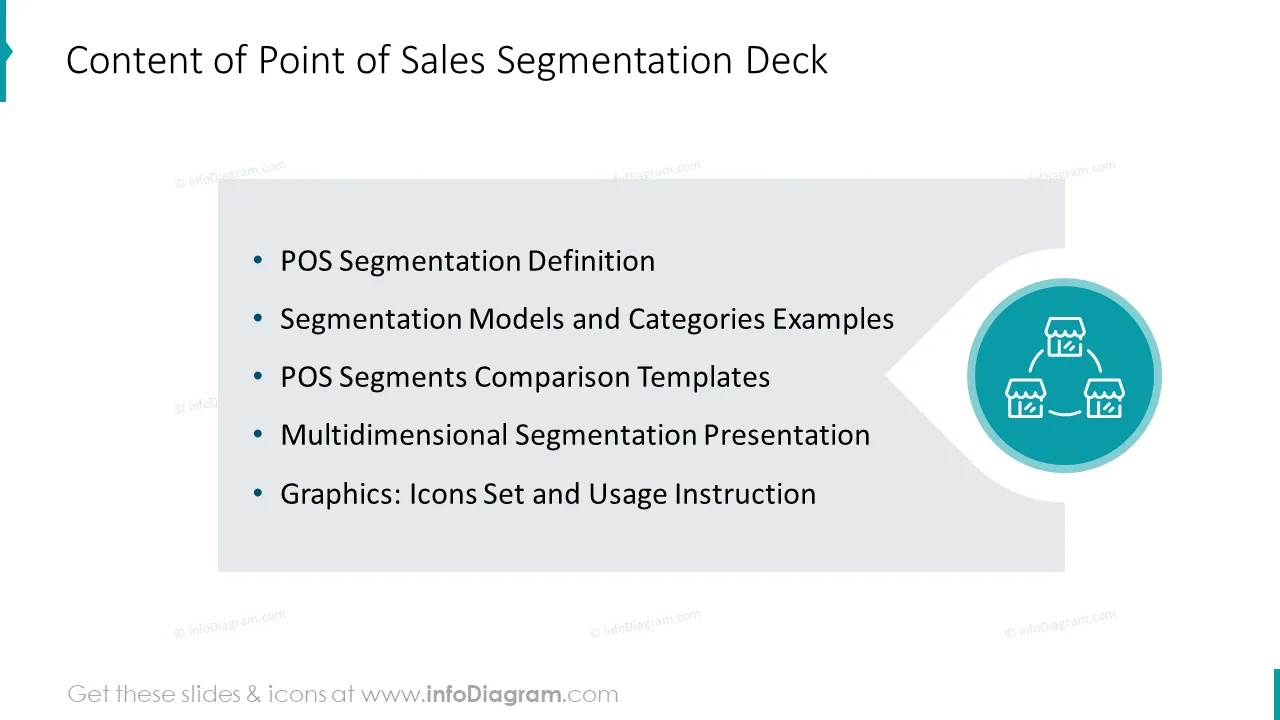
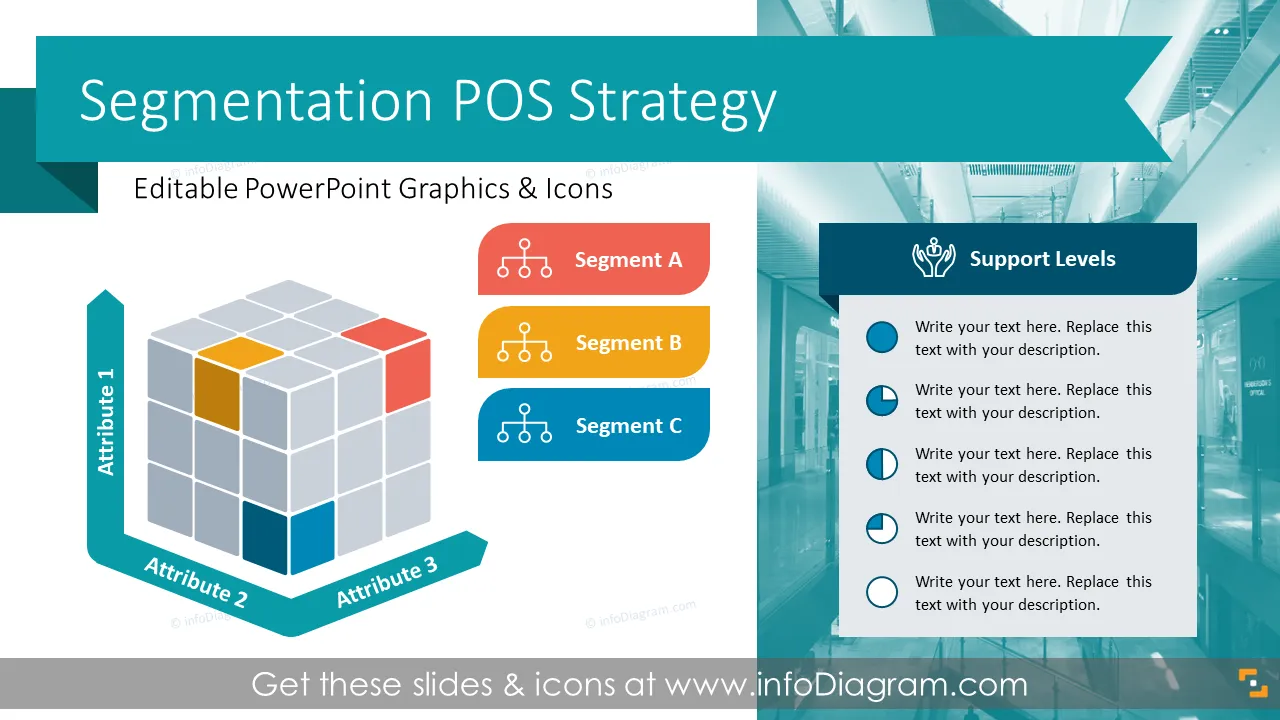
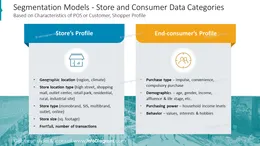
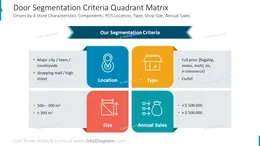
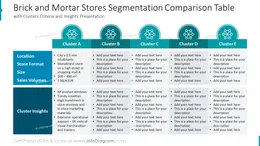
Need to present a segmentation framework of Point-of-Sales or another market segment approach? Consider using a visual way of communicating the POS analysis and segmentation essence.
We have designed a set of segmentation diagrams and various retail POS data categories PPT graphics to help you create such a visual presentation.
This PowerPoint slide deck is designed in an elegant flat style with colorful vector illustrations and outline icons. All graphic shapes can be recolored and resized without quality loss.
POS segmentation, short for Point of Sale segmentation, is a process used in marketing and retail to group POS with shared characteristics into clusters. This enables optimization of POS level activity, including ranging, pricing, merchandising, and promotions suitable for that particular segment. Clustering and grading prevent retailers or brands from applying a one-size-fits-all approach that can result in POS underperforming. Various business areas benefit from POS segmentation, including retail, hospitality, e-commerce, and food services.
When presenting the essence of POS segmentation, using visual aids in your PowerPoint slides can make it more impactful. Why?
You can use POS Segmentation visuals in various meetings and activities:
Try using those PowerPoint graphics to present your data visually in an elegant way.
All graphics are editable to modify the size, colors, and text. Also, you can extend the collection further with more PPT symbols (see Related Diagrams section).
Try using thisset of fully editable PowerPoint vector shapes to present your data visually in an elegant way. You can easily modify all elements:
Your graphics add a nice touch to my presentations and I recently used them for one of my all-hands meetings. Your toolbox adds professionalism to my slides. Instead of using standard clipart.
Claude Jones, Director of Engineer, @Walmartlabs, USA
I needed a fresh look at some of my slides. I've tried to find a way to create a paintbrush effect, to underline, accentuate, add some color and the handwritten markers were just the things. Very easy to use, easy to size, change the color. It was an affordable, perfect solution and I'm happy to recommend it.
Anonymous, US
The crisp, clean look of the graphics, and the fact that it allowed me to easily edit and change the colors to match the template was my main reason for purchasing them.
Brandie Jenkins, E-learning Developer, USA



You may also need