


Your graphics add a nice touch to my presentations and I recently used them for one of my all-hands meetings. Your toolbox adds professionalism to my slides. Instead of using standard clipart.
Claude Jones, Director of Engineer, @Walmartlabs, USA



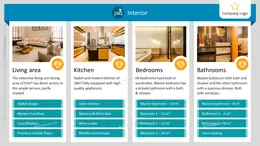
Before and after

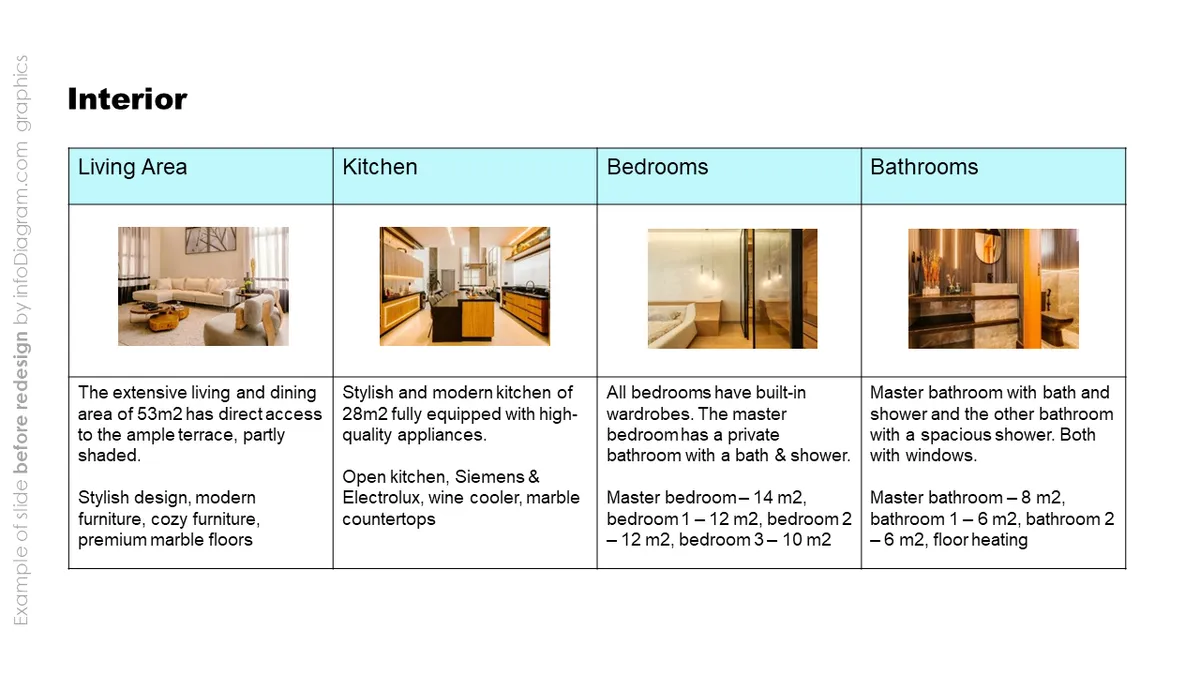
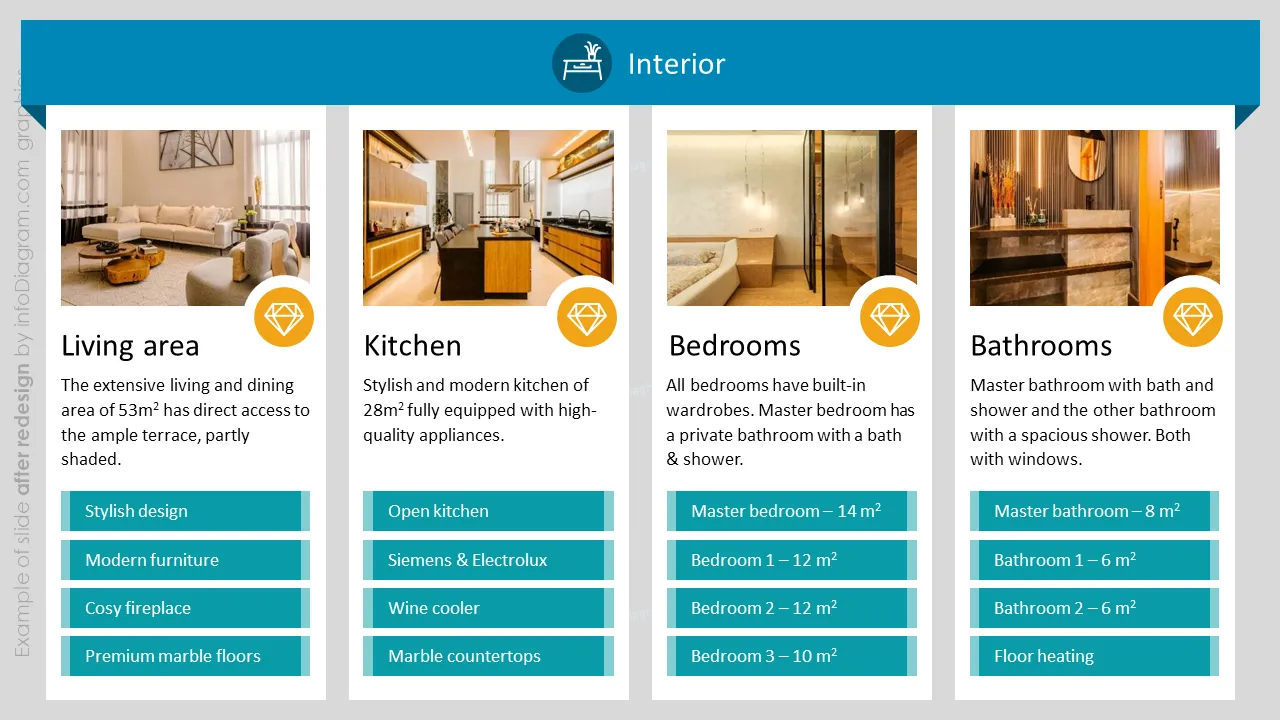
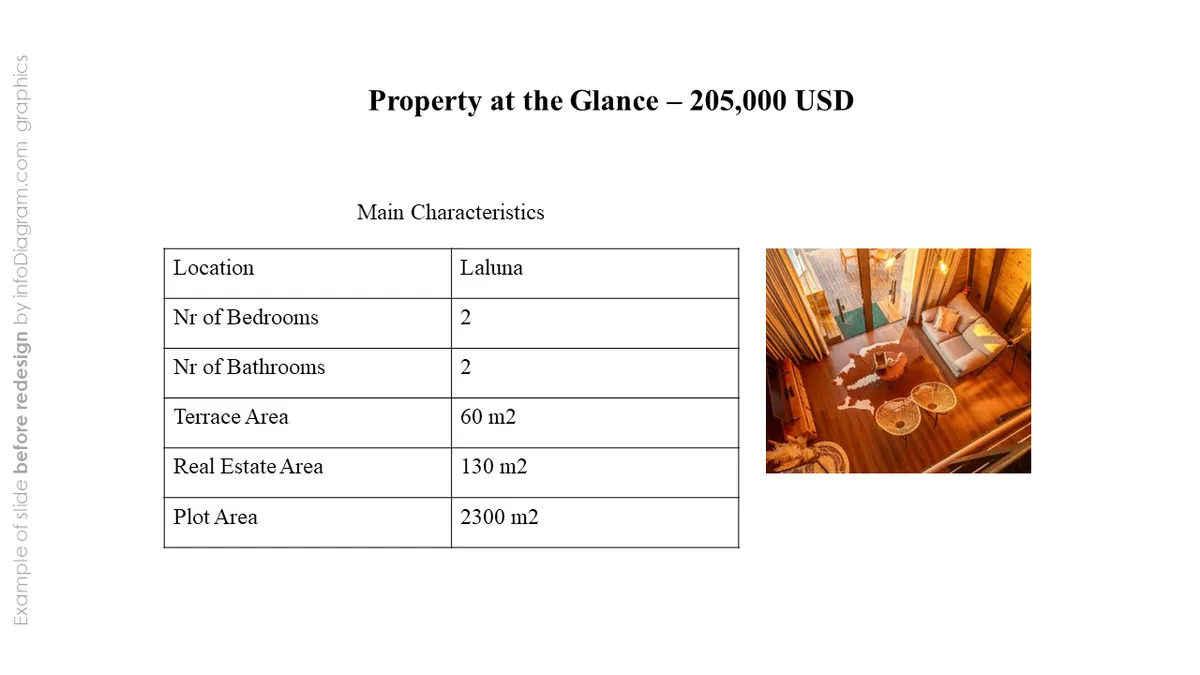
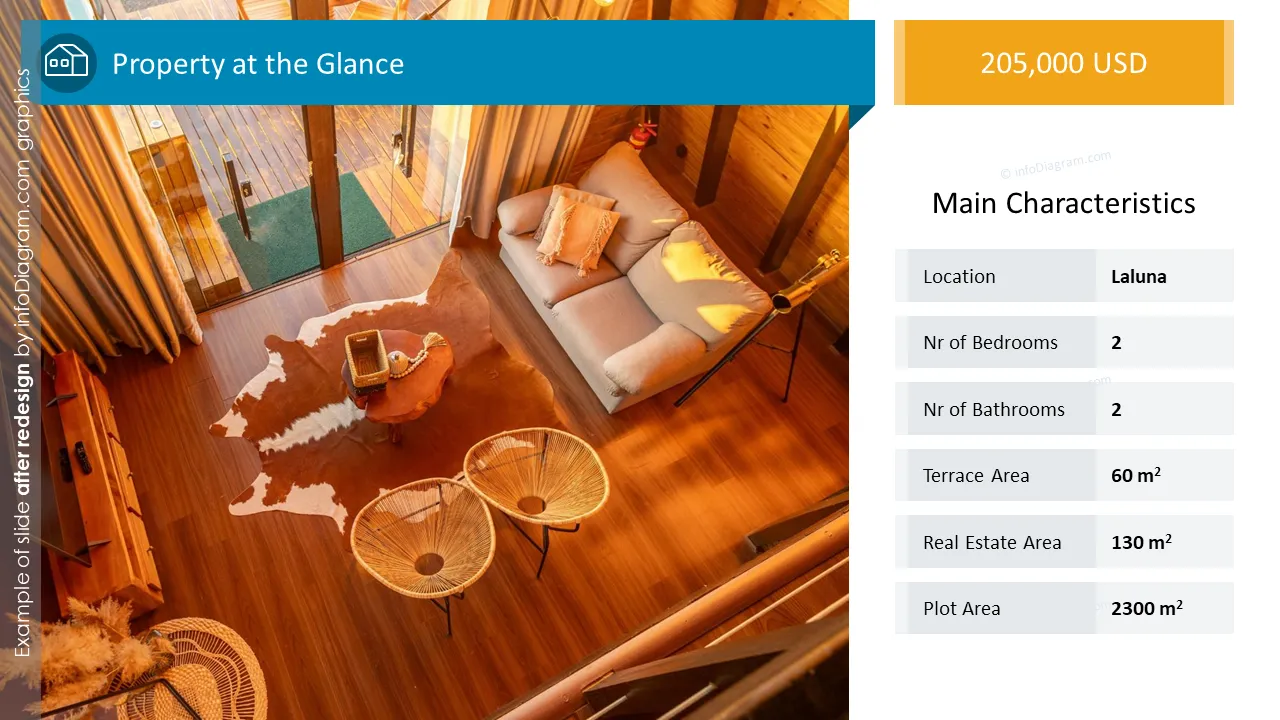
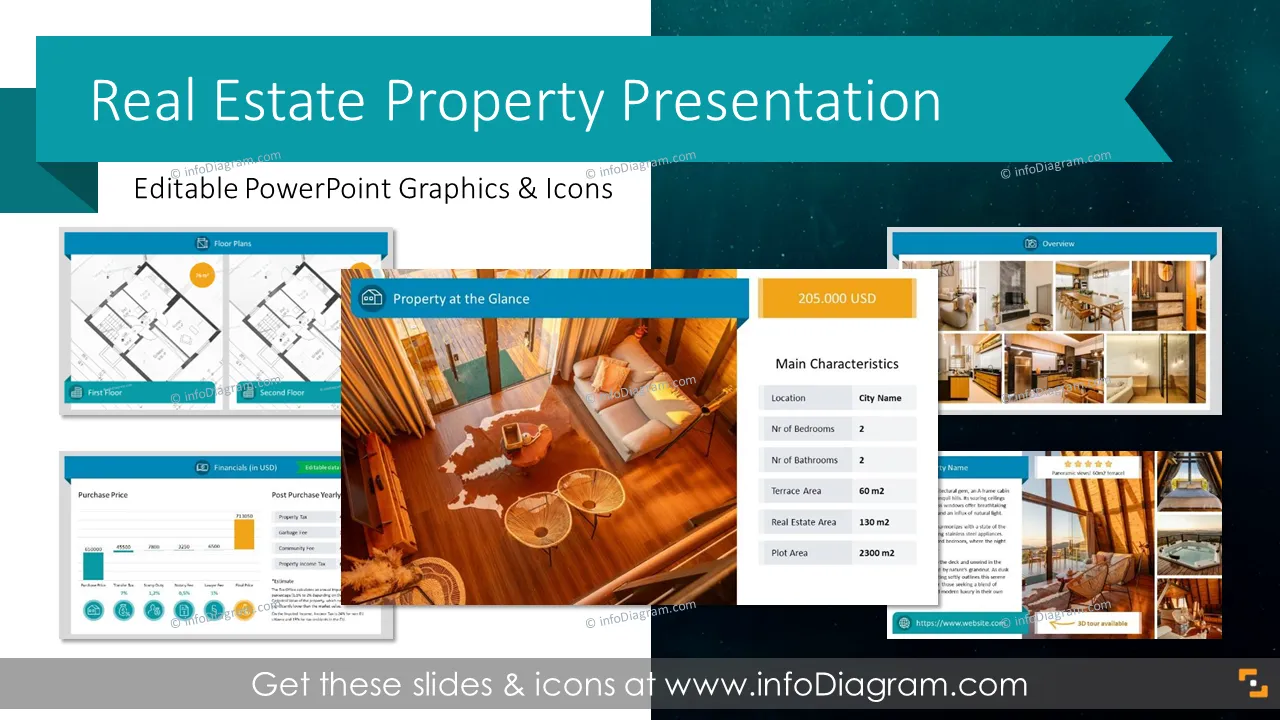
If you want to boost interest in the property you offer for sale or rent, use our content-ready template and present your house or apartment in an eye-catching format. Add photos, plans, descriptions, and links in ready-to-be-filled slides that are easy to edit so that you can customize your sales or rental proposal to your potential buyer or tenant.
This PowerPoint slide deck is designed in an elegant, flat style with colorful vector illustrations and outline icons. All graphic shapes can be recolored and resized without quality loss.
Design by infoDiagram designer: Contact infoDiagram
A brochure or dossier presenting a property for sale or renting. It usually consists of vital information about the property, such as its location, description, specification, price, and photos.
In the fast-paced world of real estate, the standout property presentation is your chance to make a lasting first impression on potential clients. Harness the power of visuals, creating presentations that captivate and inform simultaneously. Our ready-made real estate sale presentation will help you attract the attention of your clients and increase your close sale rates.
The deck offers editing flexibility and allows you to create several versions of the same or various properties easily. You can add your logo, website, or contact details, export it to PDF, and send it by email or WhatsApp. We include detailed instructions on how to alter the slides' content, values, colors, and look and feel to match your needs and company branding.
We have designed a PPT template with predefined slides so you can use them while listing your property on real estate portals or delivering it to potential buyers/tenants who can understand your sale offer comprehensively.
Try using those PowerPoint illustrations to present your content visually in an elegant and at the same time effective way.
All graphics are editable, so you can modify the colors and text. We also added a general icon collection at the end of the presentation deck. Optionally you can also extend the collection with more PPT graphics (see Related Diagrams section).
Fully editable in PowerPoint set of vector shapes fully editable by using built-in PowerPoint tools, including
Your graphics add a nice touch to my presentations and I recently used them for one of my all-hands meetings. Your toolbox adds professionalism to my slides. Instead of using standard clipart.
Claude Jones, Director of Engineer, @Walmartlabs, USA
I needed a fresh look at some of my slides. I've tried to find a way to create a paintbrush effect, to underline, accentuate, add some color and the handwritten markers were just the things. Very easy to use, easy to size, change the color. It was an affordable, perfect solution and I'm happy to recommend it.
Anonymous, US
The crisp, clean look of the graphics, and the fact that it allowed me to easily edit and change the colors to match the template was my main reason for purchasing them.
Brandie Jenkins, E-learning Developer, USA



You may also need