
Reviews
Your graphics add a nice touch to my presentations and I recently used them for one of my all-hands meetings. Your toolbox adds professionalism to my slides. Instead of using standard clipart.
I needed a fresh look at some of my slides. I've tried to find a way to create a paintbrush effect, to underline, accentuate, add some color and the handwritten markers were just the things. Very easy to use, easy to size, change the color. It was an affordable, perfect solution and I'm happy to recommend it.
The crisp, clean look of the graphics, and the fact that it allowed me to easily edit and change the colors to match the template was my main reason for purchasing them.
Description
Real Estate Onepager Icons — Property & Contact
Slide Content
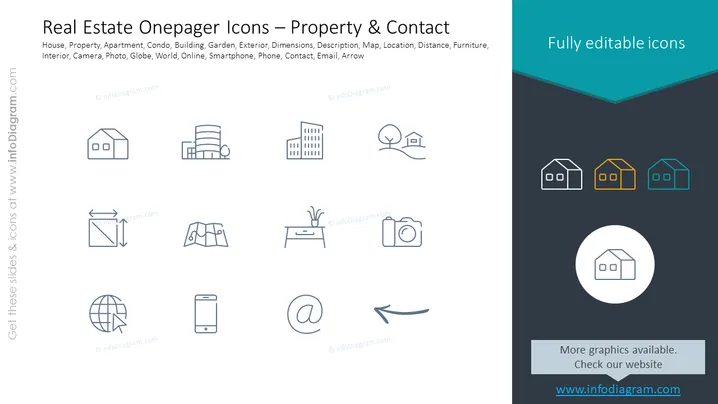
The slide presents a collection of icons related to real estate, which includes depictions of a house, apartment, condo, building, and additional elements like a garden, globe, smartphone, and contact methods. These icons are outlined to represent various aspects of property details and contact information. Each icon signifies a different feature such as a garden for outdoor space, a globe for online presence, a smartphone for communication, and an email symbol for electronic contact information.
Graphical Look
- The slide background is white, providing a clean and neutral backdrop for the icons.
- Two columns of icons are neatly aligned in the center, with a total of ten icons, evenly spaced.
- Icons are drawn with simple lines and are monochromatic, sporting a uniform dark blue color.
- The top portion of the slide has a dark blue banner with a turquoise accent featuring three highlighted icons with color outlines.
- Each icon is paired with a text label beneath it, written in a small sans-serif font.
- There is a larger circular icon centered at the bottom, matched with a bold text label directly beneath it.
- The overall design is minimalist, maintaining a professional and uncluttered appearance.
The slide has a modern and professional design. The use of simple line icons and a limited color palette emphasizes clarity and easy interpretation.
Use Cases
- Presenting real estate listings in a visually engaging manner for sales or rental presentations.
- Using as a content page or section divider in a larger real estate investment proposal.
- Enhancing real estate websites or digital brochures with clearly identifiable icons.
- Utilizing in email signatures or online profiles for real estate professionals to quickly convey services offered.
How to Edit
How to edit text & colors

How to expand / shorten diagram

How to Replace Icons in infoDiagram PPT


