Content
Industry outline icons for PowerPoint is a handy tool to keep your audience attention when using presentation slides. You can enhance the look of standard charts quickly by adding a financial, natural resources, transport and storage icons. Symbols will help you to visualize your data and get a better understanding from your listeners.
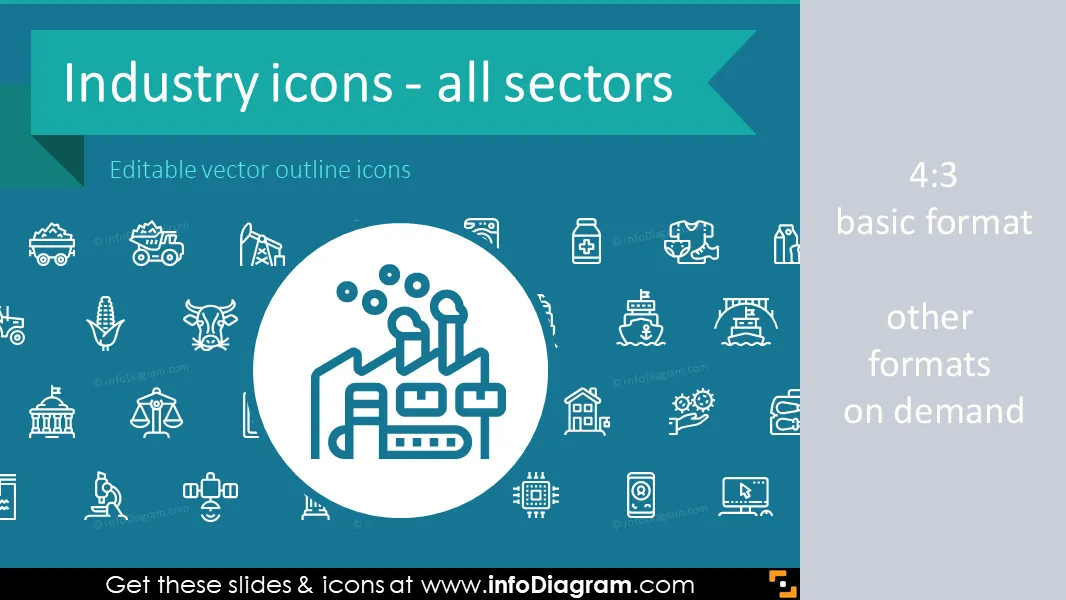
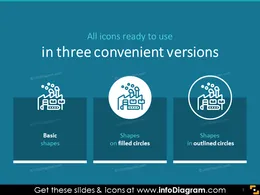
The industry outline icons bundle includes 64 outline editable icons representing different industrial sectors. The collection contains icons for visualizing economical and industry-specific topics: production, finance and money, natural resources and public sectors. All icons are designed in a modern outline style, that fits any business presentation. The icons provided in various versions: for light or dark background, as a standalone symbol, as a symbol inside the circle shape.
In the first part of industry outline bundle you can find product segment collection. This block contains symbols to present construction, manufacturing, goods, FMCG, transport, storage. Product sector symbols will help you to create an appealing presentation to your company's needs. Represented icons will help visualize such data in limited slides.
Next block of the bundle is the financial services icons. The set includes money, trade, IT and electronics icons. The file format makes them a perfect tool for creating slides for banks, investment funds or insurance companies. Presented icons will help you to prepare a presentation for a financial conference, consulting webinar or a blog article.
Natural resources icons set is the next important block in our bundle. Set of natural energy icons consists of:
- Mining symbols (mining and quarrying)
- Agriculture icons(crop cultivation, livestock production)
- Oil and gas symbols (petroleum, pumpjack, gasoline, natural gas, pipeline)
- Renewable and nuclear energy
You can use them to create your own design in business projects, energy publications or articles, connected with natural resources. These icons will help you to focus listeners attention by pointing to the key industry, agriculture, mining problems, attaching attention to finding best solutions and visualize them.
Industry symbols template includes a slide infographics collection of transport and storage icons. You will find symbols to represent all kinds of transport: passenger car, truck, bus, air transport, cargo ship, rail transport.
Industry outline bundle includes public sector icons as well. We added an infographic set of science, culture, administration, healthcare, education sector pictograms. These symbols can serve as a basic tool for creating a presentation about public enterprises and governmental services. Industry outline icons collection will help you to keep slides simple balanced with enough detail. Variety of presented icons can be easily adapted to your topic and brand colors. Fresh outline icons design makes your presentation eye-catchy and memorable.
Industry Outline Icons for PowerPoint is a handy tool for keeping the attention of your audience when presenting slides. You can enhance the look of standard industry charts quickly by adding financial, natural resources, transport and storage icons. Symbols will help you to visualize your data and get a better understanding from your listeners. The industry outline icons bundle includes 64 outline editable icons representing different industrial sectors. The collection contains icons for visualizing economical and industry-specific topics: production, finance and money, natural resources and public sectors.
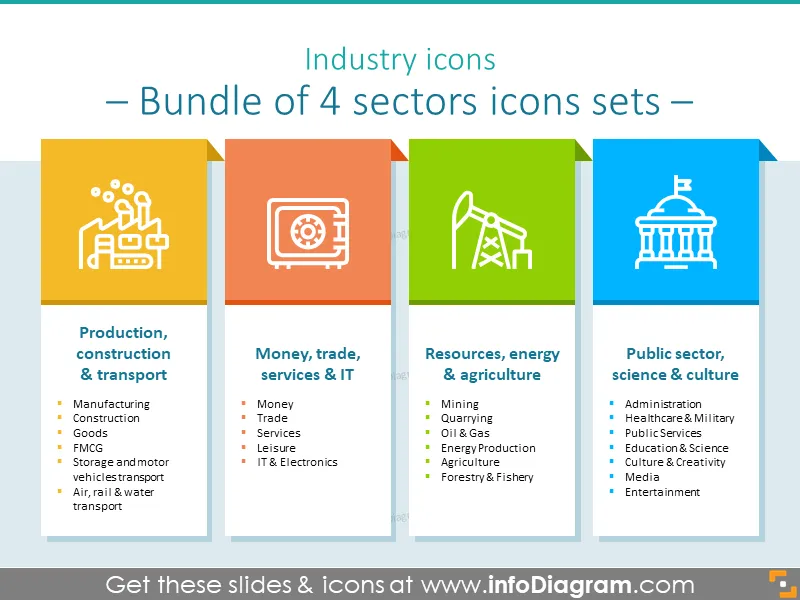
Industry Outline Icons collection contains ready-to-use modern symbols dedicated to the following topics:
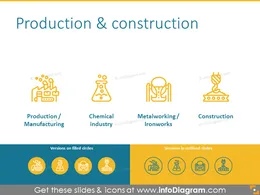
Industry outline icons sector for showing production, construction, transport
- Production, Manufacturing, Chemical Industry, Metalworking, Iron Works, Construction
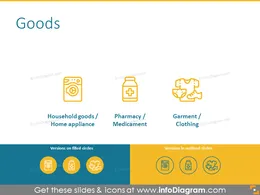
- Household Goods, Home Appliance, Pharmacy, Medicaments Garment, Clothing
- Food, FMCG Production, Alcoholic Beverages, Tobacco
- Transport, Storage, Automotive, Passenger Car, Road Transport, Truck, Public Transport, Bus
- Air Transport, Plane, Rail Transport, Train, Sea Transport, Cargo Ship, Inland Water, Barge
Industry Outline Icons pack for illustrating money, trade, services, leisure, IT and electronics processes
- Finance, Banking, Insurance, Social Protection, Royalties, License Fees
- Distributive Trade, Retail, Housing, Real Estate
- Business Services, Repair, Marketing
- Leisure, Hotel, Restaurant, Tourism, Recreation
- Software, Electronics, Telecommunication, Mobile, Information Technology, Computer
Mining and quarrying pics with symbols for depicting oil, gas, energy production, agriculture, forestry and fishery
- Mining, Hard Coal, Quarrying, Lignite
- Petroleum, Pumpjack, Gasoline, Fuel, Natural Gas, Pipeline
- Power Engineering, Power Station, Renewable Energy, Nuclear Energy
- Agriculture, Crop Cultivation, Livestock Production
- Forestry, Fishery
Industry outline icons bundle for illustrating public sector, science and culture processes
- Govermner, Public Administration, Legal Services, Law, Administrative/Support Services
- Healthcare, Military, Defense
- Water Supply, Waste,Remediation, Mail, Delivery
- Education, Research, Space
- Culture, Art, Music
- Media, Entertainment
Next block of the bundle is the set of slides showing Trade, Energy, Government processes in numbers designed as diagrams:
- Template of top manufacturing business
- Supply chain slide designed with colourful symbols
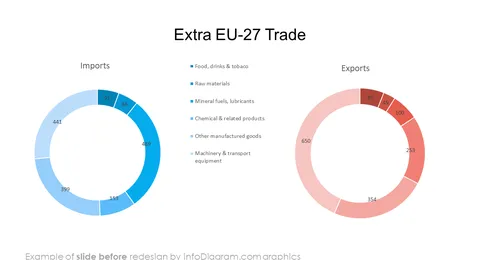
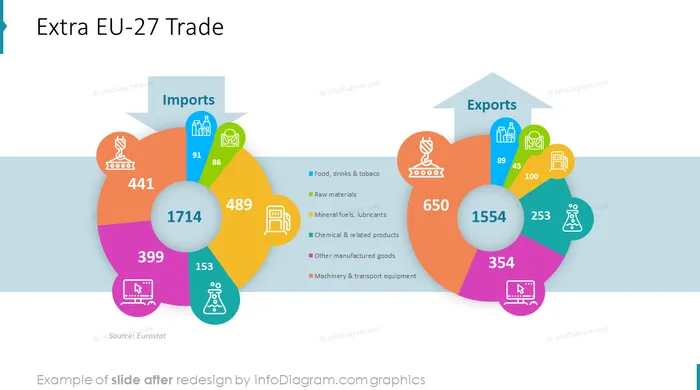
- Extra EU-27 trade by main product diagram in numbers with outline icons
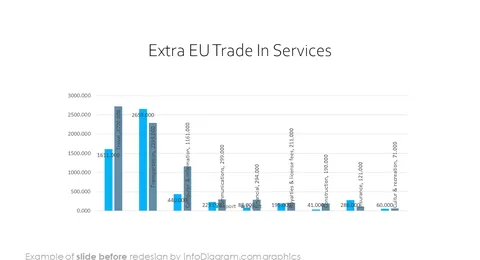
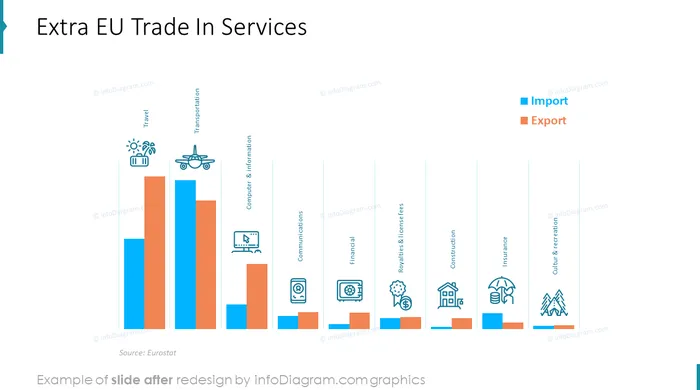
- Template extra EU trade in services by main categories graphics with outline icons
- Average annual travel-related expenditures slide in numbers
- Custom relationship management infographics placing description boxes
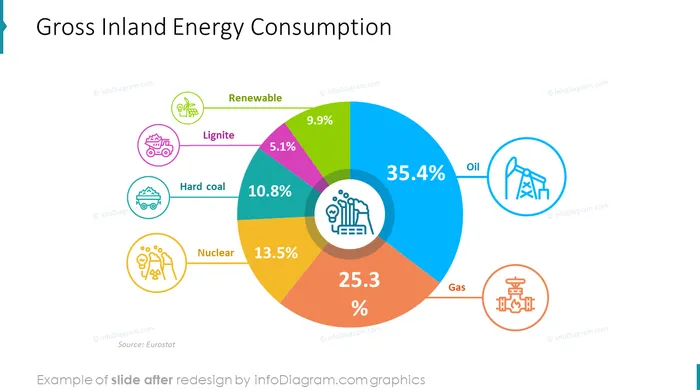
- Energy by fuel statistics
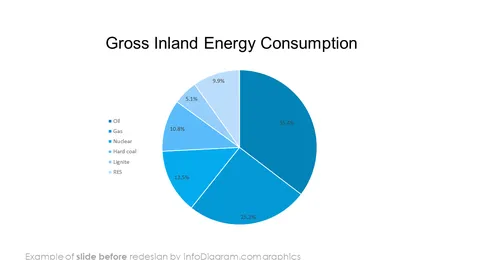
- Example gross inland energy consumption designed with colorful outline graphics
- Total general government expenditure styled with colorful outline icons
All icons in modern outline style, that fits any business presentation. The icons provided in the following versions:
- for light or dark background,
- as a standalone symbols,
- as a symbol inside the circle shape.
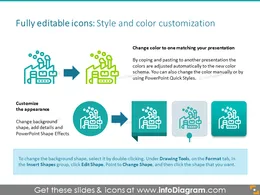
Fully editable in PowerPoint set of vector shapes fully editable by using built-in PowerPoint tools, including
- changing color of the icon filling and its outline
- adding shadows
- changing shape and size, rotating, flipping the object
- putting shapes behind or on top of text
See editing demonstration in our HowTo Videos.
Authors
- infoDiagram's designer Oliwer Hawlicki
- Contact: here