
Reviews
Your graphics add a nice touch to my presentations and I recently used them for one of my all-hands meetings. Your toolbox adds professionalism to my slides. Instead of using standard clipart.
I needed a fresh look at some of my slides. I've tried to find a way to create a paintbrush effect, to underline, accentuate, add some color and the handwritten markers were just the things. Very easy to use, easy to size, change the color. It was an affordable, perfect solution and I'm happy to recommend it.
The crisp, clean look of the graphics, and the fact that it allowed me to easily edit and change the colors to match the template was my main reason for purchasing them.
Description
Media & entertainment
Slide Content
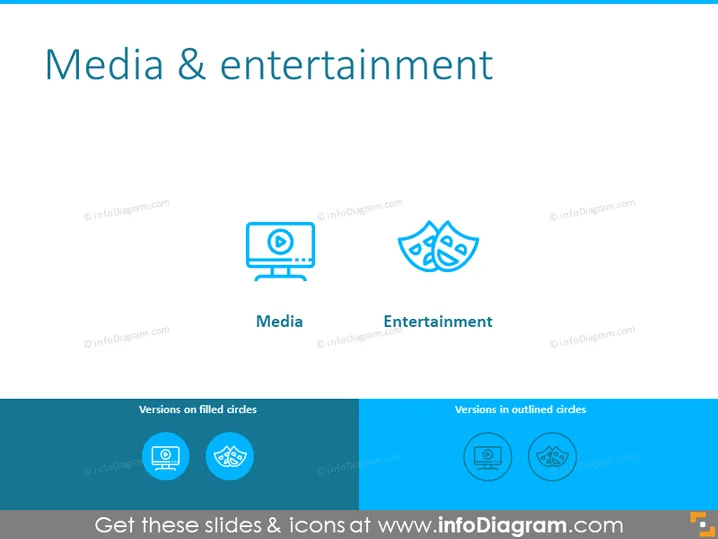
The slide is likely designed to discuss various aspects of the 'Media & Entertainment' industry, divided into two primary sectors: 'Media' and 'Entertainment'. 'Media' might refer to the communication outlets or tools used to store and deliver information or data. This could include broadcasting, publishing, and the internet. 'Entertainment' involves activities that provide enjoyment, amusement, or pleasure, commonly offered through performances, events, or art forms.
Graphical Look
- The slide background is white, providing a clean and minimalist look.
- The title "Media & entertainment" is prominently displayed at the top of the slide in large, bold, navy blue font.
- Underneath the title, two sections are depicted side by side.
- Each section has an icon: on the left is a computer monitor with a play symbol (representing "Media"), on the right is a theatrical masks icon (representing "Entertainment").
- Below each icon is the name of the respective section in smaller, bold, navy blue font.
- At the bottom, there is a dark blue horizontal banner that reads "Versions on filled circles" on the left and "Versions in outlined circles" on the right, in lighter blue font.
- Within this banner, two sets of circle variants of the above icons are displayed: one filled and one outlined.
- The icons and text on the slide use a consistent color scheme of navy blue and lighter shades of blue.
The slide design is modern and business-oriented, using simple graphical elements and a consistent color palette for visual harmony and effective communication.
Use Cases
- Presenting an overview of industry segments in a business strategy meeting.
- Introducing a discussion on media and entertainment trends in a marketing presentation.
- Segmentation of services or product offerings in a company portfolio during a sales pitch.
- Use as an introductory slide for a seminar or workshop related to media and entertainment industries.
How to Edit
How to edit text & colors

How to expand / shorten diagram

How to Replace Icons in infoDiagram PPT


