
Your graphics add a nice touch to my presentations and I recently used them for one of my all-hands meetings. Your toolbox adds professionalism to my slides. Instead of using standard clipart.
Claude Jones, Director of Engineer, @Walmartlabs, USA

Your graphics add a nice touch to my presentations and I recently used them for one of my all-hands meetings. Your toolbox adds professionalism to my slides. Instead of using standard clipart.
Claude Jones, Director of Engineer, @Walmartlabs, USA

I needed a fresh look at some of my slides. I've tried to find a way to create a paintbrush effect, to underline, accentuate, add some color and the handwritten markers were just the things. Very easy to use, easy to size, change the color. It was an affordable, perfect solution and I'm happy to recommend it.
Anonymous, US
The crisp, clean look of the graphics, and the fact that it allowed me to easily edit and change the colors to match the template was my main reason for purchasing them.
Brandie Jenkins, E-learning Developer, USA
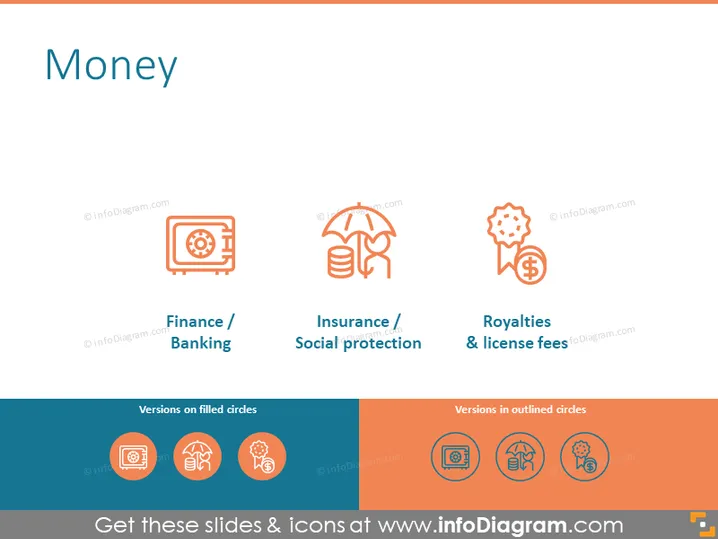
The PowerPoint slide titled "Money" illustrates three key financial concepts: Finance/Banking, represented by a safe icon, signifies the management of money, including activities like investing, borrowing, lending, budgeting, saving, and forecasting. Insurance/Social protection is depicted by an umbrella and bee icon, indicating risk management strategies that provide financial support in the event of unpredictable losses. Lastly, the cogs and dollar badge icon represent Royalties & license fees, which refer to payments to the owners of property (like patents, copyrighted works, etc.) for the right to use their property.
The overall look of the slide is minimalistic and modern, with a consistent color theme that combines teal and two shades of orange to highlight the financial icons. The simple iconography facilitates quick comprehension of the topics presented.


